 SniperAssassinGames






















My Favorite Car
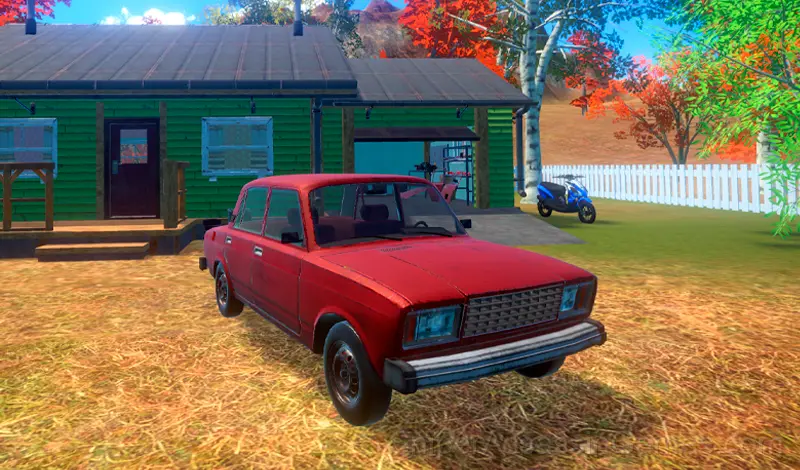
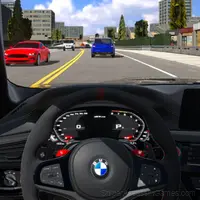
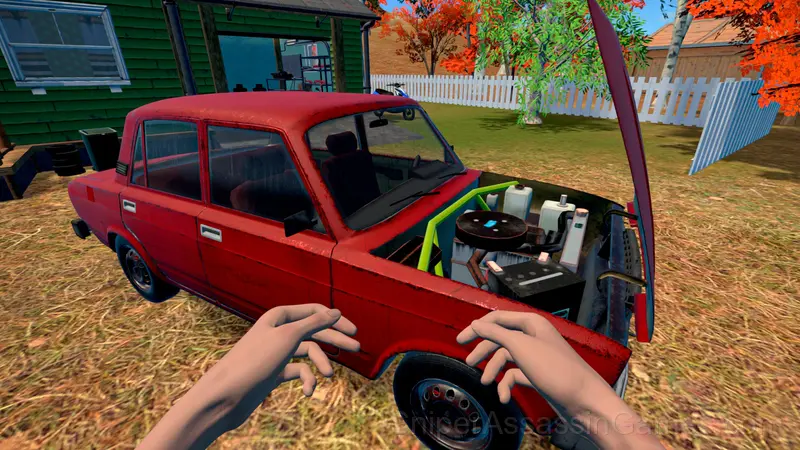
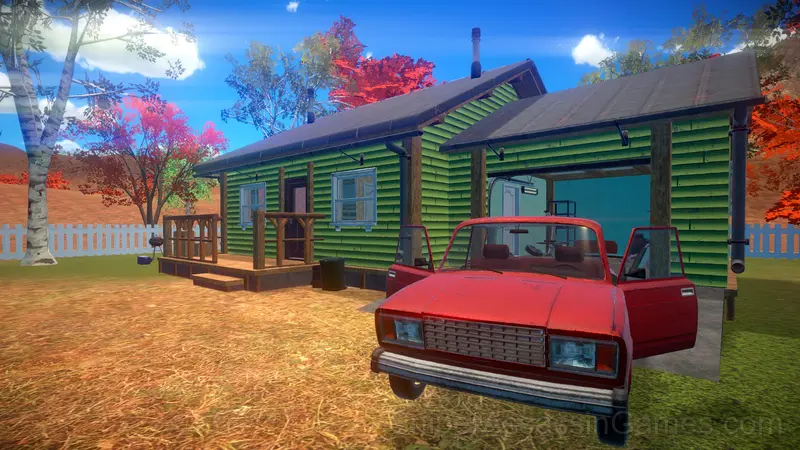
My Favorite Car is a realistic car ownership simulator, build the sports car of your dreams!
Introduction to My Favorite Car
My Real Car is a car ownership simulator, there are many parts available to repair and maintain your dream car!
The game includes elements of survival, keep track of health and food indicators, earn coins and don't forget to refuel your car.
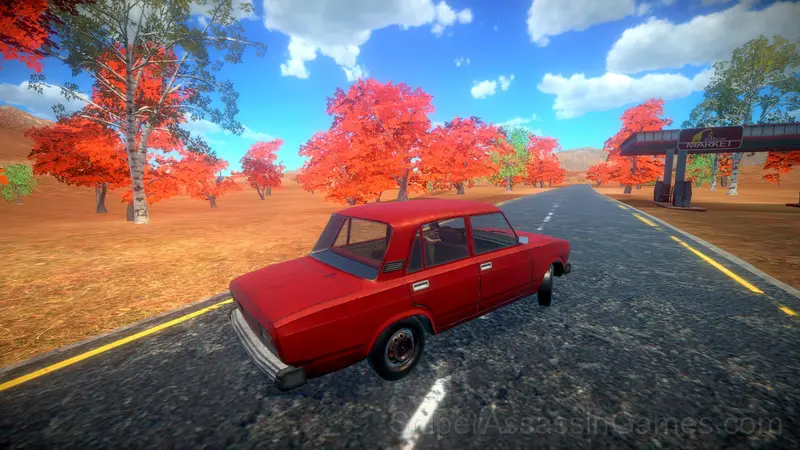
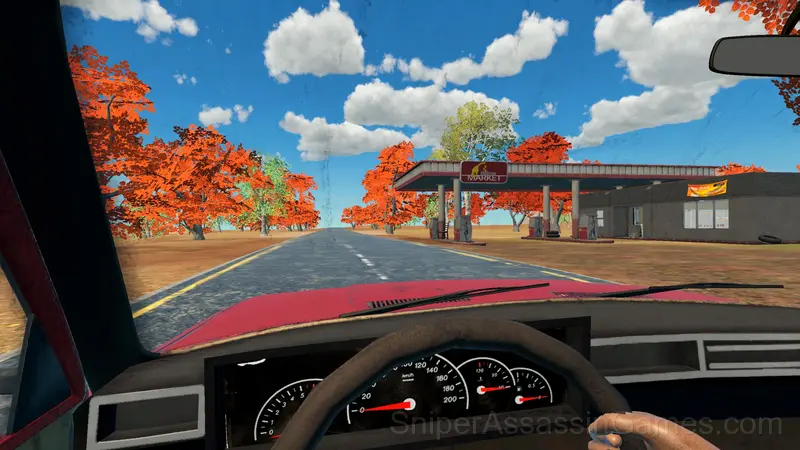
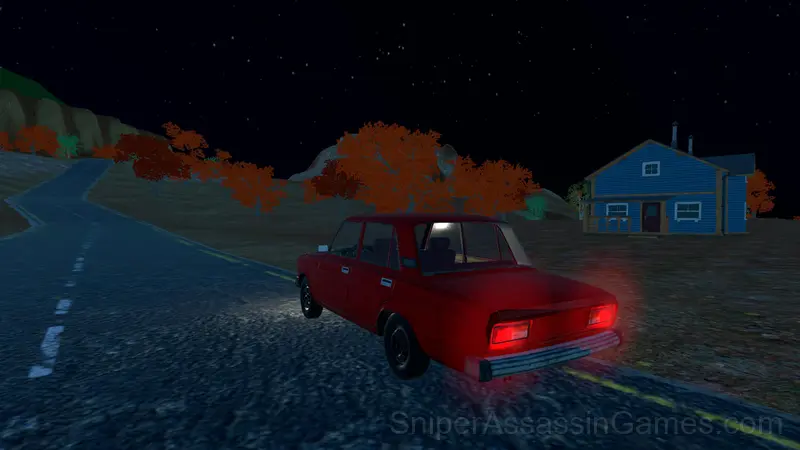
The game has an open world that you can explore. This is realistic driving simulation, avoid collisions and be careful on the roads.
Features in My Favorite Car
- Age rating: 6+, appropriate for younger players.
- Landscape orientation, optimized for wider screens on desktop and tablet.
- Free to play with optional in-game purchases.
Controls and Gameplay
Character controls:
T - Use item
LMB,E - Pick up item
G - Throw item
WASD - Move
Space - Jump
Shift - Run
ESC - Pause.
Car controls:
WASD - Move
Space - Handbrake,
C - Change camera,
F - Start engine
T - Exit car
Screenshots
Tips for Players
- Read environmental text: signs, posters, books. Adventure games hide codes, hints, and lore in readable objects.
- Pick up everything. If the game lets you carry it, you will probably need it. Inventory space is rarely wasted in adventure games.
- Take breaks when frustration builds. Coming back after a few minutes often makes the solution or the right timing click naturally.
- If the game has a tutorial, do it once properly. Skipping it and then struggling with basics wastes more time than the tutorial ever would.
- The early levels teach mechanics that become critical later. Do not skip through them, even if they feel easy. The patterns they introduce come back.
- Pay attention to color coding. Many adventure games use consistent colors to signal interactable objects, paths, and hazards.
Who Built My Favorite Car?
The developer MadStorm released My Favorite Car for browser-based play, originally released in June 2024. The game is free and accessible on desktop and mobile devices.
Compatible Devices
Browser compatibility for My Favorite Car includes Chrome, Firefox, Edge, Safari, and Opera on both desktop and mobile. The game is designed for landscape (horizontal) orientation and runs without any downloads on Windows, macOS, Linux, ChromeOS, Android, and iOS.
Playing My Favorite Car: What to Know
My Favorite Car builds its world through interaction rather than exposition. You learn about the game's environment by engaging with it, not by reading walls of text.
The difficulty in My Favorite Car comes from observation, not reflexes. Paying attention to your surroundings and remembering details from earlier areas is how you solve problems in this game.
Games Like My Favorite Car
More free Adventure Games for players who like My Favorite Car. Each one has its own mechanics but fits the same genre:
- Minecraft Editor
- City Bus Simulator
- Coach Bus Simulator
- Noob vs Stickman Prison
- Schoolboy Simulator: Back to School!
- Craft World
- Sea Survival on Raft
- Survival Game on a Raft - Try to Survive
Try My Favorite Car Free
A free browser adventure game with 3.3K player reviews and a 3.9 rating. That is My Favorite Car. Play it on any device with no download.