 SniperAssassinGames


Minecraft Editor
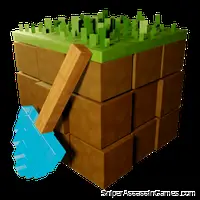
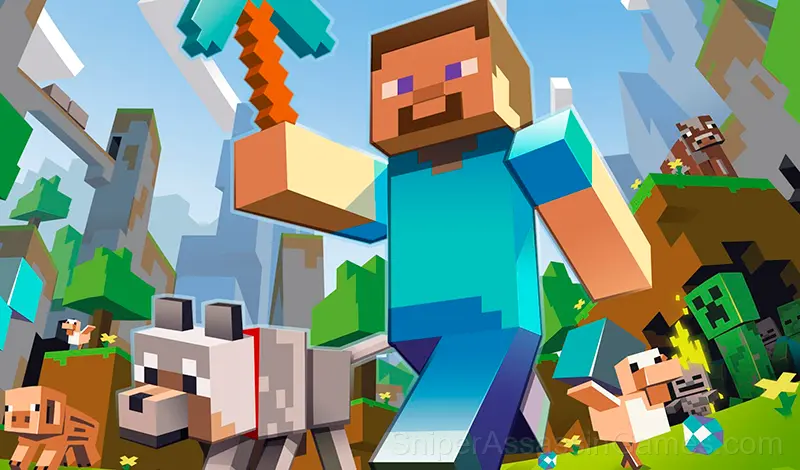
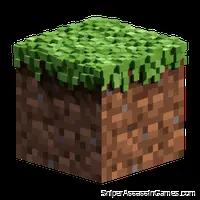
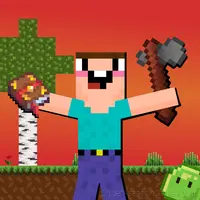
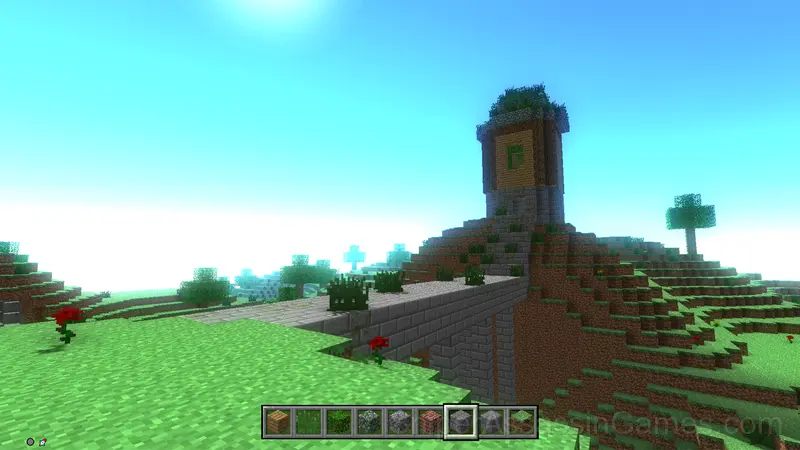
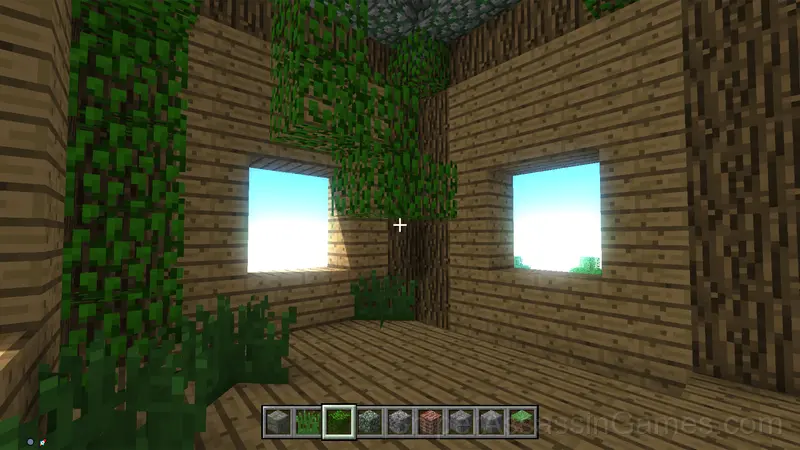
Create your own buildings, as in the "creative" mode in the game "Minecraft" from sets of blocks.
Introduction to Minecraft Editor
Minecraft Editor is a game for fans of putting blocks on top of each other and finding adventures on their own. Computer indie game in the sandbox genre
Developer Details
Northman Games released Minecraft Editor as a free online adventure game, originally released in June 2021. The game needs no download and works on any device with a web browser.
What to Expect
Visual landmarks in Minecraft Editor help you navigate. Distinct colors, structures, and environmental features make each area recognizable, reducing the need for a mini-map.
The map in Minecraft Editor expands at a pace that keeps orientation manageable. You never feel lost because each new area connects clearly to places you have already been.
Game Features
- Age rating: 6+, appropriate for younger players.
- Landscape orientation, optimized for wider screens on desktop and tablet.
- Free to play with optional in-game purchases.
How to Play
Control - keyboard and mouse. The E key is to open the inventory with blocks. The left mouse button - to destroy the block, the right - to put.
How to Get Better at Minecraft Editor
- Examine objects more than once. Some adventure games change object descriptions based on your progress or new items in your inventory.
- Pay attention to what the scoring system rewards. Understanding the game's priorities helps you focus on the right actions.
- Audio cues exist for a reason. Play with sound on at least once to learn what the game communicates through audio versus visuals.
- Watch how the game responds before committing to a single approach. Most games reward players who experiment early and specialize later.
Screenshots
Platforms and Browsers
Minecraft Editor runs in any modern web browser on desktop and mobile. Compatible browsers include Chrome, Firefox, Edge, Safari, and Opera. The game uses landscape (horizontal) orientation and works on Windows, macOS, Linux, ChromeOS, Android, and iOS devices. No plugins, extensions, or downloads are required.
Games Like Minecraft Editor
These Adventure Games play well alongside Minecraft Editor. All of them are free in your browser with no download needed:
- My Favorite Car
- City Bus Simulator
- Coach Bus Simulator
- Noob vs Stickman Prison
- Schoolboy Simulator: Back to School!
- Craft World
- Sea Survival on Raft
- Survival Game on a Raft - Try to Survive
Play Minecraft Editor Now
If you want a free adventure game you can play right now, Minecraft Editor is a solid option. 8.0K players and a 3.8 rating back that up. Opens in your browser, no download.