 SniperAssassinGames
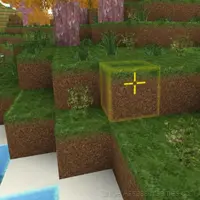











Mine 3D Craft
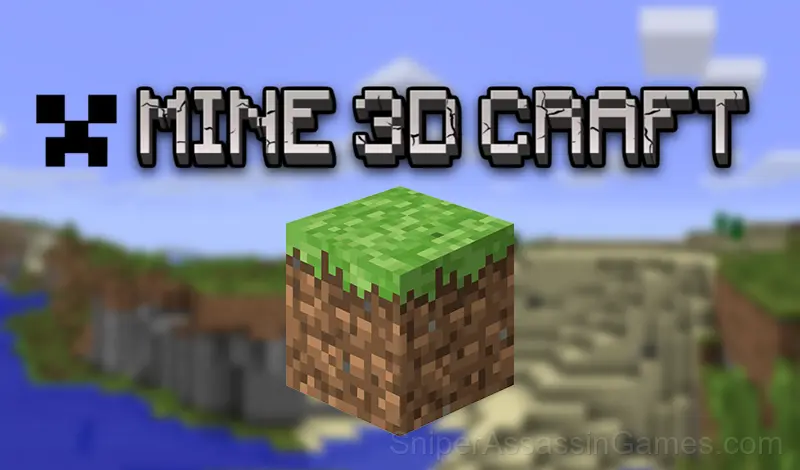
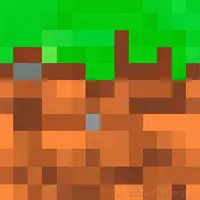
Mine 3D Craft is an adventure for those who love to build and create! An open world free for imagination and imagination. Play in the world of cubes!
A Look at Mine 3D Craft
Mine 3D Craft is an adventure for those who love to build and create! An open world free for imagination and imagination.
You can build your own house or even a city!
Beautiful graphics, pleasant music, a variety of building blocks will not leave you indifferent!
The game has auto-save, so you can continue to create in your world whenever you want.
Tips and Strategies
- Test the edges of each mechanic. Move in directions the game does not suggest. Interact with things that look static. The boundaries tell you a lot about how the game works.
- Read the numbers. Simulator games communicate through data, and understanding what the metrics mean is the first step to optimizing them.
- Compare your approach to the default starting state. Understanding what the game gives you for free versus what you need to build tells you the designer's intended progression.
- When you hit a wall, look for a mechanic you are underusing. The game usually gives you the tools before the challenge that requires them.
- Try the opposite of what keeps failing. If you are playing aggressively and dying, play defensively. If you are playing cautiously and timing out, push forward. The answer is often the reverse of your instinct.
- When a new mechanic appears, use it immediately in a low-pressure situation. Build familiarity before the game puts you in a spot where you need it.
- Watch your own replays if the game supports them. You will spot mistakes in replay that you completely missed during live play.
- Track your changes. When you modify a variable, note what happened. Simulators reward methodical players who keep mental records.
Who Built Mine 3D Craft?
Development of Mine 3D Craft is by LivelyDog, originally released in February 2024. The game is free, browser-based, and accessible on any device with an internet connection and a modern browser.
Gameplay Details
Optimization is the real game in Mine 3D Craft. The basic systems work fine with default approaches, but players who dig into the mechanics find efficiency gains that compound over time.
Failure in Mine 3D Craft is informative, not punishing. When something breaks or underperforms, the data tells you why. You are debugging a system, not guessing in the dark.
Feature List
- Rated 0+, family-friendly content.
- Designed for horizontal play, best experienced on desktop or tablet.
- Cloud save support. Pick up where you left off on any device.
Platform and Browser Support
You can play Mine 3D Craft on virtually any device with a web browser. It supports Chrome, Firefox, Edge, Safari, and other modern browsers. The game plays in landscape (horizontal) orientation and works on PCs, Macs, Chromebooks, tablets, and smartphones running Windows, macOS, Linux, ChromeOS, Android, or iOS.
How to Get Started
Keyboard and mouse controls
W A S D - walking Shift - running
Space - jump
Left mouse button - to break the block
Right mouse button - build a block
E - block selection menu
Mouse wheel - change the block in
the ESC panel - pause menu
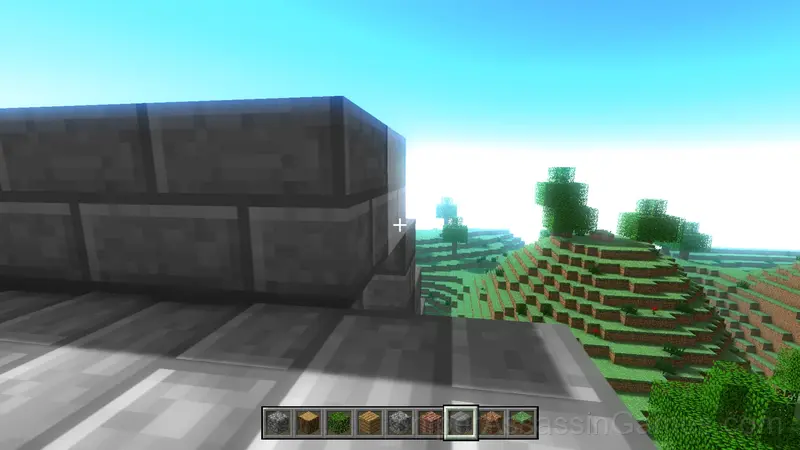
You can change the quality of the graphics at your discretion.
Available:
- Fast (minimal detail)
- Wonderful (maximum detail)
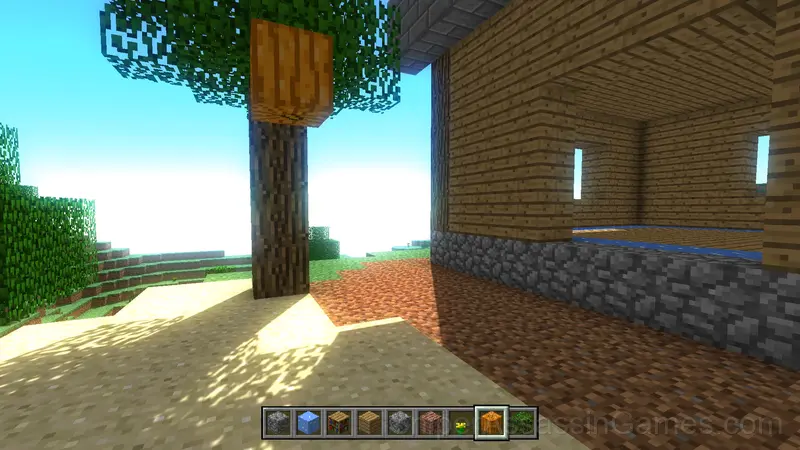
- Crazy (beautiful and detailed shaders)
Screenshots
Games Like Mine 3D Craft
Other Simulator Games worth playing if you like Mine 3D Craft. Free, browser-based, no download or account needed:
- Do a Somersault
- Square World Building
- Pixel Animator: creating GIF animation
- The Cargo
- TAP Supermarket
- Subway
- Metro simulator
- Turning lathe
Play Mine 3D Craft Now
Free, browser-based, and rated 3.8 by 2.0K players. Mine 3D Craft loads in seconds and works on desktop and mobile. Click play and start.