 SniperAssassinGames




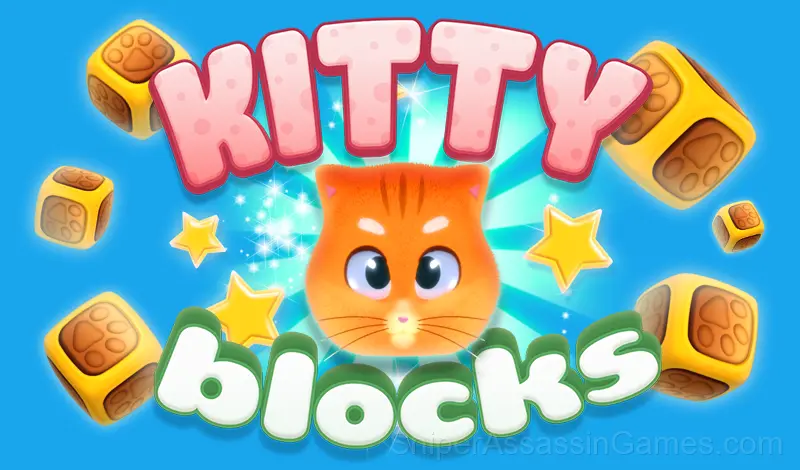




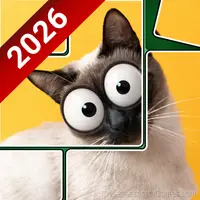
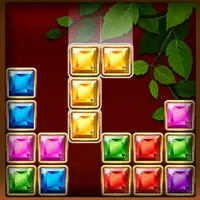



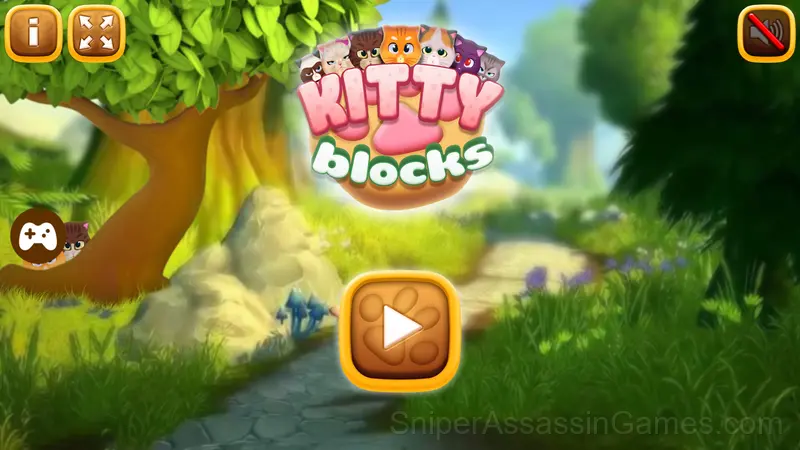
Kitty Blocks
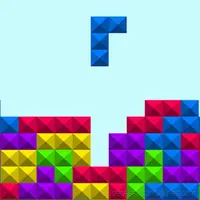
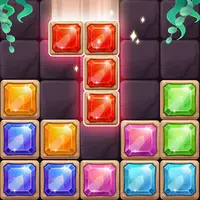
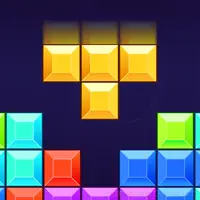
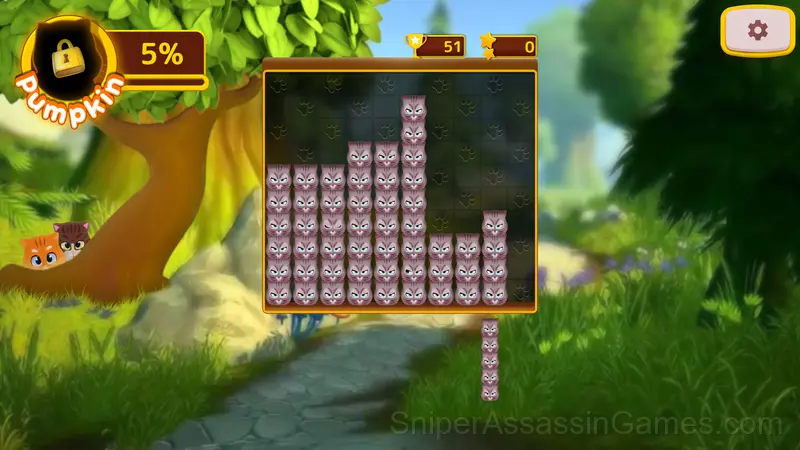
Drop the cubes to create or destroy full lines on the screen.
Kitty Blocks: The Basics
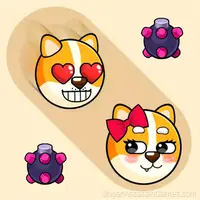
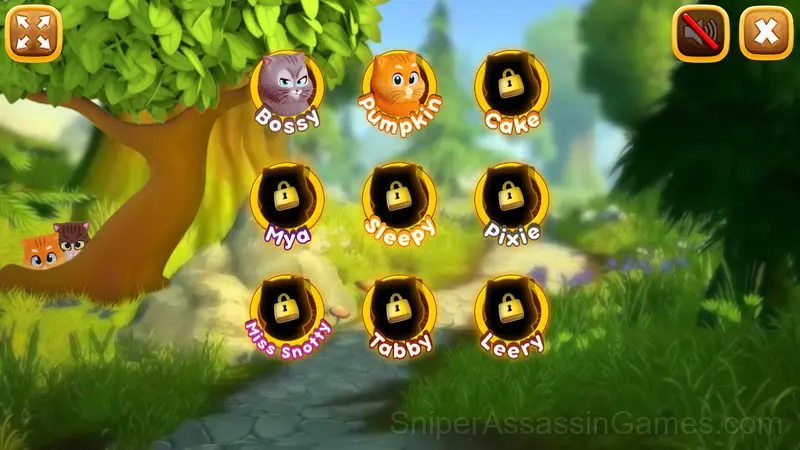
A lot of funny Kitties are just waiting for you! "Bossy" the serious- looking cat that deep down is good as Gold.
"Miss Snotty" stylish and charming but a little spoiled...and many others! Score as many points as possible to discover them all!
The Developer
The developer of Kitty Blocks is CodeThisLab, originally released in October 2020. As a browser-based title, Kitty Blocks requires no download and runs on any device with a modern web browser. CodeThisLab has made the game freely available to play online.
Gameplay Breakdown
The core loop in Kitty Blocks keeps sessions flexible. Play for two minutes between tasks or settle in for a longer stretch. The game works either way. There is no penalty for stepping away and coming back later.
One thing Kitty Blocks handles well is feedback. You always know whether your last move was good, bad, or average. That immediate response is what makes casual play sessions feel productive.
Tips to Improve
- Spend the first few rounds learning the controls without chasing a high score. Getting comfortable with the inputs pays off more than early optimization.
- When a new mechanic appears, use it immediately in a low-pressure situation. Build familiarity before the game puts you in a spot where you need it.
- Short sessions add up. Playing for five minutes several times is often better for improvement than one long sitting.
- Memorize the layout of the play area if the game reuses it. Spatial awareness is an advantage the game will not give you directly.
- If the game has daily challenges, do them. They force you into situations you would not choose on your own, and that builds flexibility.
- Audio cues exist for a reason. Play with sound on at least once to learn what the game communicates through audio versus visuals.
Platform and Browser Support
Play Kitty Blocks on any platform: Windows, macOS, Linux, ChromeOS, Android, or iOS. The game runs in Chrome, Firefox, Edge, Safari, and Opera using landscape (horizontal) orientation. Nothing to install.
What You Get in Kitty Blocks
- Rated 6+, family-friendly content.
- Competitive leaderboards built into the game.
- Plays in landscape mode for a wider view of the game.
- Supports 13 languages.
- In-game purchases for optional extras. Free to play without them.
Playing Kitty Blocks
You will easily learn how to play and win - just drop the blocks to create or destroy full lines on the screen, both vertical and horizontal.
Screenshots
Games Like Kitty Blocks
Enjoyed Kitty Blocks? These related Casual Games offer similar gameplay and are all free to play with no download:
- 1010 Cats
- Favorite Puzzles
- Numicolor
- Cats Jigsaw Puzzle
- Find cat
- Relax Blocks
- Mushroom Blocks
- Tap Wood Blocks Away
Play Kitty Blocks Now
Kitty Blocks holds a 4.1 rating from 1.1K players. It is a free online casual game that runs in your browser on any device. No download or installation needed.