 SniperAssassinGames




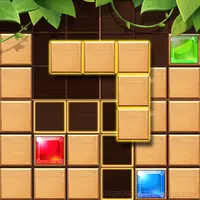










Gummy Blocks
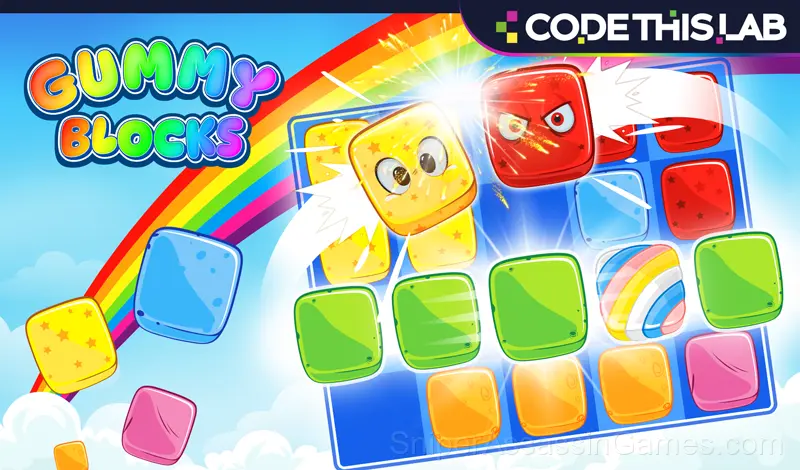
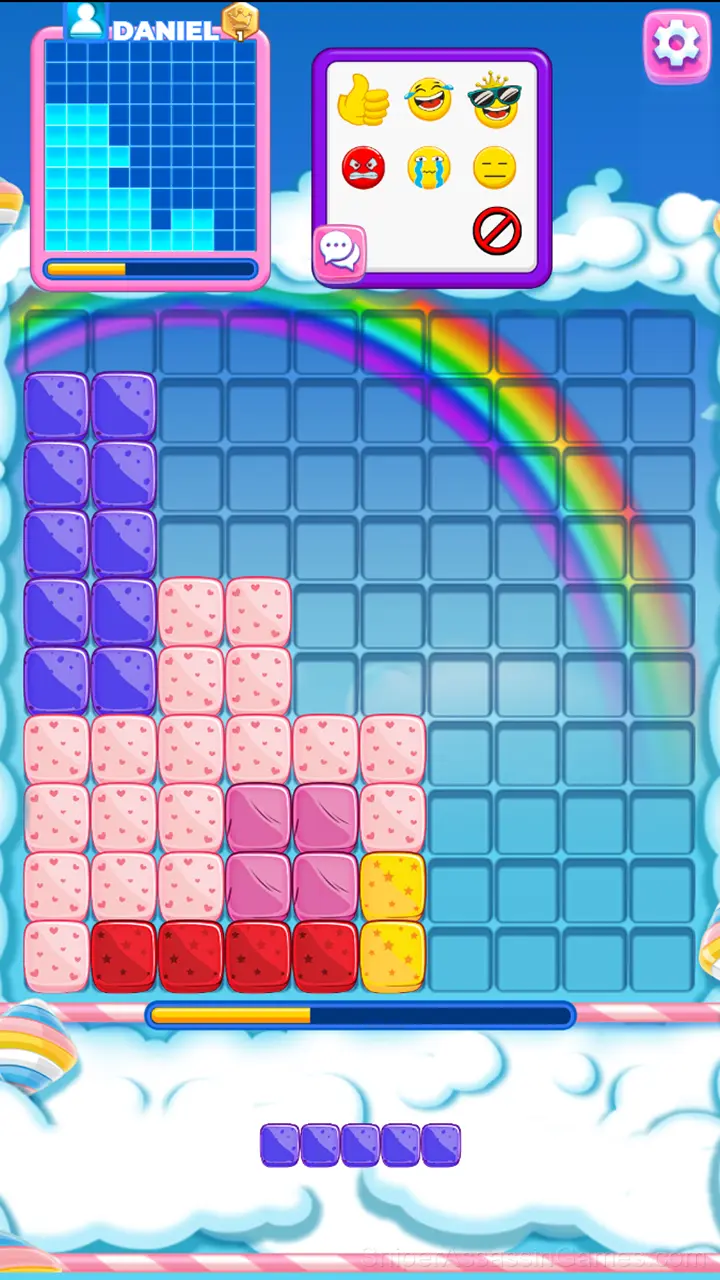
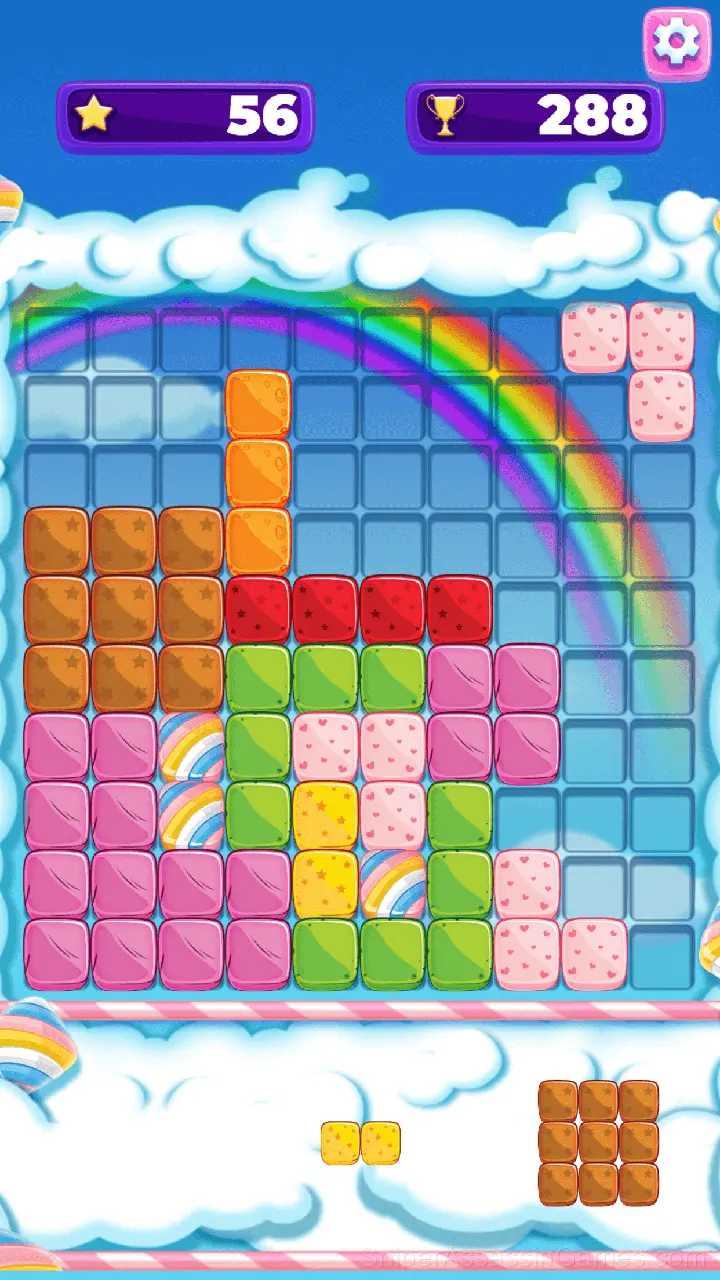
Drop the cubes to create or destroy full lines on the screen.
What You Get in Gummy Blocks
Gummy Blocks is an interesting puzzle game with an original plot. You will easily learn how to play and win - just drop the cubes to create or destroy full lines on the screen, both vertical and horizontal. Control of the game is adapted to all available platforms. Go ahead and try to become the best in the game!
Gameplay
The core loop in Gummy Blocks keeps sessions flexible. Play for two minutes between tasks or settle in for a longer stretch. The game works either way. There is no penalty for stepping away and coming back later.
Casual games live or die by their first impression, and Gummy Blocks makes those opening seconds count. The core mechanic clicks fast, and the progression system gives you reasons to come back.
How Gummy Blocks Works
You will easily learn how to play and win - just drop the blocks to create or destroy full lines on the screen, both vertical and horizontal.
Screenshots
Platform Support
Any device running Chrome, Firefox, Edge, or Safari can play Gummy Blocks. The game supports portrait (vertical) orientation and works on Windows, macOS, Linux, ChromeOS, Android, and iOS without downloads.
About the Developer
Released by CodeThisLab, originally released in February 2019, Gummy Blocks is a free online casual game built for browser play. It works across all major browsers and devices, from desktop PCs to smartphones, with no download required.
Game Features
- Cloud save support. Pick up where you left off on any device.
- In-game purchases for optional extras. Free to play without them.
- Portrait mode, optimized for mobile play.
- Family-friendly with a 0+ age rating.
- Supports 13 languages.
- Global leaderboards to compare your scores with other players.
Strategy Guide
- If there are multiple modes or difficulty levels, start on default. It is tuned for first-time players and gives you the experience the developer intended.
- The early levels teach mechanics that become critical later. Do not skip through them, even if they feel easy. The patterns they introduce come back.
- Try playing left-handed if the game allows it (or vice versa). It sounds odd, but changing your input hand can reveal patterns your dominant hand was autopiloting through.
- Figure out what ends your runs most often. The most common failure point is usually the most valuable thing to improve.
- When a new mechanic appears, use it immediately in a low-pressure situation. Build familiarity before the game puts you in a spot where you need it.
- Test the edges of each mechanic. Move in directions the game does not suggest. Interact with things that look static. The boundaries tell you a lot about how the game works.
Games Like Gummy Blocks
Players who like Gummy Blocks tend to enjoy these Casual Games as well. All of them are free to play in your browser:
- Sea of Words
- Words Crosswords
- Sudoku Master
- Reagents!
- 2048 Cubes
- Mahjong for free
- Wood Block Classic
- Pull Him Out
Try Gummy Blocks Free
Gummy Blocks has been reviewed by 21K players who gave it a 4.1 average. Play it free in your browser on desktop or mobile. No download, no registration.