 SniperAssassinGames
















2048: X2 Merge Blocks
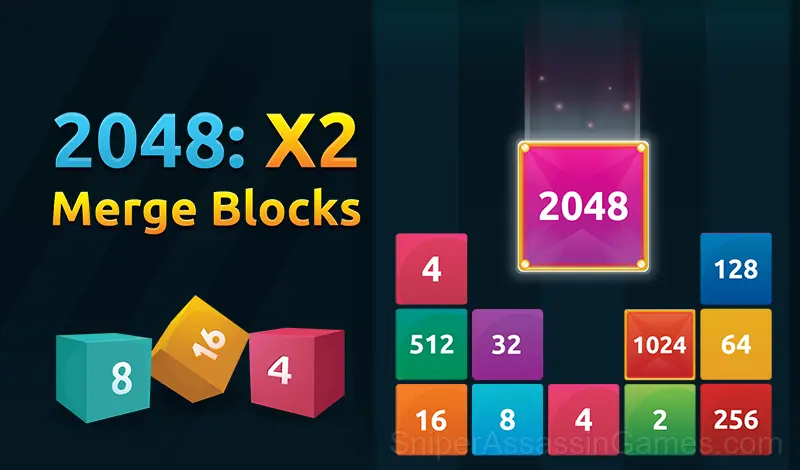
Are you a 2048 master? Try this modified version, in which the numbers drop from above like in Tetris and reaching 2048 is a real challenge.
About 2048: X2 Merge Blocks
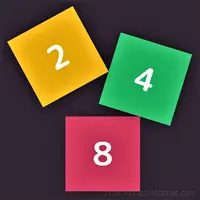
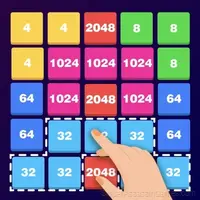
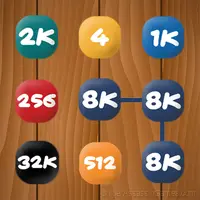
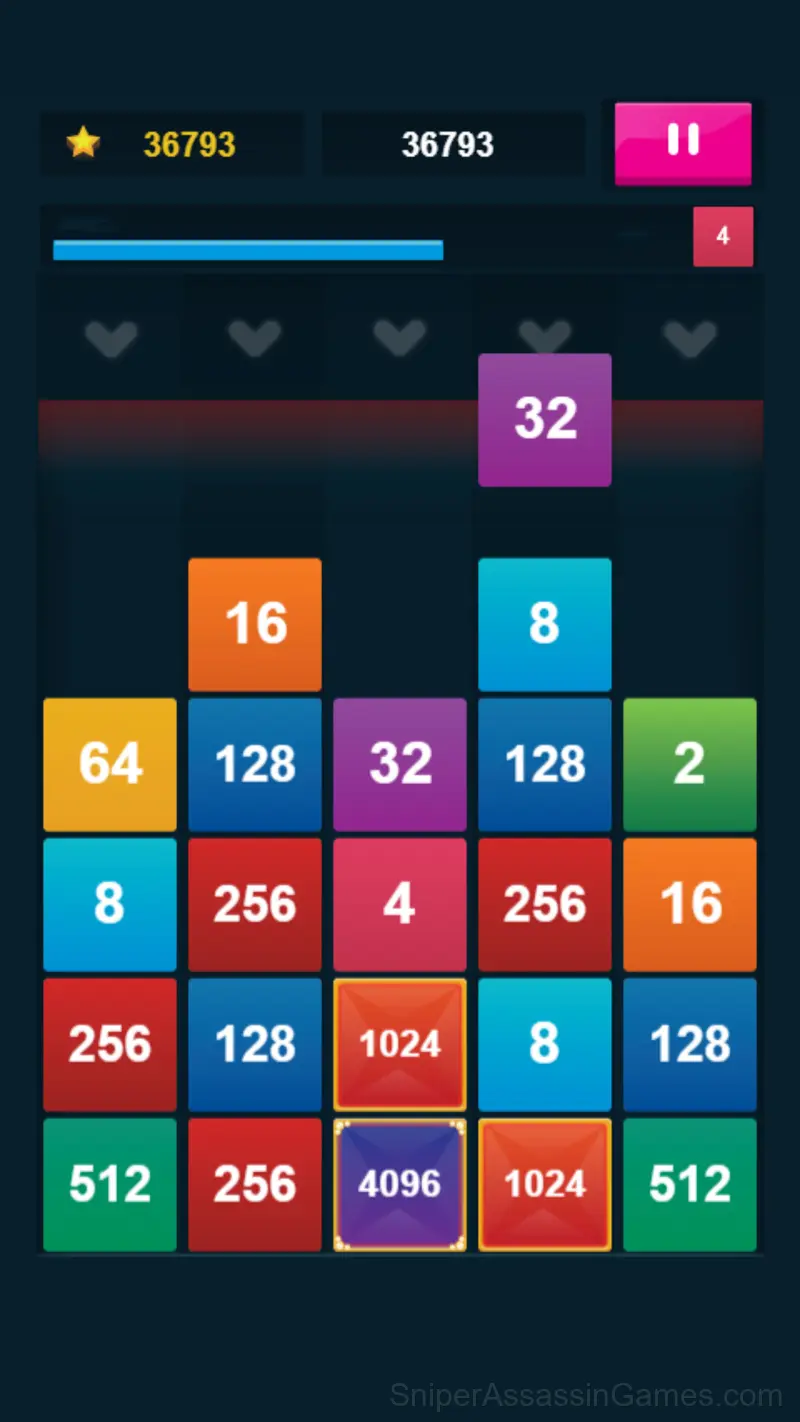
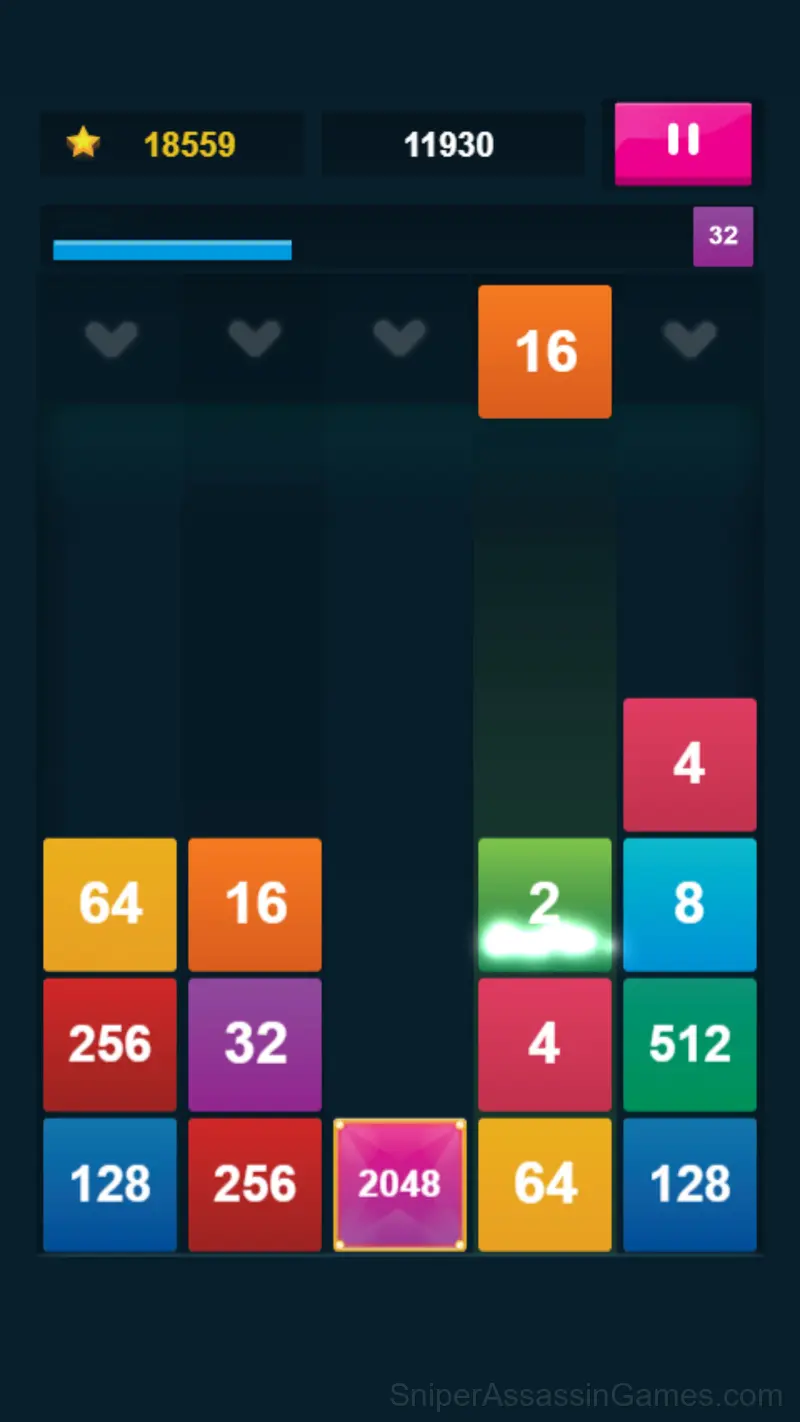
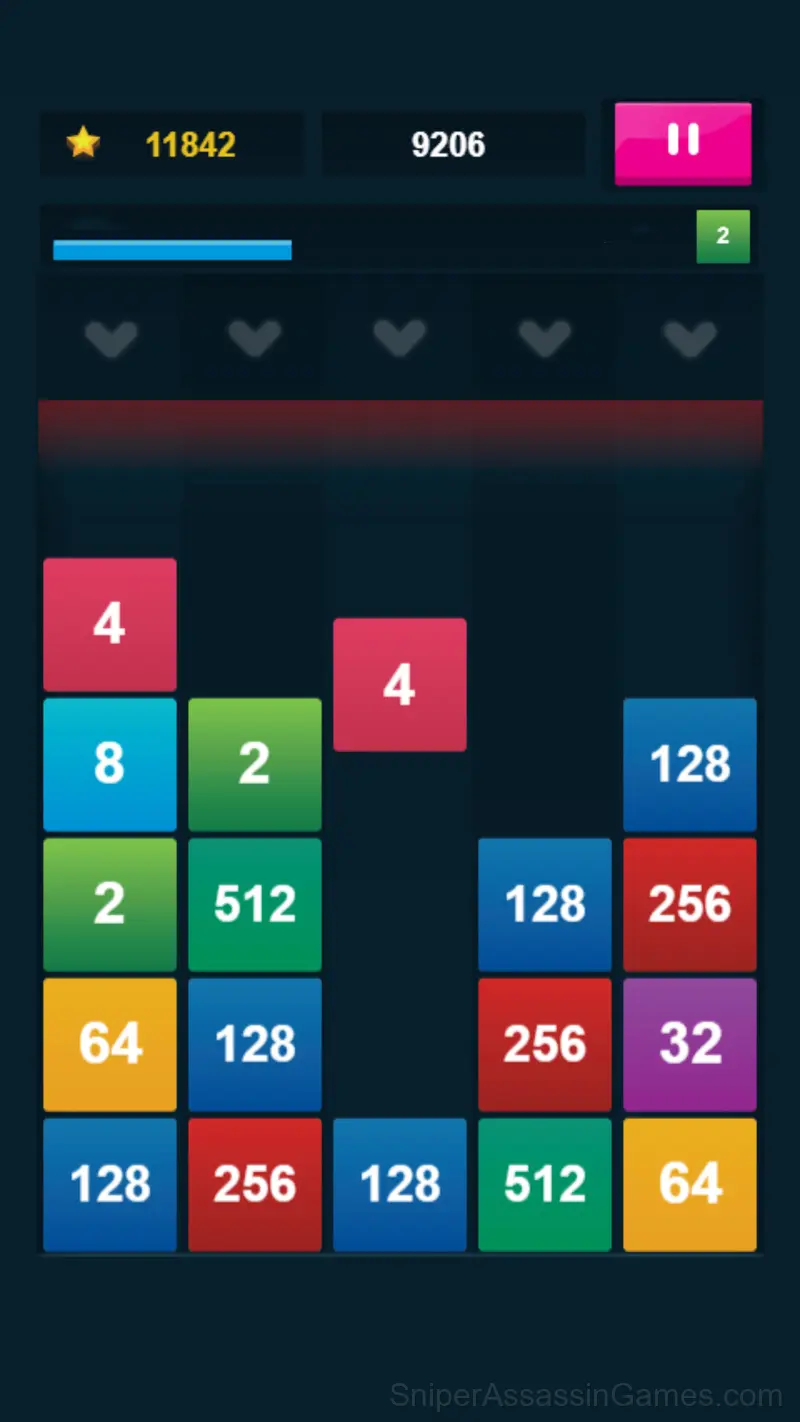
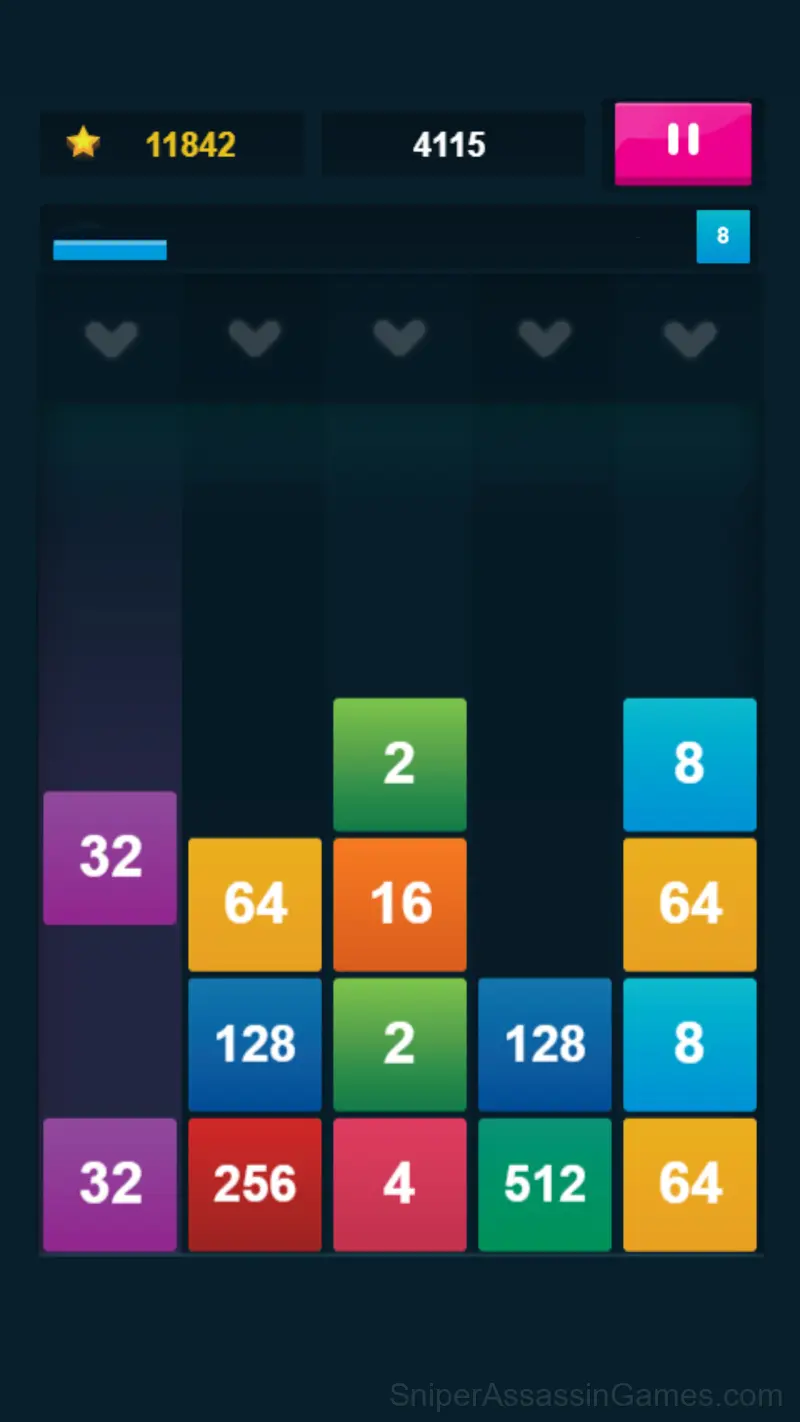
A combination of the classic game of 2048 and Tetris. The numbers are dropping from above and keep coming. Manage to merge numbers and keep the playing field clean for as long as possible. What is the best merge you can make?
How 2048: X2 Merge Blocks Plays
Spatial reasoning carries most of the weight in 2048: X2 Merge Blocks. You are rotating objects, mapping paths, and visualizing outcomes before committing to a move.
The puzzle progression in 2048: X2 Merge Blocks has a clear arc. Opening levels teach vocabulary. Middle levels build sentences. Late levels ask you to write paragraphs. The language stays consistent throughout.
The Developer
2048: X2 Merge Blocks is a Inlogic game, originally released in January 2022. It was built for web browsers and distributed as a free title. No download or account is needed to play.
Features
- Portrait orientation, designed for mobile phones held upright.
- Localized in 13 languages for global players.
- Age rating: 0+, appropriate for younger players.
- Cloud saves. Your progress carries across devices and sessions.
- Optional in-game purchases available. The core game is free.
Screenshots
Platforms and Browsers
You can play 2048: X2 Merge Blocks on virtually any device with a web browser. It supports Chrome, Firefox, Edge, Safari, and other modern browsers. The game plays in portrait (vertical) orientation and works on PCs, Macs, Chromebooks, tablets, and smartphones running Windows, macOS, Linux, ChromeOS, Android, or iOS.
Getting Better at 2048: X2 Merge Blocks
- Play a few complete rounds before looking up guides. Your own observations about the game's systems are more useful than generic advice written for someone else.
- When you hit a wall, look for a mechanic you are underusing. The game usually gives you the tools before the challenge that requires them.
- Symmetry in puzzle layouts is usually intentional. If one side mirrors the other, the solution probably uses that structure.
- Do not restart immediately after a mistake. Play through and see how the game handles recovery. Sometimes there is a comeback mechanic you would miss by quitting early.
- Undoing your last move is almost always better than restarting from scratch. Backtrack strategically instead of resetting every time you get stuck.
- If a solution seems impossibly complex, you are probably overthinking it. Step back and look for the simplest possible approach first.
How to Get Started
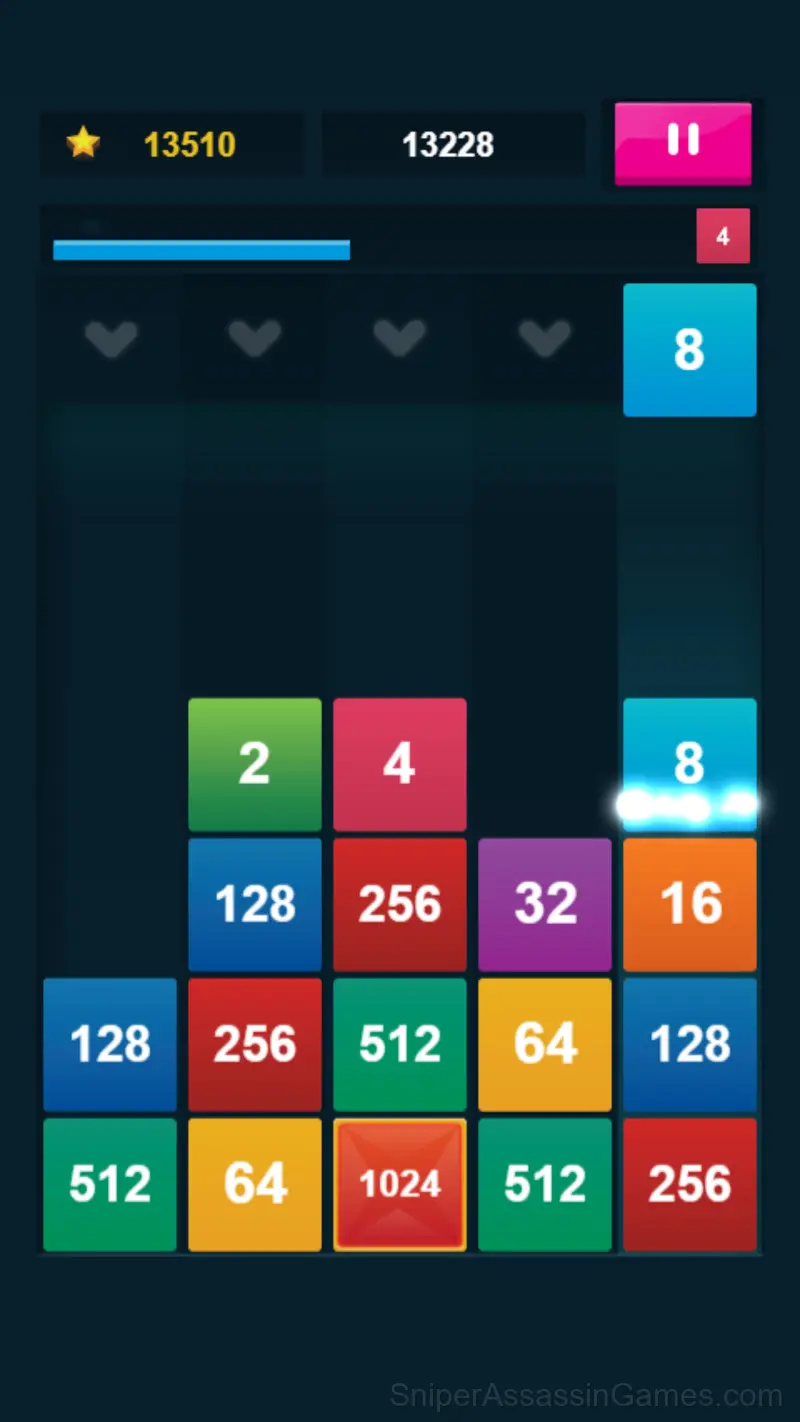
Tap on the desired columns to drop the falling numbers. Connect identical numbers to merge them into higher numbers. You can also combine more than two numbers for higher multiples.
Games Like 2048: X2 Merge Blocks
Here are more Puzzle Games that 2048: X2 Merge Blocks players tend to enjoy. All free, all browser-based:
- Wood Block Classic
- 2048 Cubes
- Block Puzzle Ocean
- Sudoku Master
- Wood Block Journey
- Thief. Crack the safe
- Jewel Blocks
- Candy Connect
Jump Into 2048: X2 Merge Blocks
A 4.3 rating from 6.2K players puts 2048: X2 Merge Blocks among the better free Puzzle Games available online. It plays in your browser with no download required and works on both desktop and mobile.