 SniperAssassinGames
























Grand Theft: Liberty City 3D
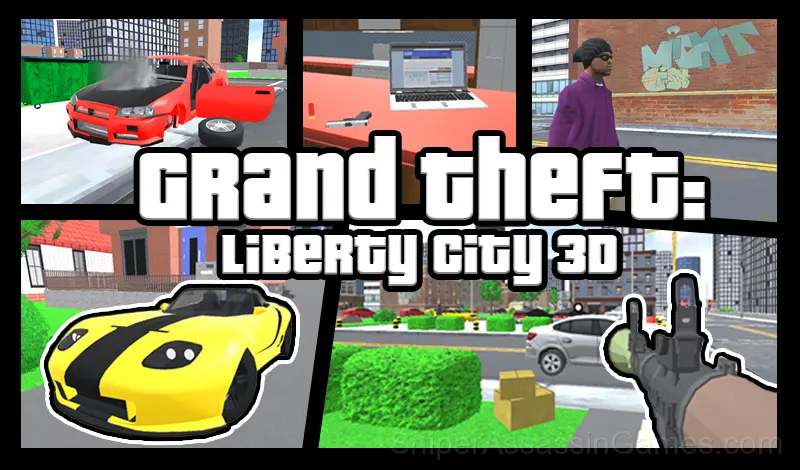
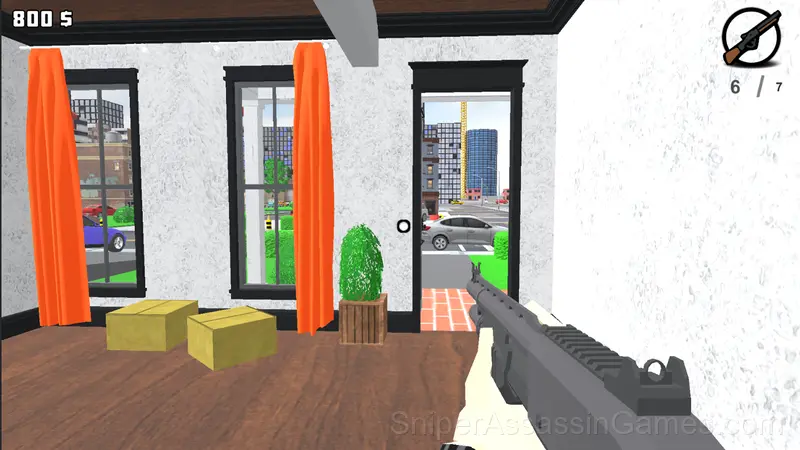
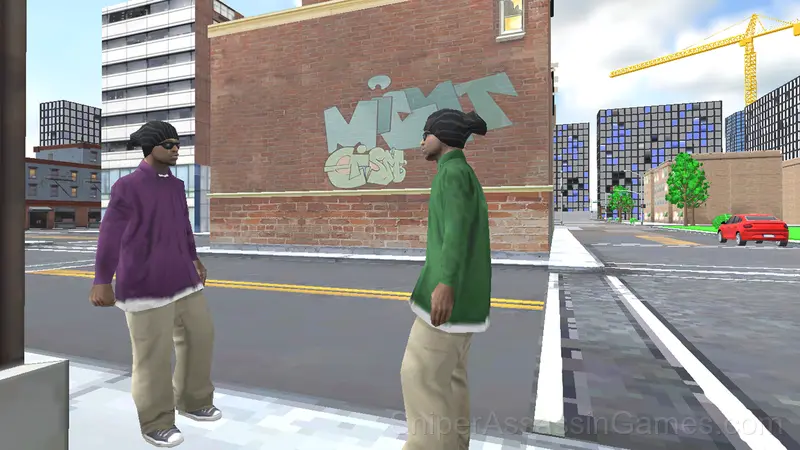
Grand Theft: Liberty City 3D - Feel like a gangster! In the city you can steal and destroy cars, shoot guns and blow up everything in your way!
About This Game
Grand Theft: Liberty City 3D - Feel like a real gangster
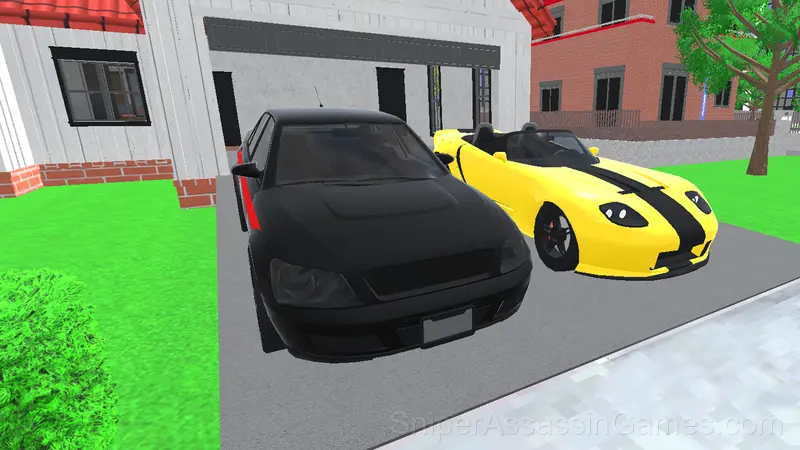
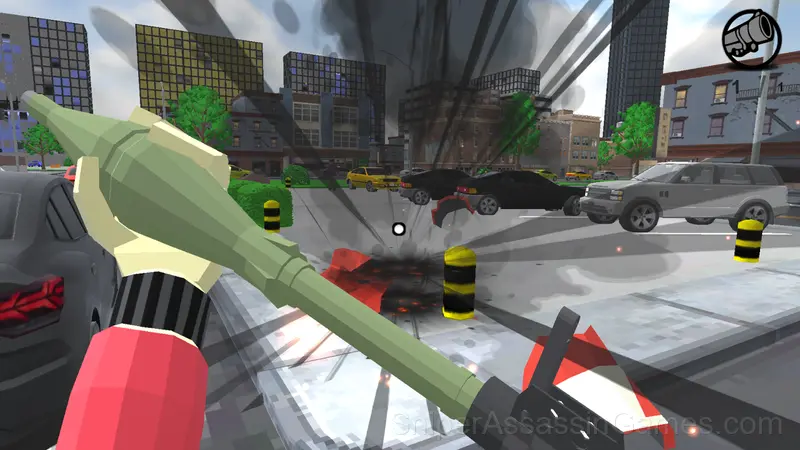
In the big city you can drive fast cars, shoot with different weapons and blow up everything on your way!
Destroy cars and various obstacles, make dangerous maneuvers among the traffic of other cars, conduct crash tests, shoot at targets and buildings - full freedom of action!
You can buy several racing cars directly from your laptop, or you can steal them from the streets of the city
Have fun in a completely open world!
Translated with DeepL.com (free version)
Learning the Controls
Game Controls:
WASD - Character/Transport control
Spacebar - Jump (Handbrake in Vehicle)
1-4 - Change weapons
LKM - Shoot
PCM - Aim
Mobile Device:
Interface Buttons
*Shooting at targets additional bonus
Grand Theft: Liberty City 3D Feature Rundown
- In-game purchases for optional extras. Free to play without them.
- Plays in landscape mode for a wider view of the game.
Tips to Improve
- When a new mechanic appears, use it immediately in a low-pressure situation. Build familiarity before the game puts you in a spot where you need it.
- Steady, clean play usually beats aggressive, risky play. Consistency compounds over time, and avoiding mistakes matters more than chasing big moments.
- Watch how the game responds before committing to a single approach. Most games reward players who experiment early and specialize later.
- Positioning matters more than firepower. Being in the right spot lets you deal damage while avoiding it.
- Learn the invincibility frames on your dodge or roll. Knowing exactly when you are immune to damage changes how aggressively you can play.
- The early levels teach mechanics that become critical later. Do not skip through them, even if they feel easy. The patterns they introduce come back.
- Spend the first few rounds learning the controls without chasing a high score. Getting comfortable with the inputs pays off more than early optimization.
- Keep moving. Standing still in action games is usually the worst option, even when you are trying to aim carefully.
Device Compatibility
Grand Theft: Liberty City 3D works on phones, tablets, laptops, and desktops. It is compatible with Chrome, Firefox, Edge, and Safari on Windows, macOS, Linux, ChromeOS, Android, and iOS. The game uses landscape (horizontal) orientation.
Gameplay Details
The action pacing in Grand Theft: Liberty City 3D cycles between pressure and relief. Intense sequences are followed by brief windows to regroup, creating a rhythm that keeps tension high without causing fatigue.
Power progression in Grand Theft: Liberty City 3D feels tangible. New abilities do not just add damage numbers. They change how encounters play out, giving you options you did not have before.
Developer of Grand Theft: Liberty City 3D
The developer of Grand Theft: Liberty City 3D is Borisov Dev, originally released in October 2024. As a browser-based title, Grand Theft: Liberty City 3D requires no download and runs on any device with a modern web browser. Borisov Dev has made the game freely available to play online.
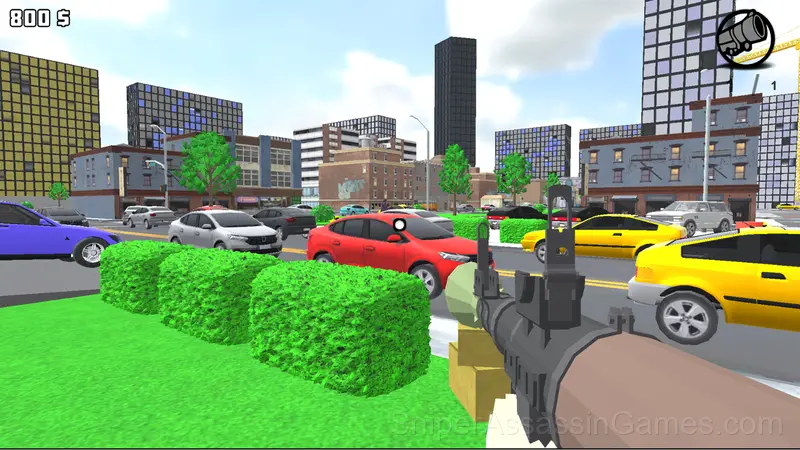
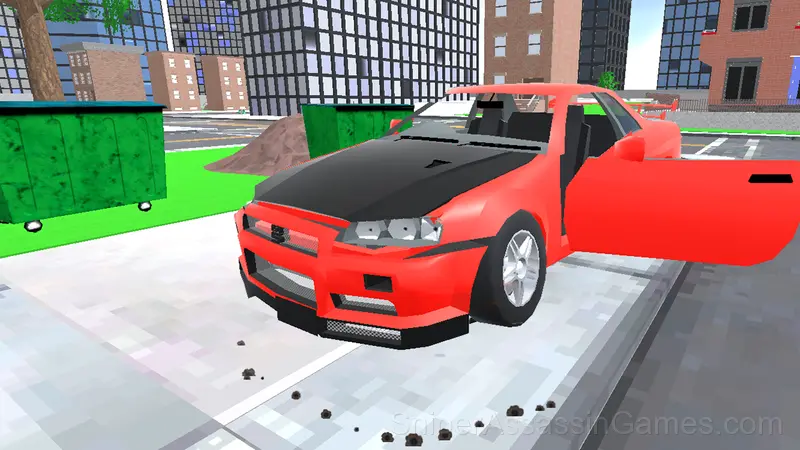
Screenshots
Games Like Grand Theft: Liberty City 3D
Here are more Shooting Games that Grand Theft: Liberty City 3D players tend to enjoy. All free, all browser-based:
- Playground: Ragdoll Sandbox
- DTA 7- City of Thieves
- Godfather Road Chase: Realistic Shooter Guns
- Zombie Road: Cases Merge
- Obby: Shooter on Cars
- Tiger Robot and Motorcycle: Transformers
- Blocky Cars: Car Battle
- Fortzone Battle Royale
Play Grand Theft: Liberty City 3D Now
Grand Theft: Liberty City 3D is free, works in your browser, and has 1.7K player reviews with a 4.0 average. Open the page and play on any device.