 SniperAssassinGames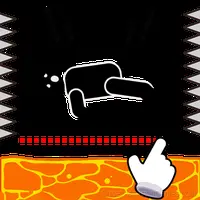













Draw 2 Save - Stickman Rescue
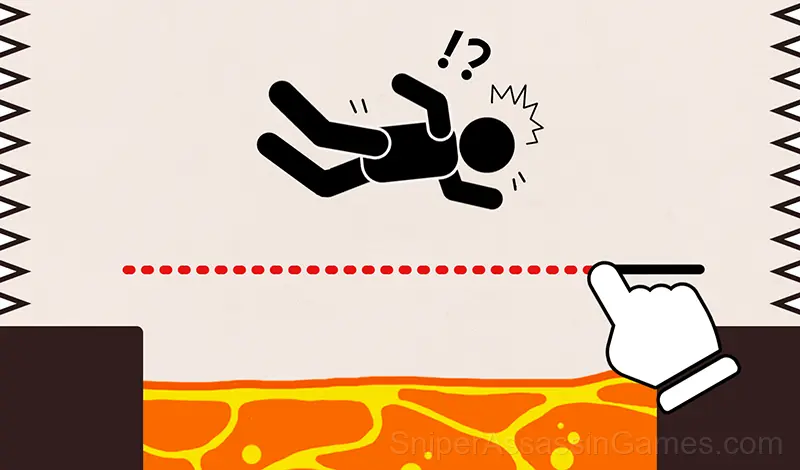
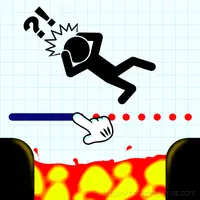
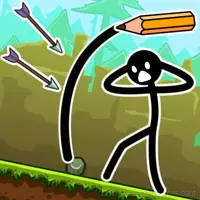
Draw 2 Save - Stickman Rescue is a fun puzzle game in which you have to draw lines to save Stickman from the threat! Draw a line to help the little man and protect him from swords, bullets, bombs and many other life-threatening attacks!
What is Draw 2 Save - Stickman Rescue About?
Draw 2 Save - Stickman Rescue - draw one line to save the Stickman from the threat!
Are you a good draftsman or Do you want to test your creativity?
Are you a puzzle lover?
Now you have a good chance!
Draw a line to help the little man and protect him from swords, bullets, bombs... and many other life-threatening attacks!
You are free to draw any shelters and defenses to help the little man survive.
Learn to draw lines creatively, improve your logic and develop your brain!
GAME FEATURES
+ Lots of levels and endless fun!
+ Never get bored again!
+ Simple but amazing physics system!
+ Improve your brain!
+ Addictive and relaxing.
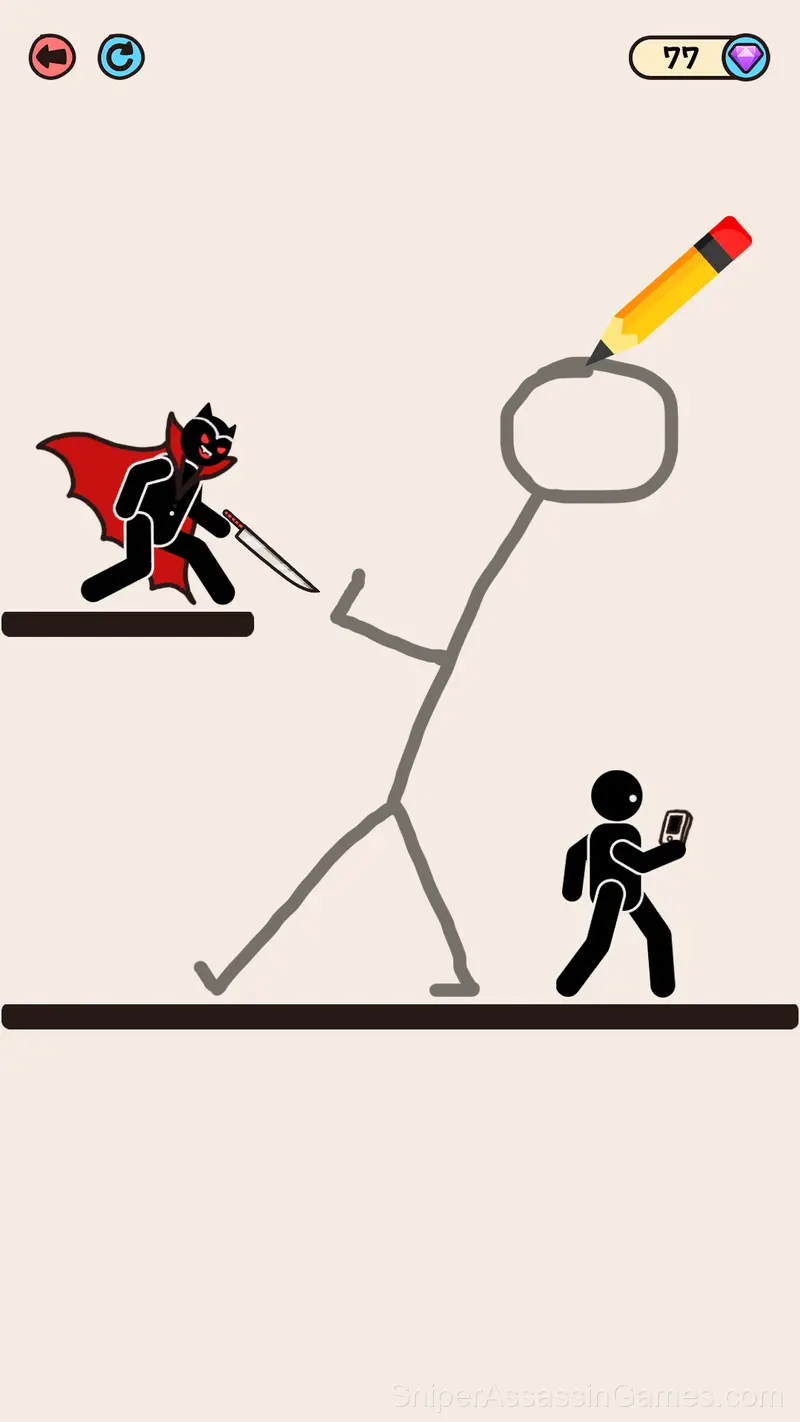
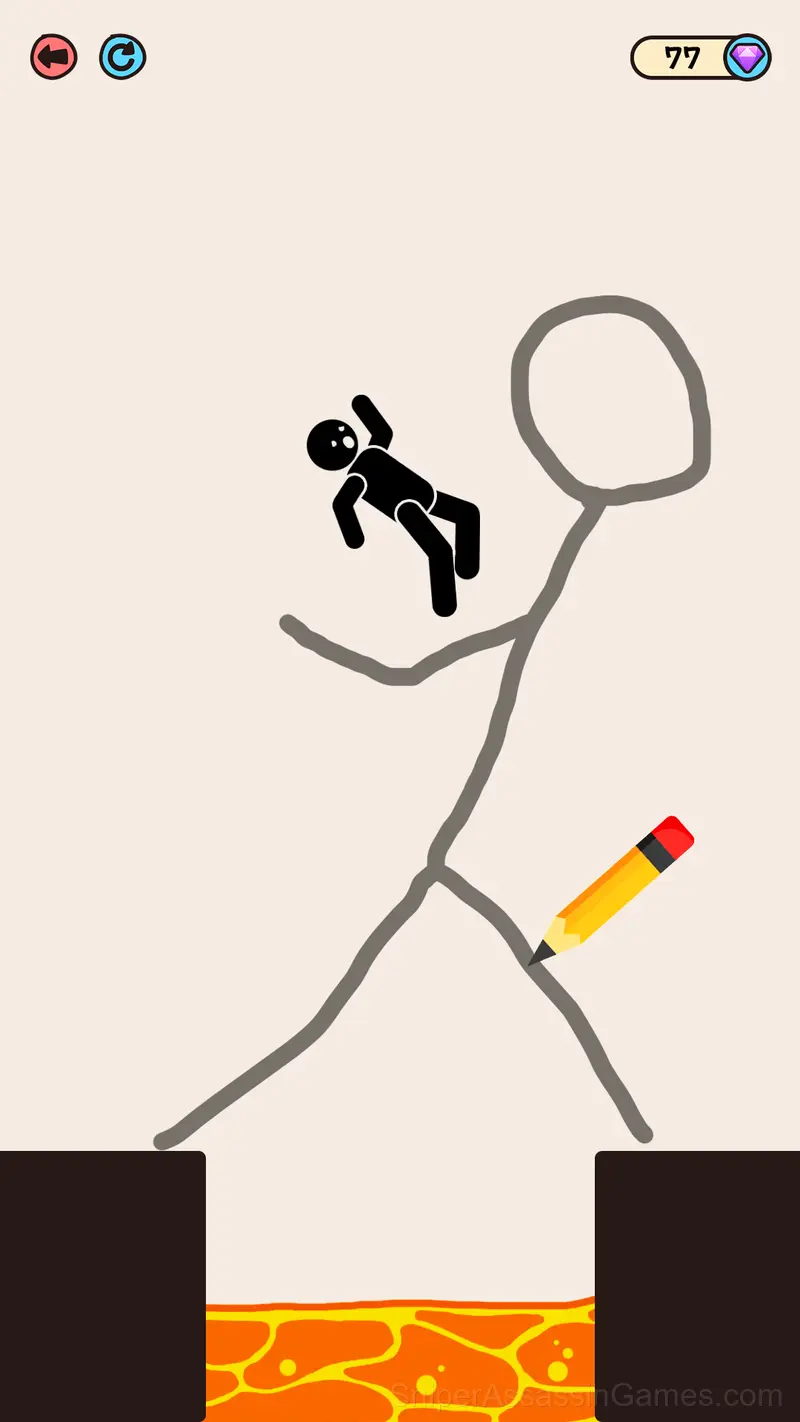
Screenshots
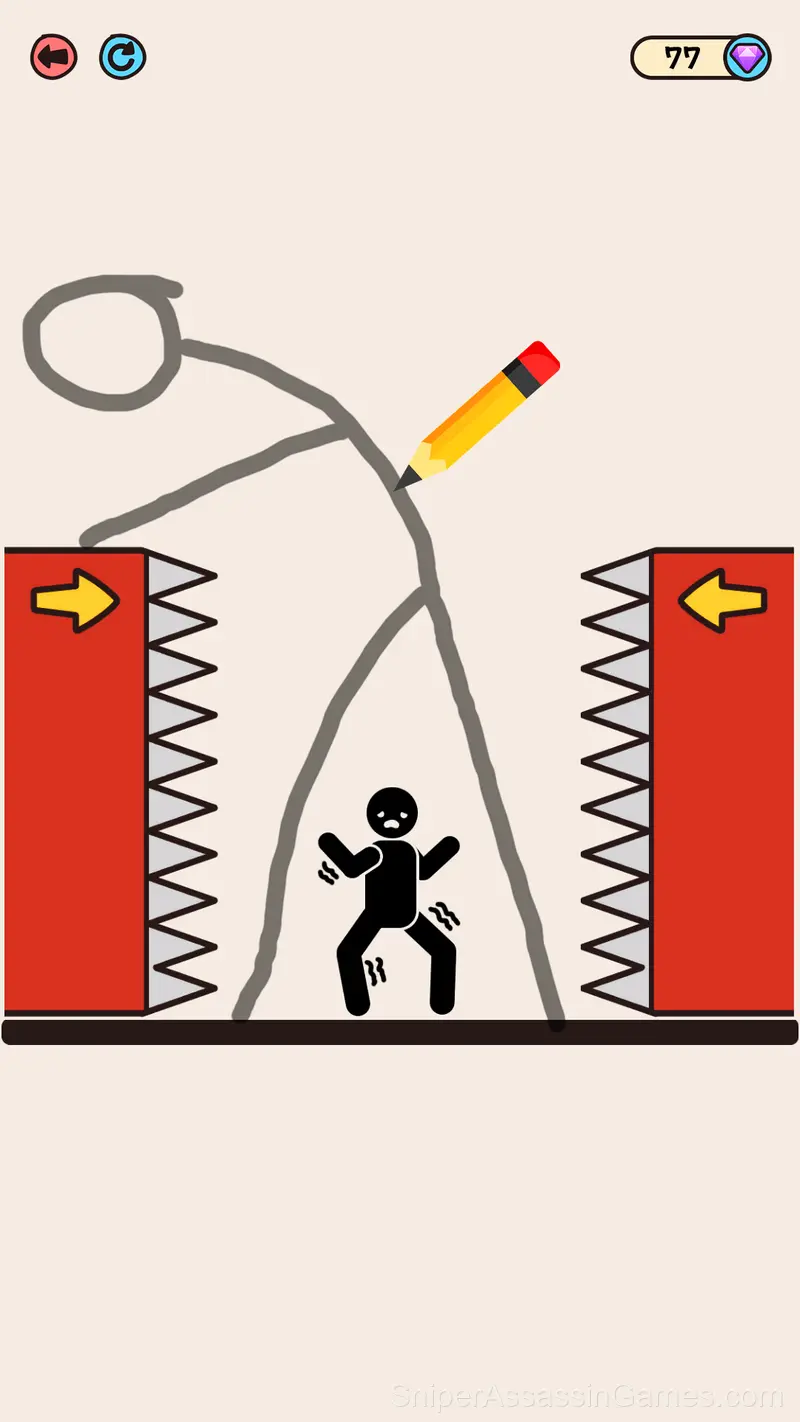
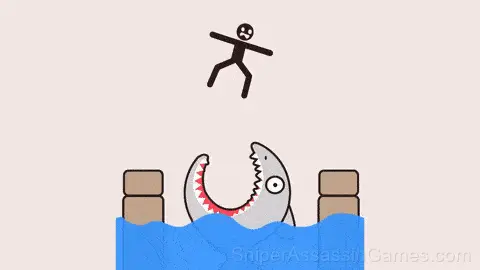
Features
- Optional in-game purchases available. The core game is free.
- Supports 8 languages.
- Rated 0+, family-friendly content.
- Designed for horizontal play, best experienced on desktop or tablet.
How to Play Draw 2 Save - Stickman Rescue
+ Draw only one line to complete the level task.
Finish the drawing with one continuous line.
+ Make sure your lane doesn't damage the Stickman you need to protect.
+ There can be more than one answer.
Draw any thing, because each of them can be the answer!
Helpful Tips
- Spend the first few rounds learning the controls without chasing a high score. Getting comfortable with the inputs pays off more than early optimization.
- Pay attention to what the scoring system rewards. Understanding the game's priorities helps you focus on the right actions.
- Do not restart immediately after a mistake. Play through and see how the game handles recovery. Sometimes there is a comeback mechanic you would miss by quitting early.
- Test the edges of each mechanic. Move in directions the game does not suggest. Interact with things that look static. The boundaries tell you a lot about how the game works.
- Try playing left-handed if the game allows it (or vice versa). It sounds odd, but changing your input hand can reveal patterns your dominant hand was autopiloting through.
- Learn the difference between what costs you progress and what costs you time. Avoiding the first is always more important than optimizing the second.
How Draw 2 Save - Stickman Rescue Feels to Play
Draw 2 Save - Stickman Rescue strips away everything that does not serve the core gameplay. No lengthy tutorials, no forced cutscenes. Just the game, presented cleanly.
Sessions in Draw 2 Save - Stickman Rescue are self-contained enough to feel complete on their own, but connected enough that returning players see their improvement over time. That balance is what separates good casual design from forgettable time-fillers.
Developer of Draw 2 Save - Stickman Rescue
Dinmo released Draw 2 Save - Stickman Rescue as a free online casual game, originally released in May 2023. The game needs no download and works on any device with a web browser.
Browser and Device Support
Draw 2 Save - Stickman Rescue works on any device with a browser and an internet connection. Supported platforms include Windows, macOS, Linux, ChromeOS, Android, and iOS. The game uses landscape (horizontal) orientation.
Games Like Draw 2 Save - Stickman Rescue
These Casual Games play well alongside Draw 2 Save - Stickman Rescue. All of them are free in your browser with no download needed:
- Save stickman
- Joy of Glass
- Draw with Red!
- Seven!
- DOP Complete the Drawing
- 3D water puzzle
- DOP: Draw Half
- Save The Pets
Play Draw 2 Save - Stickman Rescue in Your Browser
4.6K reviews. 4.0 average rating. Draw 2 Save - Stickman Rescue is a free casual game that plays in your browser without downloads or signups.