 SniperAssassinGames










Create Skin
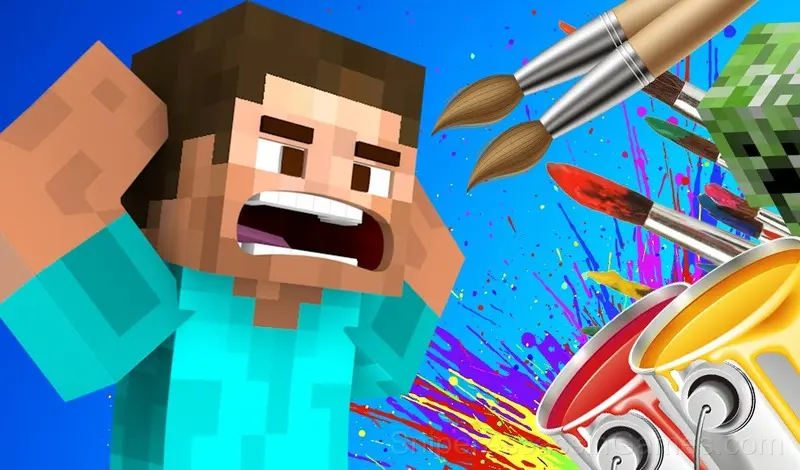
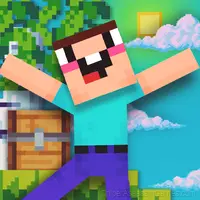
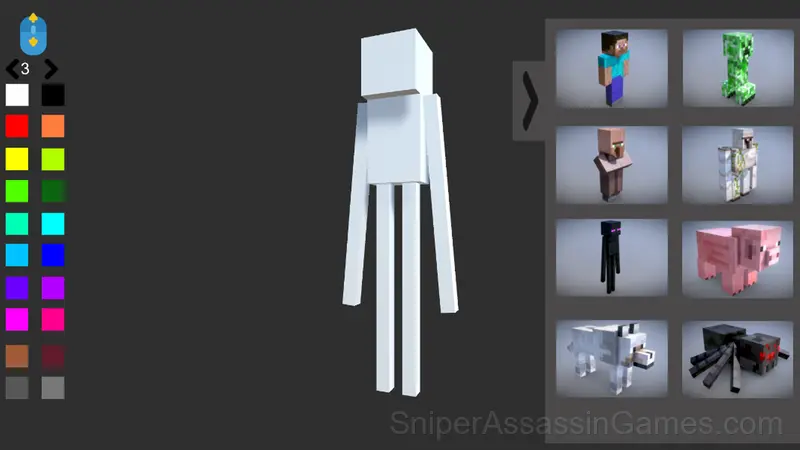
Create Skin is a game in which you can draw a skin or decorate a mob from the Minecraft game! 8 characters for coloring: Steve, Creeper, Inhabitant, Golem, Enderman, Pig, Wolf, Spider
Create Skin: The Basics
Create Skin is a game in which you can draw a skin or decorate a mob from the Minecraft game!
8 characters for coloring:
• Steve
• Creeper
• Resident
• Golem
• Enderman
• Pig
• Wolf
• Spider
• 20 Colors for Coloring
•100 Brush Sizes!
Supported Platforms
From smartphones to desktop computers, Create Skin runs everywhere a modern browser is available. It uses landscape (horizontal) orientation and does not require any software installation.
Who Built Create Skin?
The developer Freezie Games released Create Skin for browser-based play, originally released in November 2023. The game is free and accessible on desktop and mobile devices.
Create Skin Tips
- If the game has a tutorial, do it once properly. Skipping it and then struggling with basics wastes more time than the tutorial ever would.
- Steady, clean play usually beats aggressive, risky play. Consistency compounds over time, and avoiding mistakes matters more than chasing big moments.
- Tap or click with intention. Random inputs might clear early levels, but they build bad habits that stall progress later.
- When you hit a wall, look for a mechanic you are underusing. The game usually gives you the tools before the challenge that requires them.
- Figure out what ends your runs most often. The most common failure point is usually the most valuable thing to improve.
- Take breaks when frustration builds. Coming back after a few minutes often makes the solution or the right timing click naturally.
What is Included
- Age rating: 6+, appropriate for younger players.
- Landscape orientation, optimized for wider screens on desktop and tablet.
- Free to play with optional in-game purchases.
How Create Skin Plays
What works here is the pacing. Create Skin introduces new elements at a rate that keeps you engaged without overwhelming you. Each session feels slightly different from the last.
The visual language in Create Skin communicates everything. You know what to tap, swipe, or click without reading instructions. That clarity is the hardest part of casual design to get right.
Screenshots
How to Play Create Skin
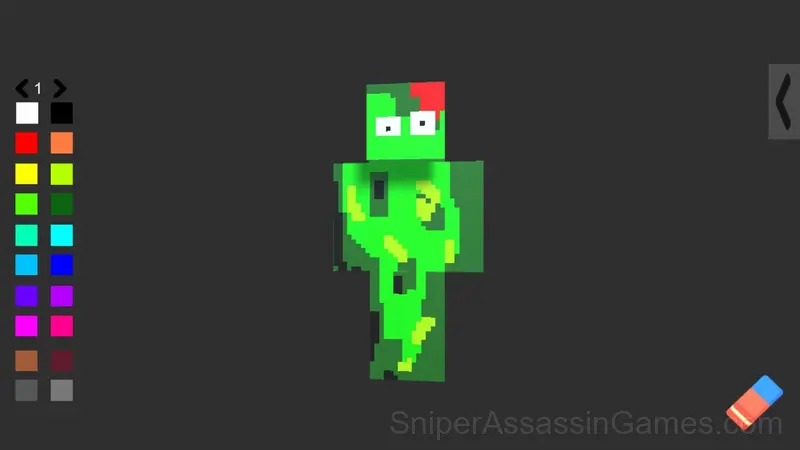
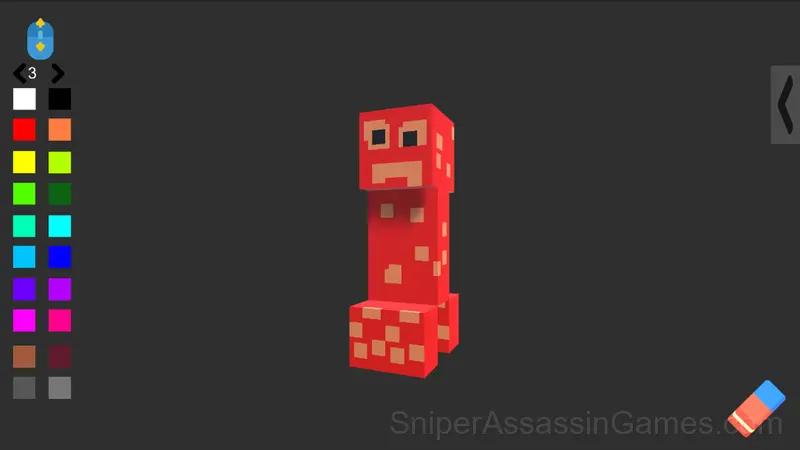
In this game you can draw a skin or decorate a mob from the Minecraft game!
To do this, select 1 of the 8 characters and click on it, then you can start coloring.
To choose a color, click on the square buttons on the left, and to clear the whole picture, click on the eraser, which is located on the bottom right.
To change the size of the brush, rotate the mouse wheel or switch the size to the arrows that are located above the colors.
On the computer:
Rotate the character on the A and D keys
On the Phone:
Rotate the character on the buttons under the character
Games Like Create Skin
The following Casual Games share common ground with Create Skin and are all playable for free in your browser:
- Tap Wood Blocks Away
- Words from Words
- Obby Parkour: Tower of Hell
- Noob Miner: Jailbreak
- Fillwords: Word Search
- Stendof 2 Cases
- Om Nom: Run
- Hidden Object: Clues and Mysteries
Play Create Skin for Free
976 players have rated Create Skin at 4.2 out of 5, making it one of the more popular free online Casual Games. It runs in any modern browser with no download or installation. Just open and play.