 SniperAssassinGames


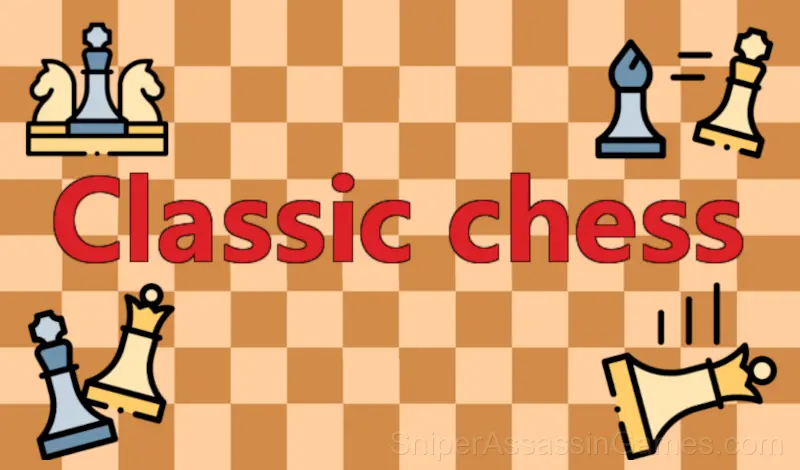

Classic chess
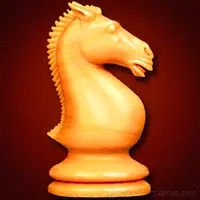
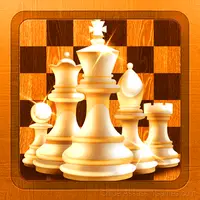
Classic chess is the oldest and most famous strategy game known to many as the best strategy game ever made.
What is Classic chess About?
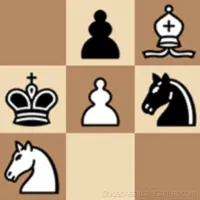
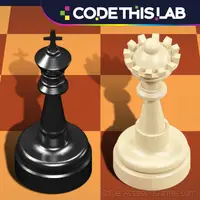
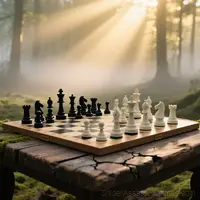
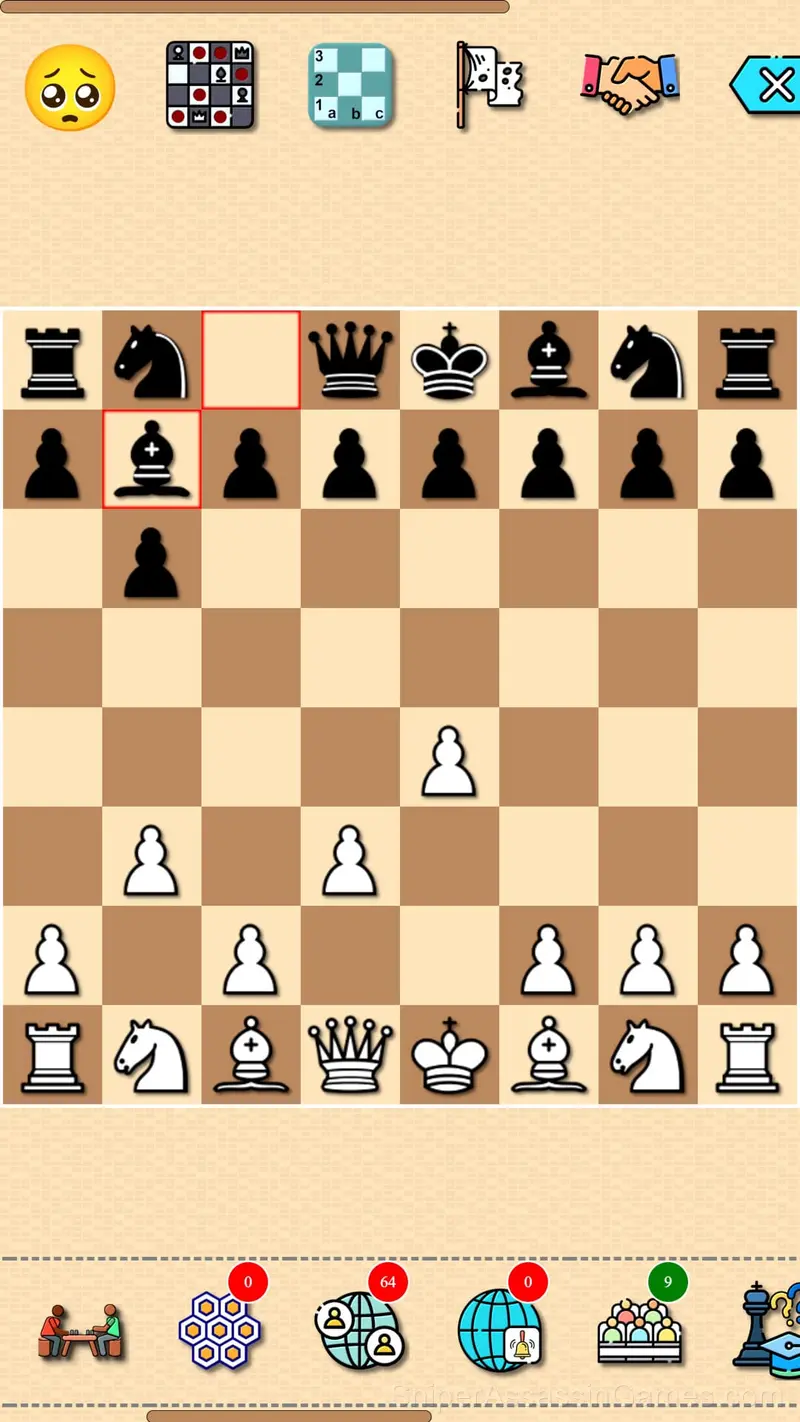
Classic chess is a two-player board game played on a chessboard with 64 squares arranged in rows on an 8x8 grid. Each player starts with 16 pieces: including a king, one queen, two knights, two rooks, two bishops and eight pawns. The goal of this chess game is to checkmate the opponent's king, putting him under the imminent threat of capture.
The game can be played with artificial intelligence, together with another person on the same device, as well as with a rival on the network in multiplayer mode. Also in the game there is the possibility of solving chess problems.
The Developer
The developer kirlanik released Classic chess for browser-based play, originally released in April 2023. The game is free and accessible on desktop and mobile devices.
What Classic chess Offers
- Global leaderboards to compare your scores with other players.
- Available in 69 languages.
- Age rating: 6+, appropriate for younger players.
- In-game purchases for optional extras. Free to play without them.
- Designed for horizontal play, best experienced on desktop or tablet.
Platform Support
You can access Classic chess from Windows PCs, Macs, Chromebooks, Linux machines, Android phones, iPhones, and iPads. It runs in Chrome, Firefox, Edge, and Safari using landscape (horizontal) orientation.
How to Get Started
Classical chess has sixteen pieces (six different types).
1. King - moves from his field to one of the free adjacent fields, which is not under attack by the opponent's pieces.
2. Queen (queen) - can move to any number of free squares in any direction in a ...
Screenshots
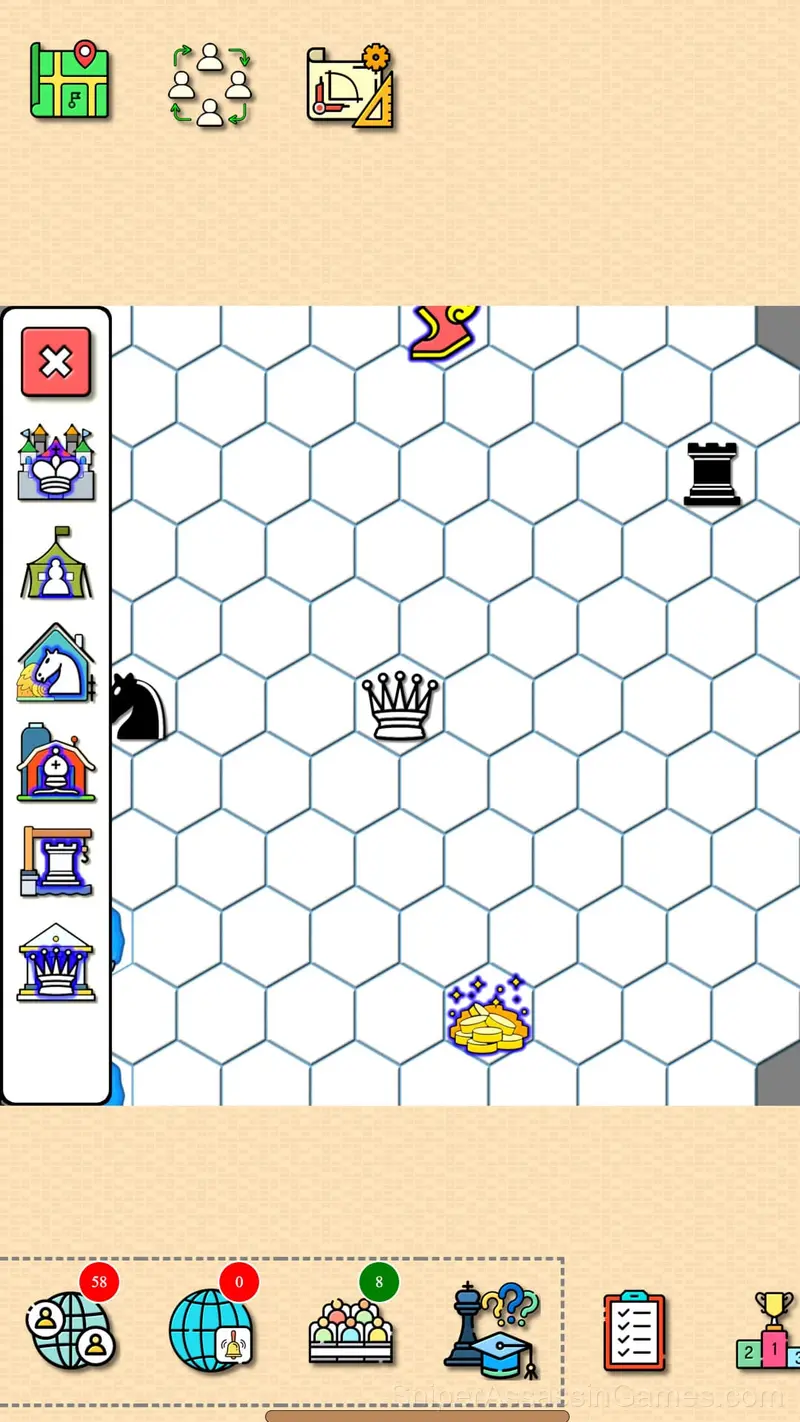
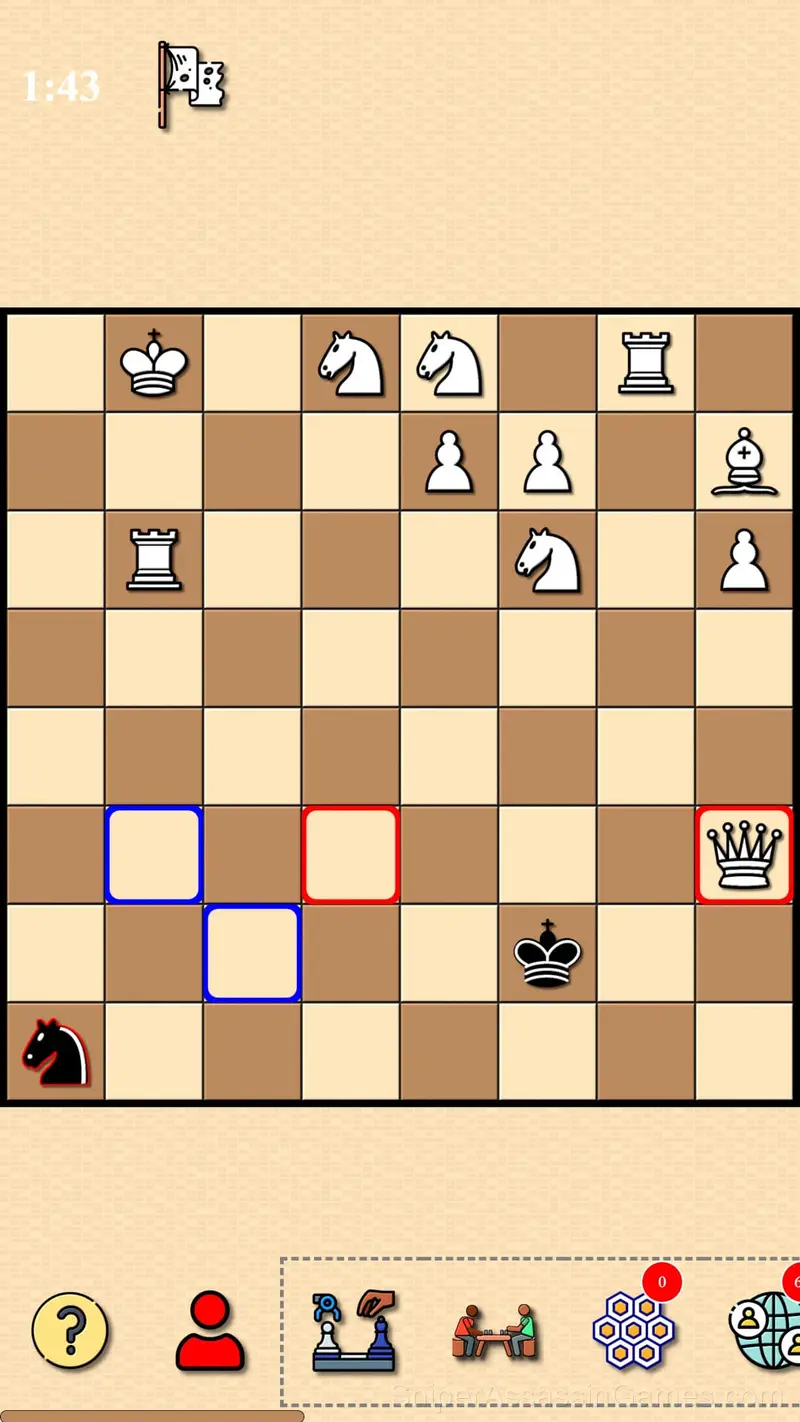
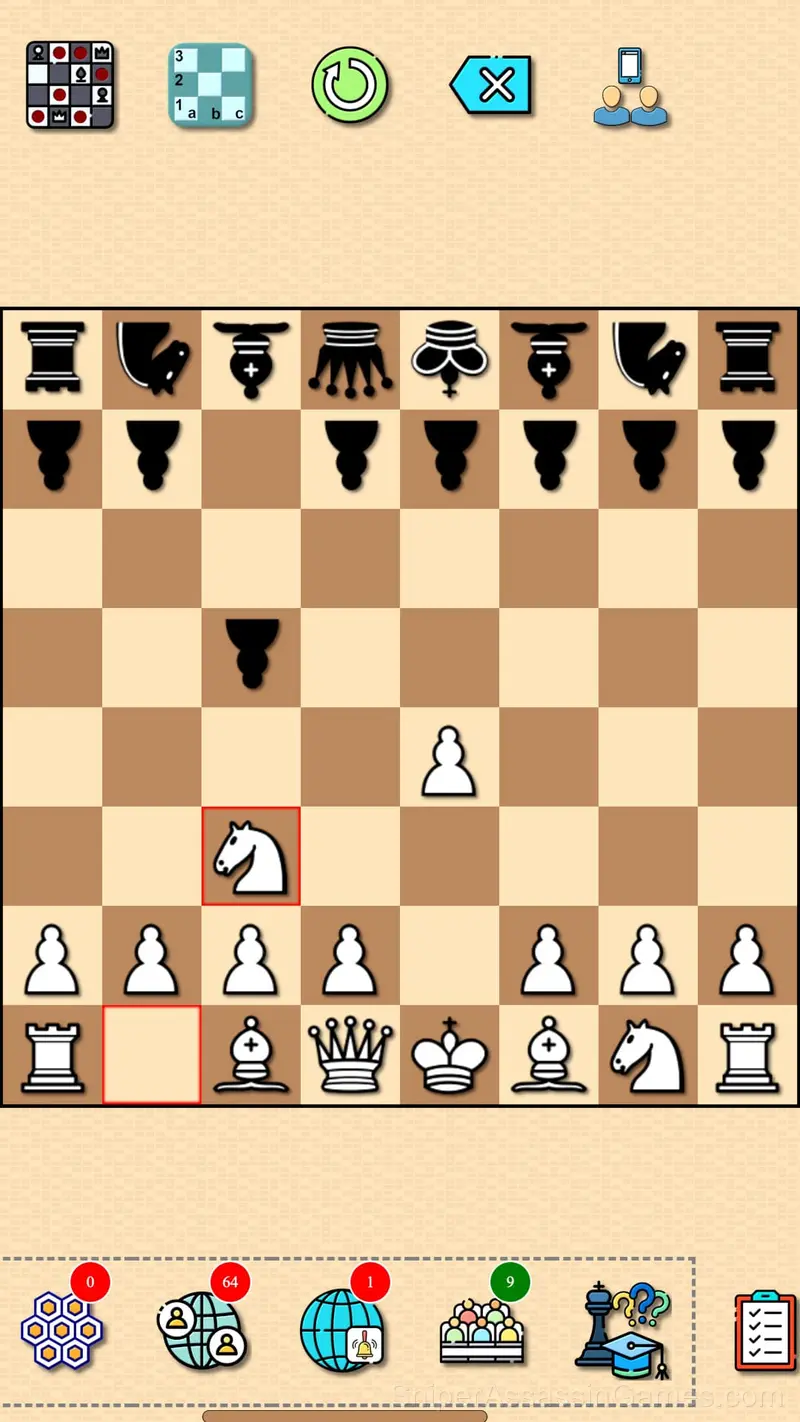
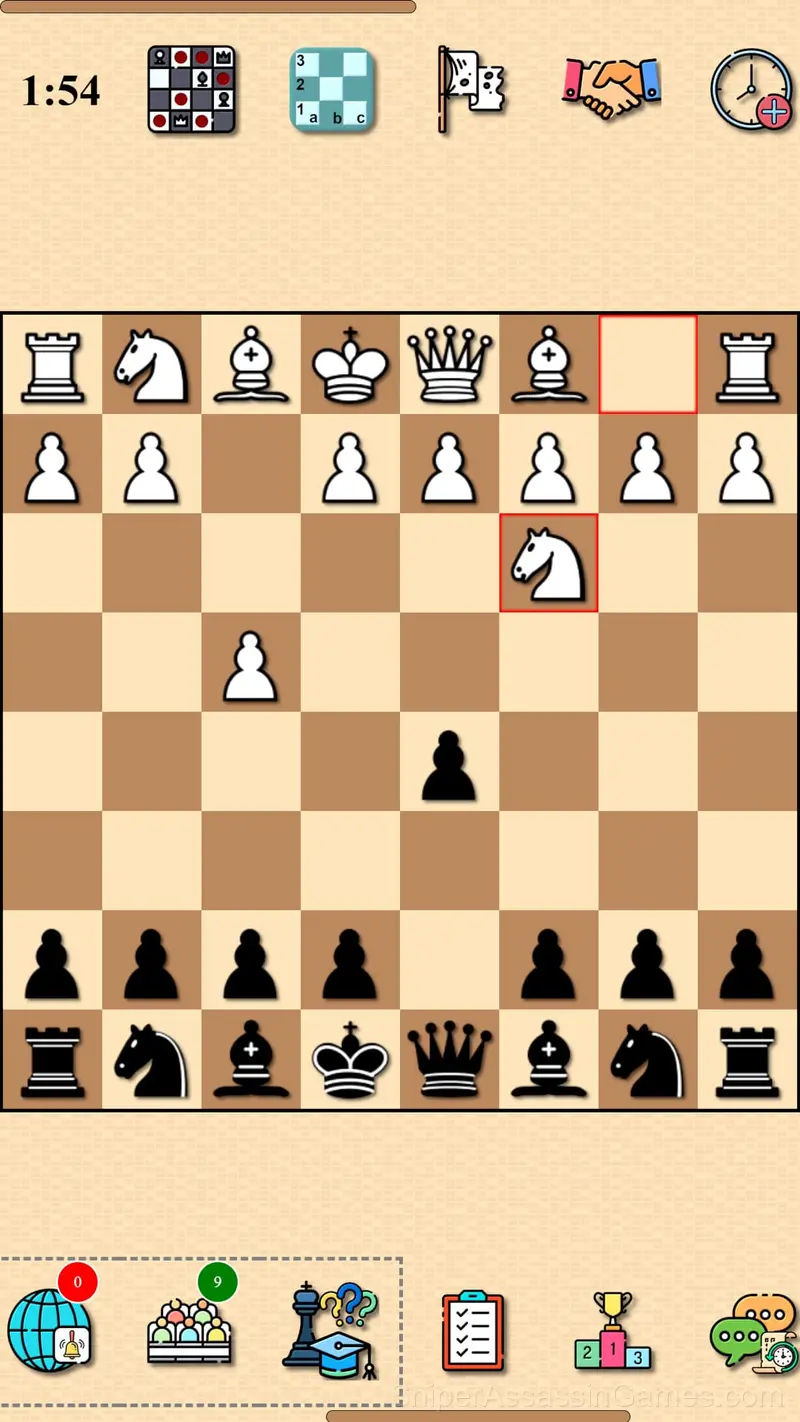
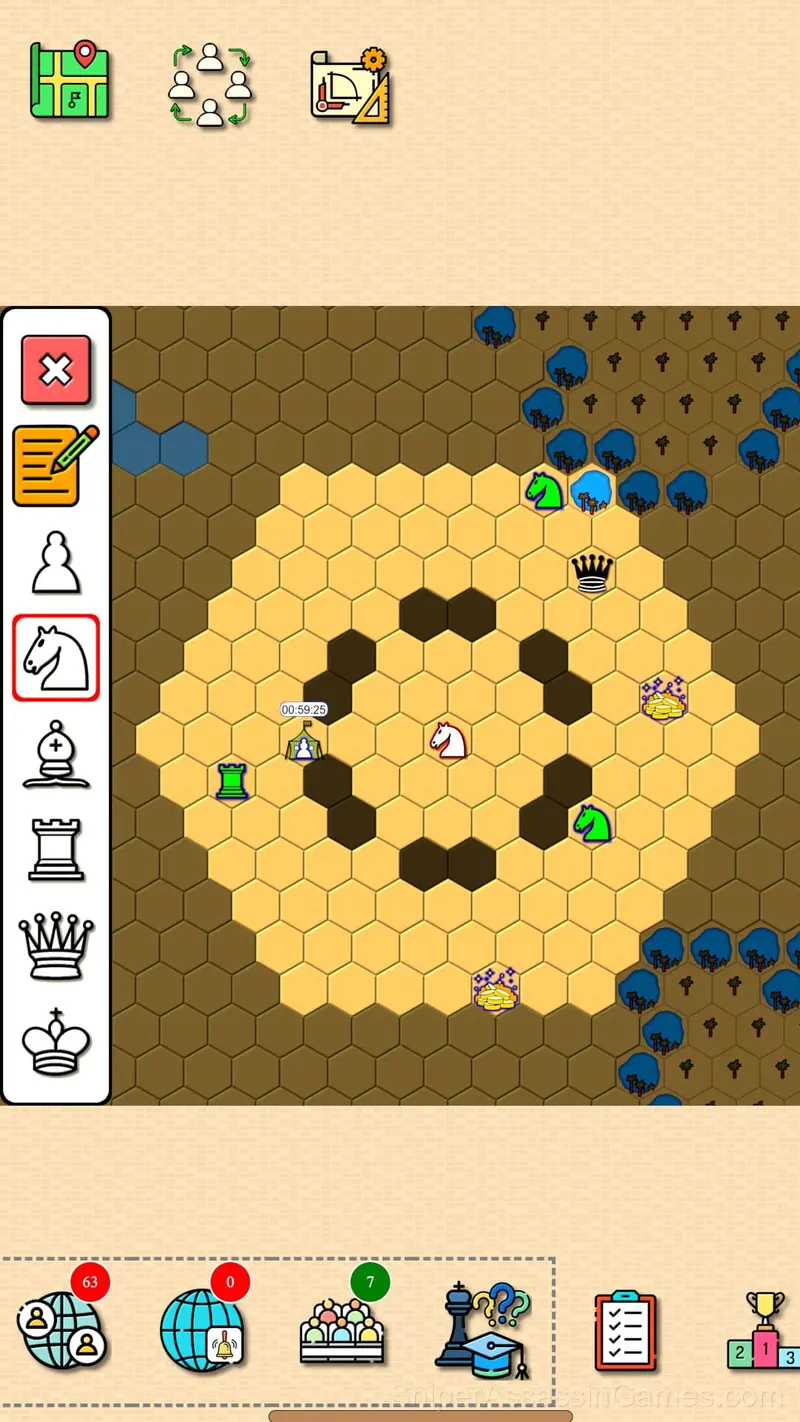
Playing Classic chess: What to Know
The game does not explain everything upfront. Classic chess trusts you to figure things out through experimentation, and the moments of self-discovery are more satisfying than any tutorial could be.
Visual clarity in Classic chess is strong. Game elements are easy to distinguish, interactive objects stand out from backgrounds, and the UI communicates what you need to know without getting in the way.
Helpful Tips
- The early levels teach mechanics that become critical later. Do not skip through them, even if they feel easy. The patterns they introduce come back.
- Figure out what ends your runs most often. The most common failure point is usually the most valuable thing to improve.
- If there are multiple modes or difficulty levels, start on default. It is tuned for first-time players and gives you the experience the developer intended.
- Take breaks when frustration builds. Coming back after a few minutes often makes the solution or the right timing click naturally.
Games Like Classic chess
If Classic chess clicked with you, try these free online 2 Player Games. They are all browser games with no download required:
- Chess online 2 players
- Checkers
- Checkers vs Computer
- Chess with a computer
- Chess for free
- Corners - checkers
- Long backgammon
- Sea Battle
Jump Into Classic chess
Rated 3.9 by 3.6K players, Classic chess is a free 2 player game you can play in your browser. No downloads. No accounts. Just the game.