 SniperAssassinGames




Zomblox
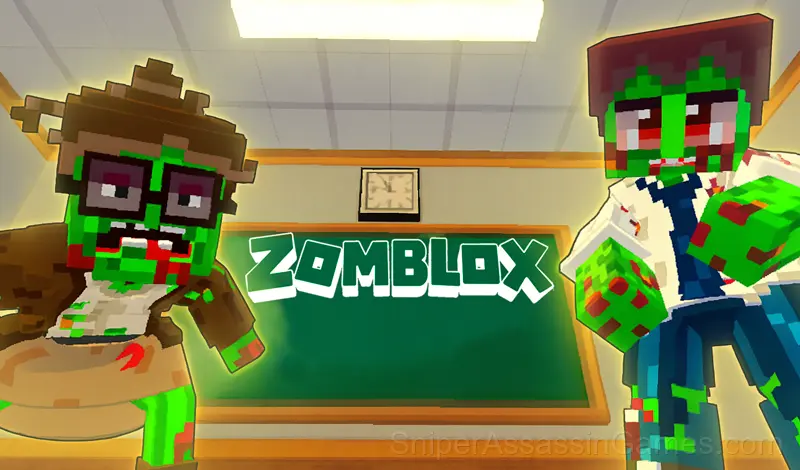
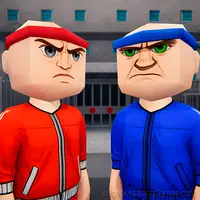
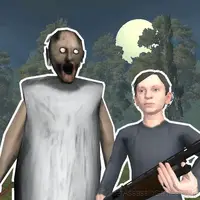
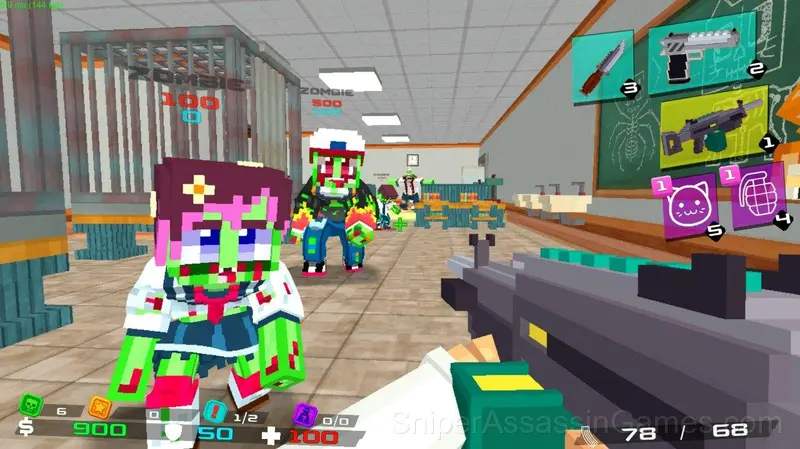
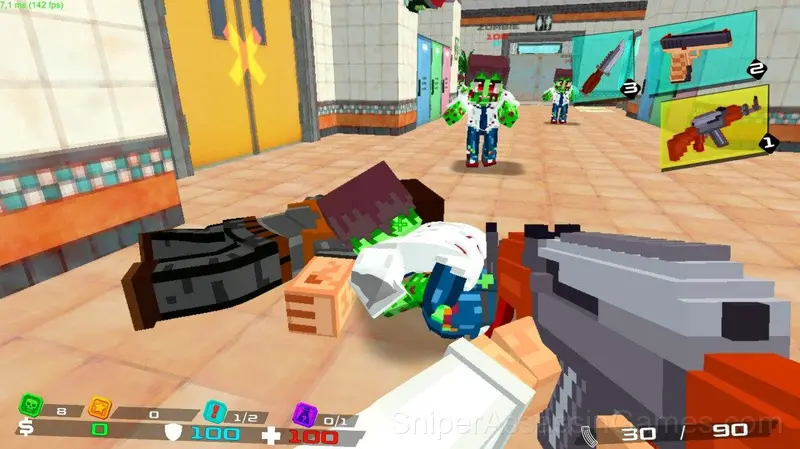
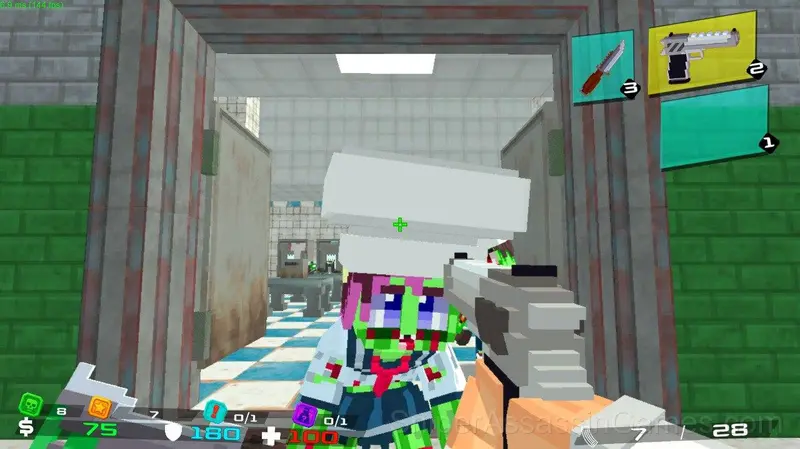
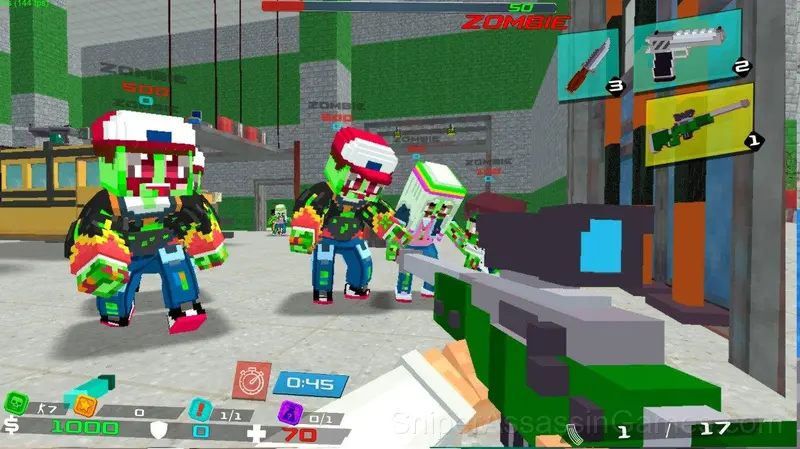
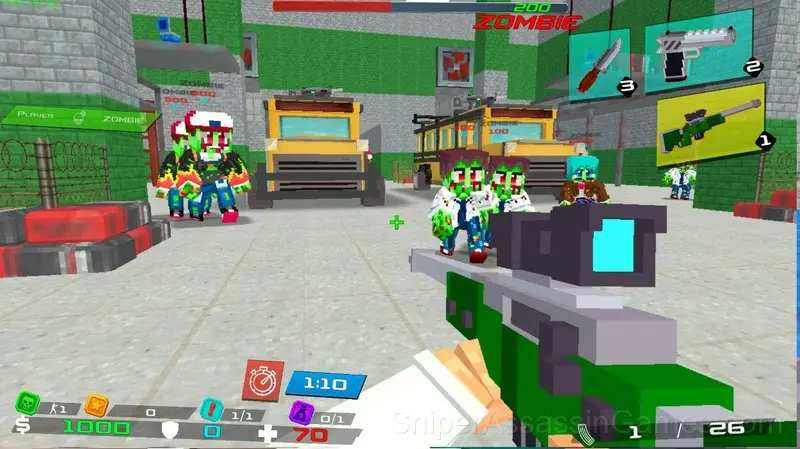
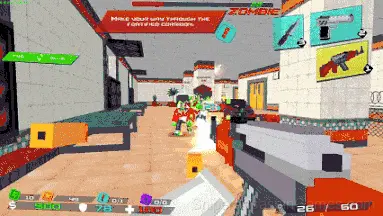
Zomblox is a free shooter in the spirit of CS and Minecraft. Survive in a zombies school. Teacher turns into Zombalina Teacherina . Watch out: memes!
About This Game
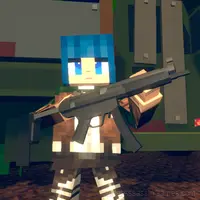
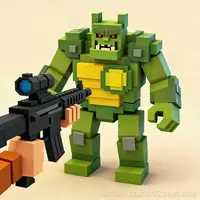
Zomblox is a free FPS shooter in the spirit of CS, Minecraft, and Roblox.
Survive in a school overrun by zombies, catch memes, rescue your friends, and blast the undead in pixelated chaos.
Watch out: the teacher has turned into Zombalina Teachrina and is turning everyone into zombies!
—
What awaits you:
Complete story missions.
Discover secrets only clever and observant players can find.
Buy weapon skins in the skin shop.
Explore the school, swimming pool, classrooms, ventilation and utility rooms.
—
The game supports mobile devices, offers simple controls, and chaotic fun.
Love shooters or meme games? Then Zomblox is for you!
Behind Zomblox
The team at Mango x2 built Zomblox as a free browser game, originally released in July 2025. It loads directly in Chrome, Firefox, Edge, Safari, and other browsers on any desktop or mobile device.
Controls and Rules
On PC:
WASD — move
Mouse — look around and shoot
1 / 2 / 3 — switch weapons
4 — throw a grenade
5 — throw a cat
E —pick up items
R— reload
Space — jump
On mobile:
Use the left joystick to move
Swipe the right side of the screen to look around
Tap on-scree...
Features
- Cloud saves. Your progress carries across devices and sessions.
- Free to play with optional in-game purchases.
- Plays in landscape mode for a wider view of the game.
Screenshots
What to Expect
Save rooms in Zomblox, if they exist, are the only safe spaces. The contrast between safety and danger is what makes returning to the game world feel tense every single time.
Zomblox understands that vulnerability is what makes horror work. You are underpowered by design, and the game keeps reminding you of that through encounters you can not easily overpower.
Devices That Run Zomblox
Desktop and mobile devices both run Zomblox through the browser. Supported browsers are Chrome, Firefox, Edge, Safari, and Opera. The game uses landscape (horizontal) orientation. No downloads or plugins needed.
Getting Better at Zomblox
- If the game offers cosmetic rewards, ignore them until you are comfortable with the core mechanics. Progression systems can distract from actual skill development.
- Pay attention to what the scoring system rewards. Understanding the game's priorities helps you focus on the right actions.
- If there are multiple modes or difficulty levels, start on default. It is tuned for first-time players and gives you the experience the developer intended.
- The early levels teach mechanics that become critical later. Do not skip through them, even if they feel easy. The patterns they introduce come back.
- Check behind you periodically. Some horror games spawn threats in areas you already cleared, specifically because you feel safe there.
- Use headphones. Horror games rely on spatial audio cues that speakers simply can not reproduce at the same quality.
- Take breaks when frustration builds. Coming back after a few minutes often makes the solution or the right timing click naturally.
- Save often if the game allows it. Horror games punish overconfidence, and losing 20 minutes of progress turns tension into frustration.
Games Like Zomblox
Fans of Zomblox often play these Horror Games too. Each one is free and runs in your browser:
- Zombie Defense: Building Clearance
- Strike Force
- Flat Zombies: Survival Shooter
- Zombie Shooter 2
- They Are Coming
- Squid Games Shooter
- Block Shooter 3D
- The Last of the Survivors
Start Zomblox Now
Try Zomblox for free in your browser. It is rated 4.2 out of 5 by 904 players and requires no download or registration to play.