 SniperAssassinGames









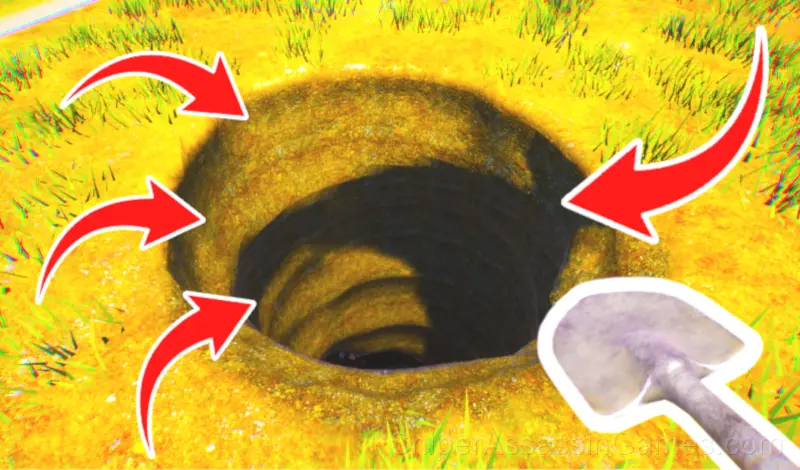




















Ultimate Hole Digging Simulator
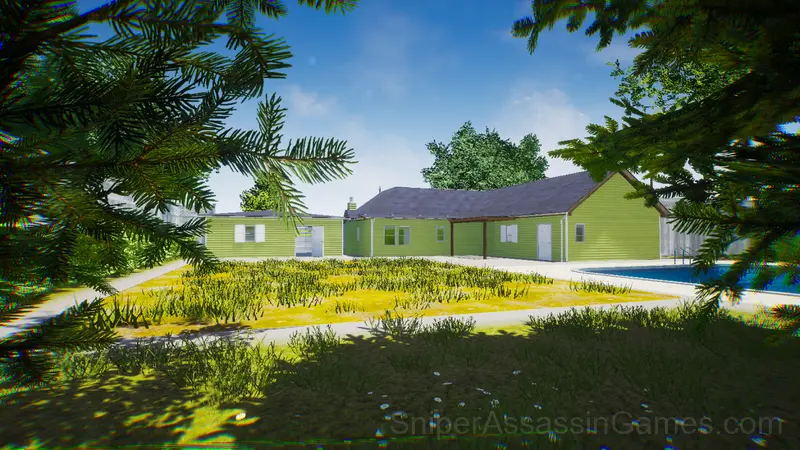
Ultimate Hole Digging Simulator - is a very fun game taking place in your backyard: treasure hunting, tool upgrades, and pure relaxation.
About This Game
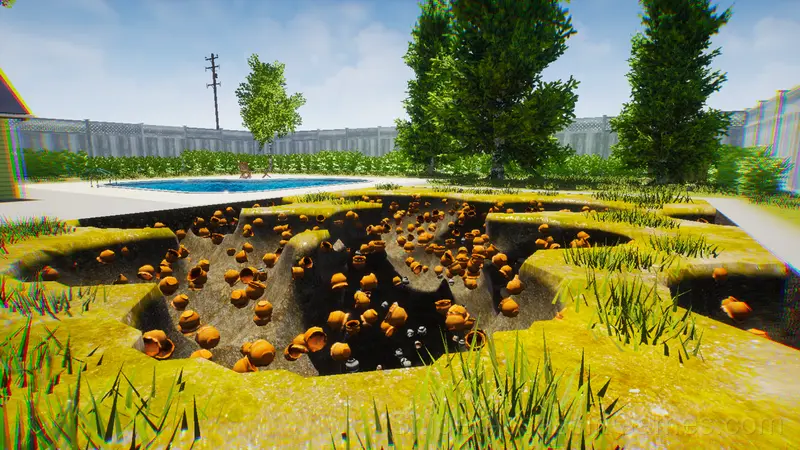
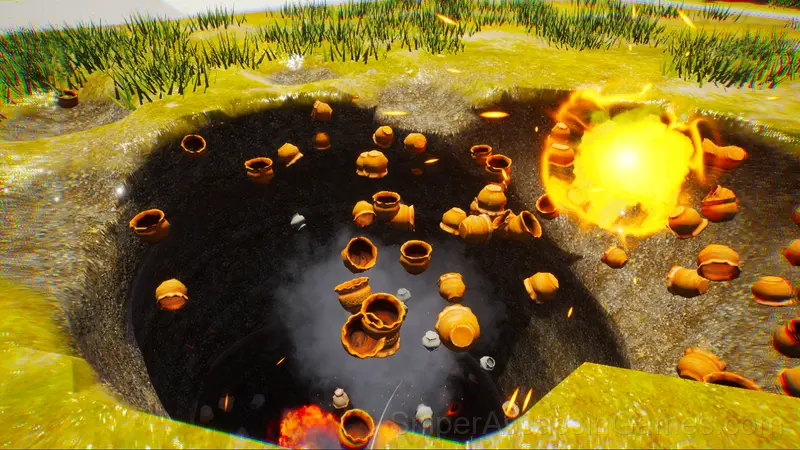
Ultimate Hole Digging Simulator is a very addictive game. Collect artifacts in your yard, sell loot, upgrade tools, and excavate all the way to the bottom. Hunt for treasure!
Learning the Controls
Controls:
WASD - movement
Move mouse - rotate
Space - jump
Hold Shift - run
Hold Space - fly (if upgraded)
Mouse Left Button - dig, pick up, use, place, throw
I - inventory
Tab - settings
1 - digging tool
2 - placeable lamp (on dirt)
3 - dynamite
V - climb out (watch ad)
Mobile Controls:
Left touch stick - movement
Swipe screen - turn
Rocket button - jump
Hold Rocket - fly (if upgraded)
Shovel button - dig, pick up,
use, place, throw
Tap bag - inventory
Tap burger - settings
Tap bottom 1st icon - shovel/bore
2nd - placeable lamp (on dirt)
3rd - dynamite
Top right - climb out (watch ad)
Instructions:
1. Exit the door
2. Dig the dirt
3. Collect artifacts
4. Sell in garage
5. Upgrade at computer
6. Find the treasure
Important:
If health or energy drops to 0, you will lose everything collected and respawn with a small amount of health and energy!
Tips for Players
- Audio cues exist for a reason. Play with sound on at least once to learn what the game communicates through audio versus visuals.
- If there are multiple modes or difficulty levels, start on default. It is tuned for first-time players and gives you the experience the developer intended.
- If the game has a tutorial, do it once properly. Skipping it and then struggling with basics wastes more time than the tutorial ever would.
- Track your changes. When you modify a variable, note what happened. Simulators reward methodical players who keep mental records.
- Do not over-optimize early. The early game in simulators is about establishing systems. Efficiency matters more once those systems are running.
- Try the opposite of what keeps failing. If you are playing aggressively and dying, play defensively. If you are playing cautiously and timing out, push forward. The answer is often the reverse of your instinct.
Browser and Device Support
You can play Ultimate Hole Digging Simulator on virtually any device with a web browser. It supports Chrome, Firefox, Edge, Safari, and other modern browsers. The game plays in landscape (horizontal) orientation and works on PCs, Macs, Chromebooks, tablets, and smartphones running Windows, macOS, Linux, ChromeOS, Android, or iOS.
Ultimate Hole Digging Simulator Gameplay
The early game in Ultimate Hole Digging Simulator feels simple because the systems have not started interacting yet. Once they do, the complexity multiplies, and that is when the game gets its hooks in.
What Ultimate Hole Digging Simulator simulates is less important than how it simulates it. The systems are consistent, the feedback is clear, and the relationship between your inputs and the results makes sense.
Screenshots


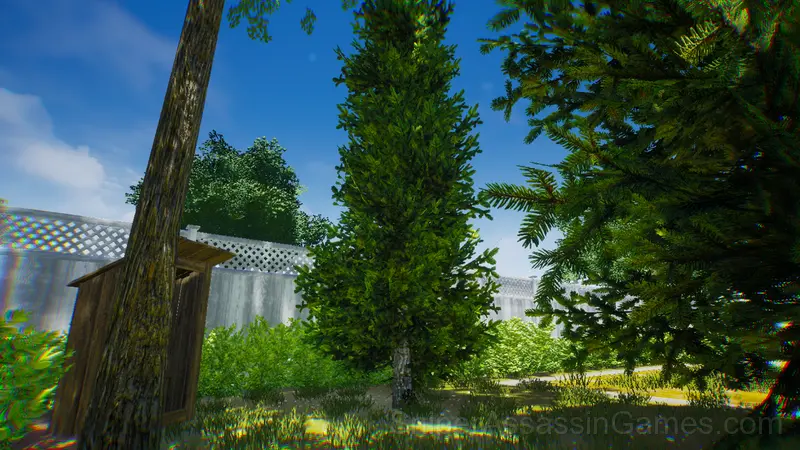
Ultimate Hole Digging Simulator Features
- In-game purchases for optional extras. Free to play without them.
- Age rating: 6+, appropriate for younger players.
- Designed for horizontal play, best experienced on desktop or tablet.
The Developer
Development of Ultimate Hole Digging Simulator is by VZS, originally released in March 2025. The game is free, browser-based, and accessible on any device with an internet connection and a modern browser.
Games Like Ultimate Hole Digging Simulator
More free Simulator Games for players who like Ultimate Hole Digging Simulator. Each one has its own mechanics but fits the same genre:
- Standoff 2: Case and Box Opening Simulator
- Highway Traffic
- Moscow Bus Driver
- Autobahn: M5 Drift
- Bus Simulator 3D
- Real Fishing
- SpeedBoy: Crazy Chase at Recess
- Moscow Metro Driver 3D
Play Ultimate Hole Digging Simulator for Free
2.2K players have rated Ultimate Hole Digging Simulator at 4.0 out of 5, making it one of the more popular free online Simulator Games. It runs in any modern browser with no download or installation. Just open and play.