 SniperAssassinGames













Tiny World
Relaxing puzzle game with pleasant music. Build your own tiny world from various biomes and join hall of fame!
Tiny World: The Basics
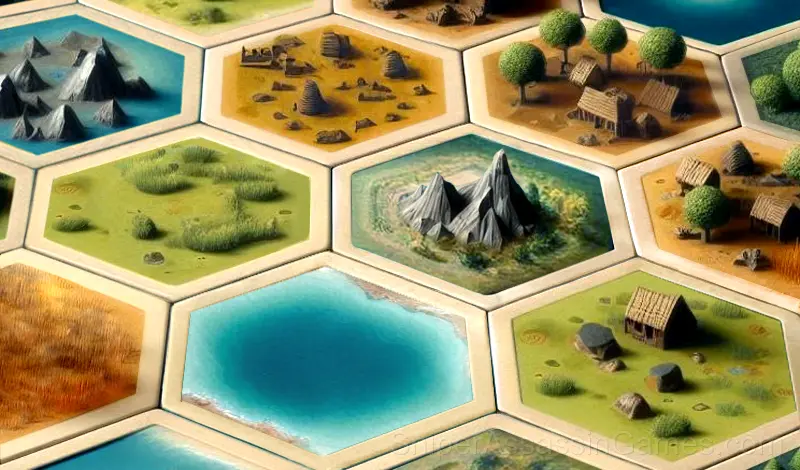
A leisurely puzzle with relaxing music. Build your own little world by building it piece by piece. Combine different pieces like a puzzle to get more points and compete for a place on the leaderboard! Or just create a tiny world of your choise. Each playthrough is unique!
Screenshots
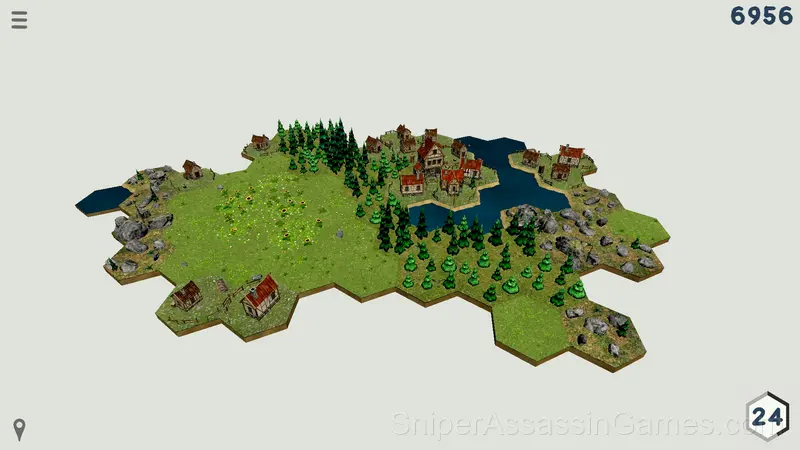
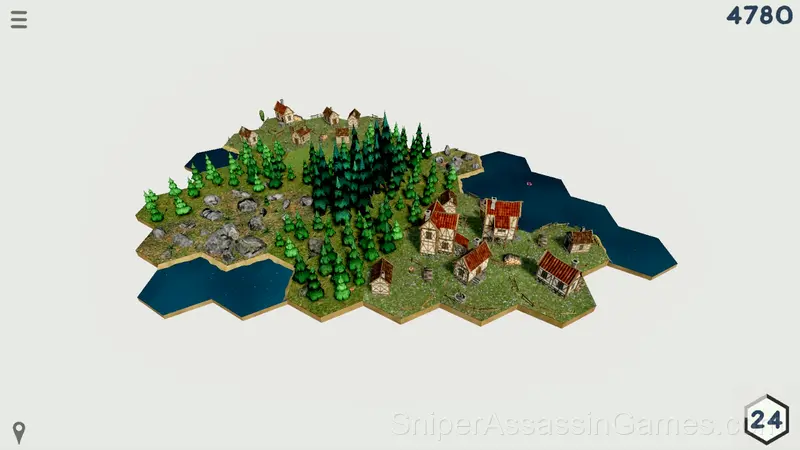
Playing Tiny World
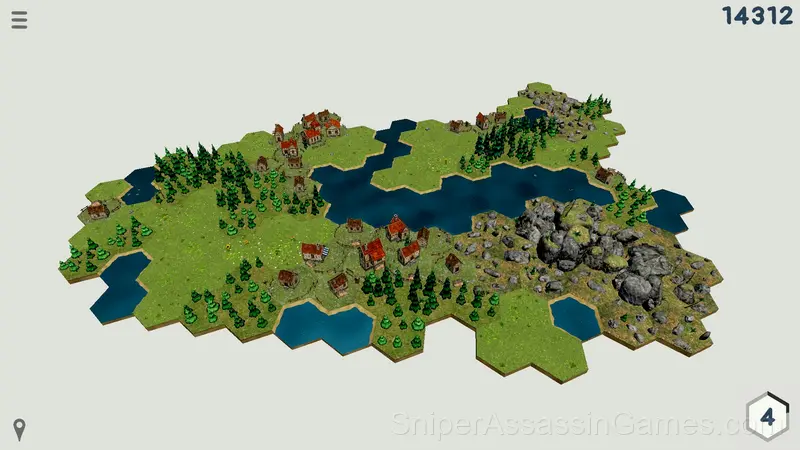
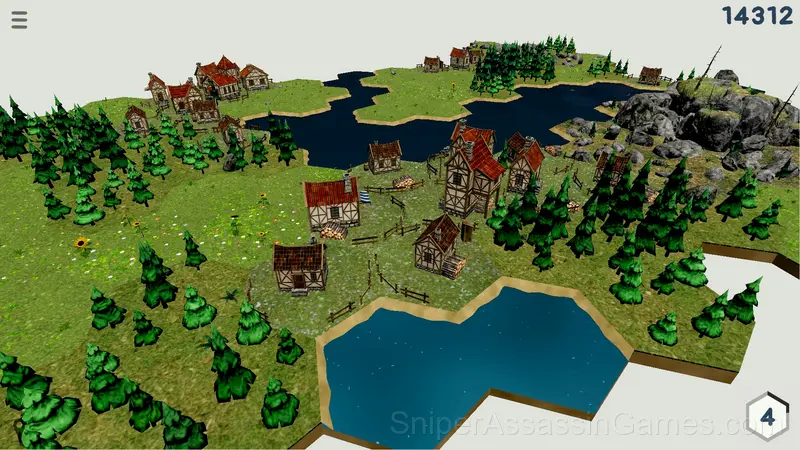
Place the figures from the tiles on the playing field next to the already placed ones. Tiles of the same type will strengthen each other, and tiles of a different type will weaken each other. The stronger the tiles on the field, the more points they will bring when placed next to them. Tiles surrounded on all sides give bonus points depending on their level. By gaining experience, you will get additional moves, and also unlock new types and combinations of tiles. The game will end if you use up all you moves, so be careful!
Controls:
[ LMB ] - Place a tile on the field
[ Mouse wheel ] / [ Space ] / [ F ] - Rotate a tile
[ P ] - Pause
[ Hold LMB and drag ] / [ W/S/A/D ] - Move around game field
[ Hold RMB ] - Rotate or tilt the camera
[ Mouse wheel with RMB held down ] / [ X / C ] - Zoom in/out the camera
[ Q / E ] - Rotate the camera
[ G / B ] - Tilt the camera
[ H ] - Return to the center of the map
How Tiny World Feels to Play
The puzzle design in Tiny World follows a teach-test-combine pattern. New mechanics get introduced in isolation, then levels start mixing them in ways that force you to think about interactions.
The puzzle progression in Tiny World has a clear arc. Opening levels teach vocabulary. Middle levels build sentences. Late levels ask you to write paragraphs. The language stays consistent throughout.
Device Compatibility
From smartphones to desktop computers, Tiny World runs everywhere a modern browser is available. It uses landscape (horizontal) orientation and does not require any software installation.
Tips and Strategies
- If there are multiple modes or difficulty levels, start on default. It is tuned for first-time players and gives you the experience the developer intended.
- Watch how the game responds before committing to a single approach. Most games reward players who experiment early and specialize later.
- Watch your own replays if the game supports them. You will spot mistakes in replay that you completely missed during live play.
- Look for visual patterns in the level design. Puzzle games often use repeated visual cues that hint at the solution method.
- Work backward from the goal. Sometimes knowing where you need to end up makes the starting moves obvious.
What You Get in Tiny World
- In-game purchases for optional extras. Free to play without them.
- Competitive leaderboards built into the game.
- Cloud save support. Pick up where you left off on any device.
- Age rating: 0+, appropriate for younger players.
- Plays in landscape mode for a wider view of the game.
Who Built Tiny World?
The developer Ultar Lab released Tiny World for browser-based play, originally released in December 2024. The game is free and accessible on desktop and mobile devices.
Games Like Tiny World
Looking for more Puzzle Games like Tiny World? Here are some popular alternatives you can play for free online:
- Sigma IQ
- Trivia Quiz
- Brain Test
- Tricky Test
- Chess
- What's the difference?
- Skydom - Match 3
- Trivia Quiz: Who is this?
Start Playing Tiny World
Play Tiny World free in your browser right now. With a 4.4 rating across 1.3K reviews, the game has a solid track record. No download, no account, no cost.