 SniperAssassinGames





















Teacher Simulator
Test your knowledge in an exciting Teacher Simulator puzzle game!
About Teacher Simulator
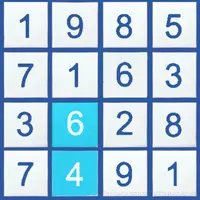
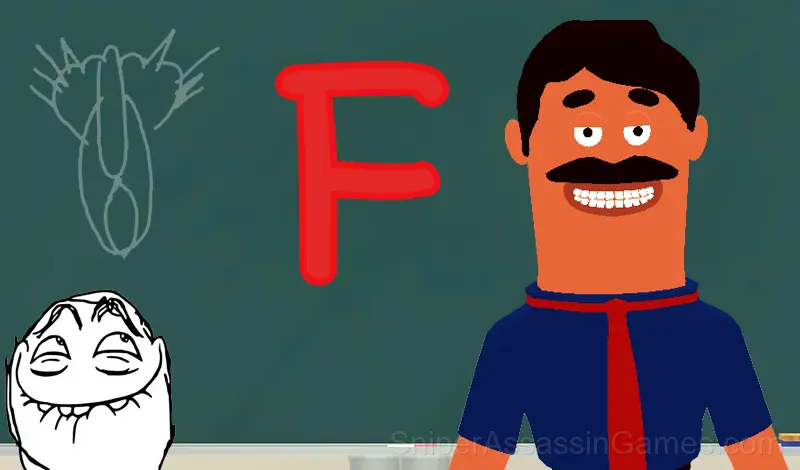
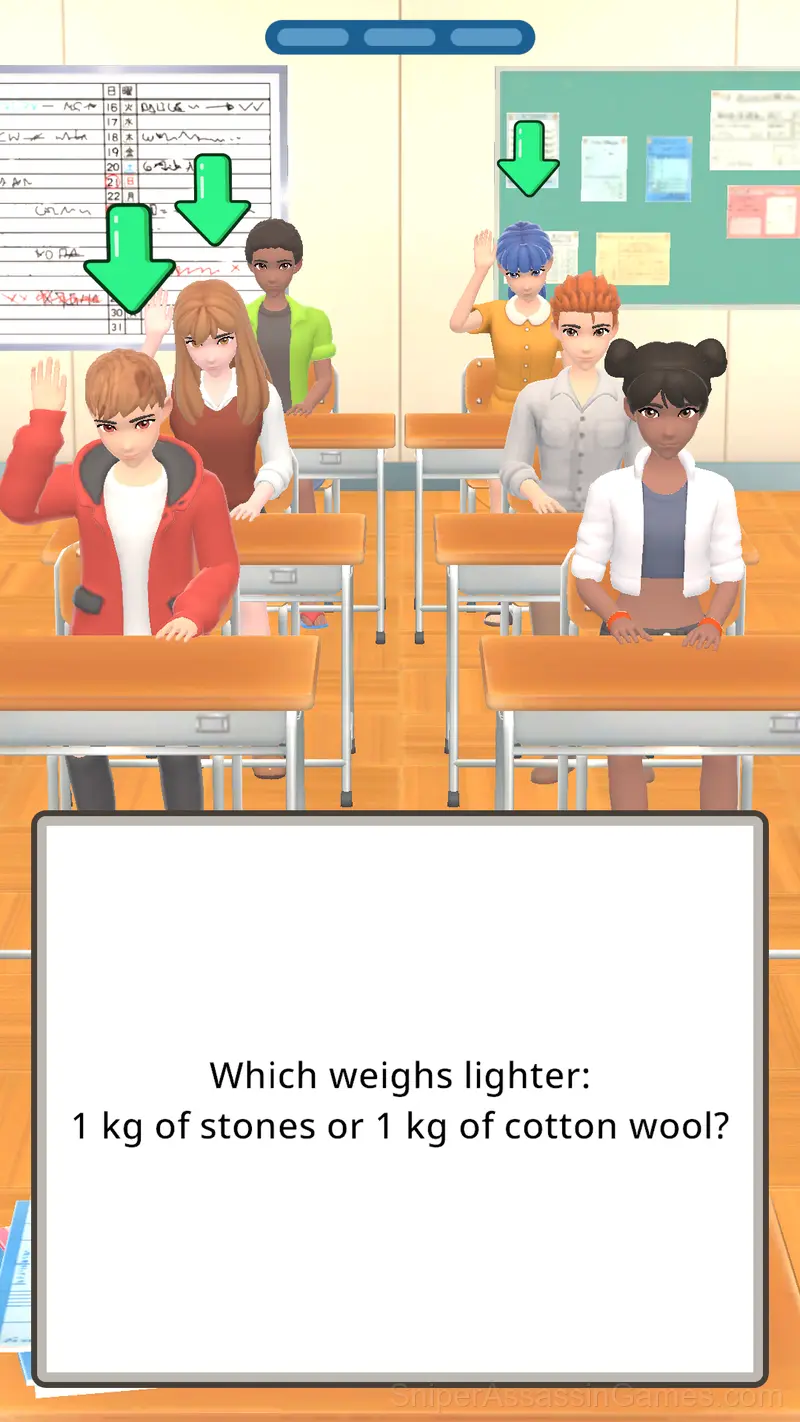
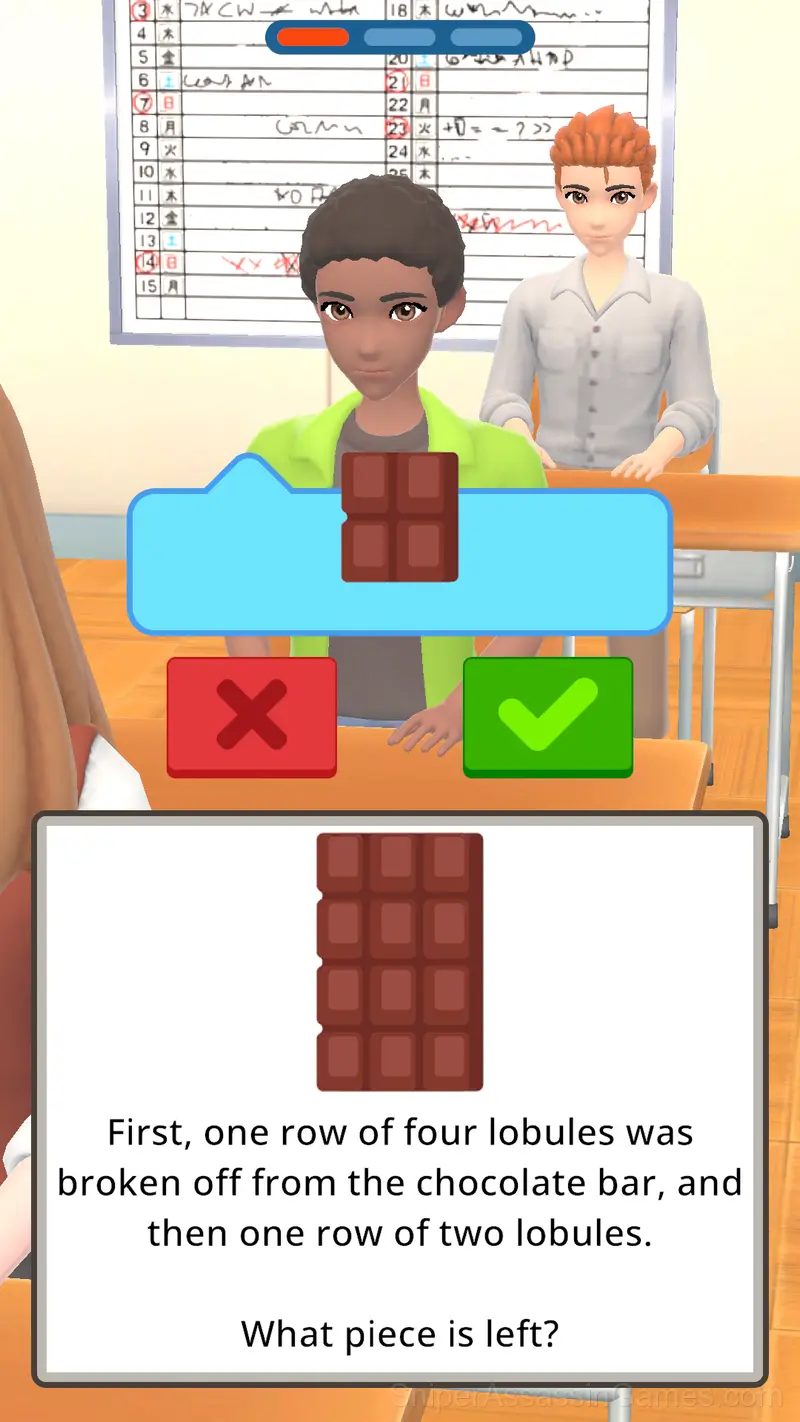
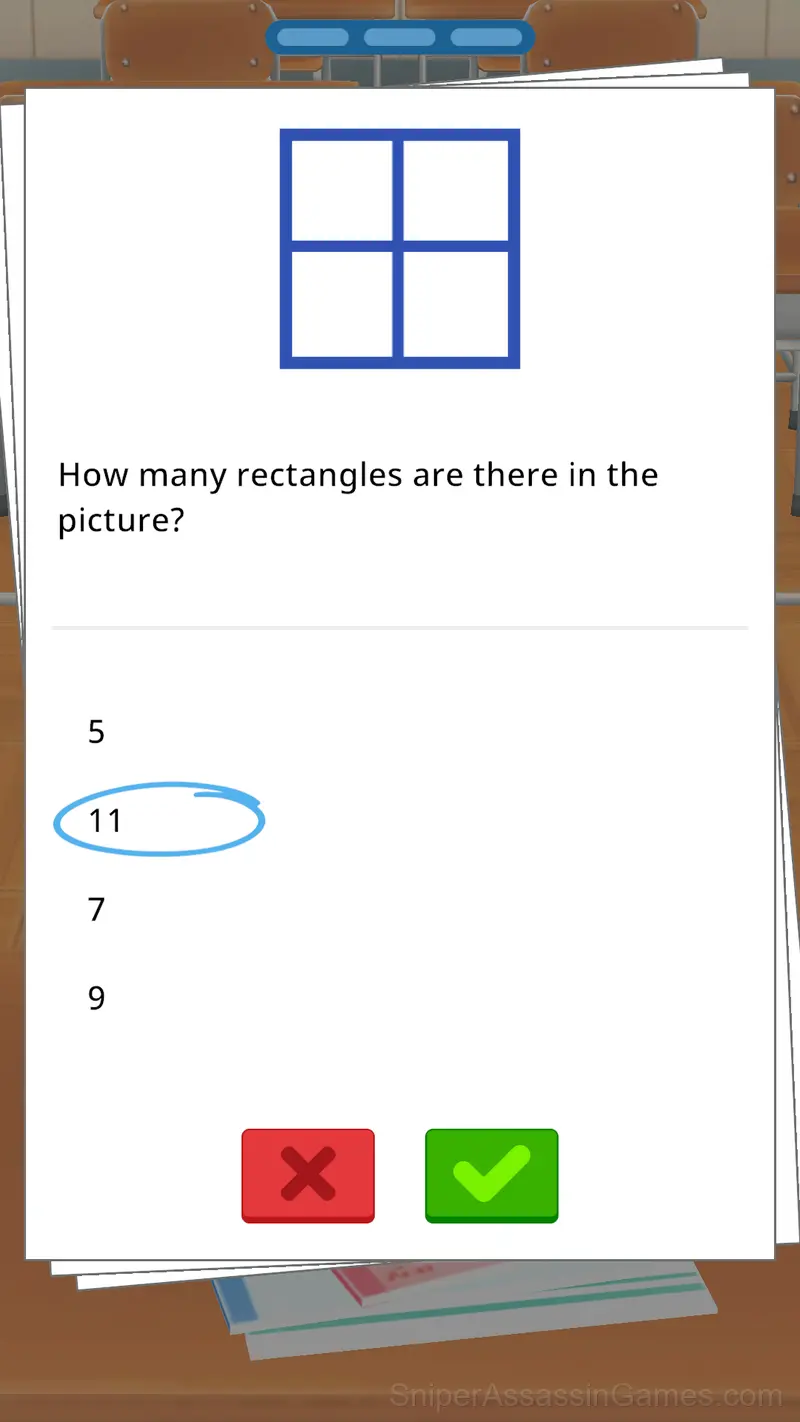
Welcome to the exciting world of school adventures! You will play in the interesting atmosphere of the classroom and try yourself as a real teacher. Your task is to ask students questions, choose the right answers and check their homework. Evaluate your knowledge and erudition by solving various puzzles - from the simplest to the real intellectual challenges.
Throughout the game, you will find not only interesting tasks, but also the opportunity to collect awards for success, striving for the title of the best teacher. Improve your skills, inspire students and demonstrate your teaching talents!
Are you ready to take on the challenge and become the most respected teacher in the school? Then go ahead, to new knowledge and achievements!
What You Get in Teacher Simulator
- Leaderboard support. Track your ranking against the community.
- Cloud save support. Pick up where you left off on any device.
- Portrait mode, optimized for mobile play.
- Rated 6+, family-friendly content.
- Free to play with optional in-game purchases.
The Gameplay
The puzzle progression in Teacher Simulator has a clear arc. Opening levels teach vocabulary. Middle levels build sentences. Late levels ask you to write paragraphs. The language stays consistent throughout.
The puzzle design in Teacher Simulator follows a teach-test-combine pattern. New mechanics get introduced in isolation, then levels start mixing them in ways that force you to think about interactions.
Where to Play Teacher Simulator
You can access Teacher Simulator from Windows PCs, Macs, Chromebooks, Linux machines, Android phones, iPhones, and iPads. It runs in Chrome, Firefox, Edge, and Safari using portrait (vertical) orientation.
Screenshots
Tips to Improve
- Try the opposite of what keeps failing. If you are playing aggressively and dying, play defensively. If you are playing cautiously and timing out, push forward. The answer is often the reverse of your instinct.
- Steady, clean play usually beats aggressive, risky play. Consistency compounds over time, and avoiding mistakes matters more than chasing big moments.
- If a solution seems impossibly complex, you are probably overthinking it. Step back and look for the simplest possible approach first.
- Spend the first few rounds learning the controls without chasing a high score. Getting comfortable with the inputs pays off more than early optimization.
- If two elements look similar, they probably interact. The game uses visual consistency to signal relationships between puzzle pieces.
Developer of Teacher Simulator
As a browser game, Teacher Simulator was built by In Game Too, originally released in June 2024. It is free and works across desktop and mobile without any setup.
How Teacher Simulator Works
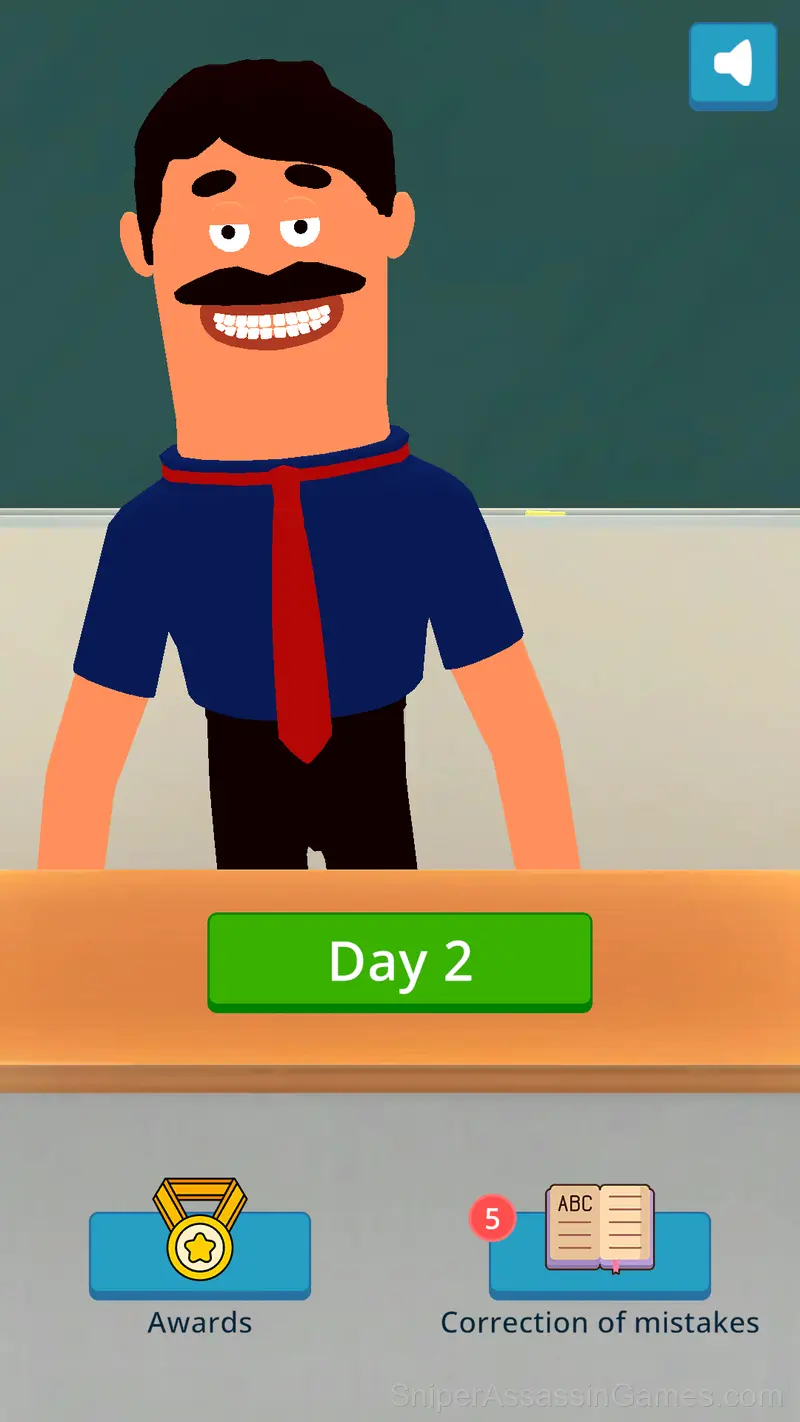
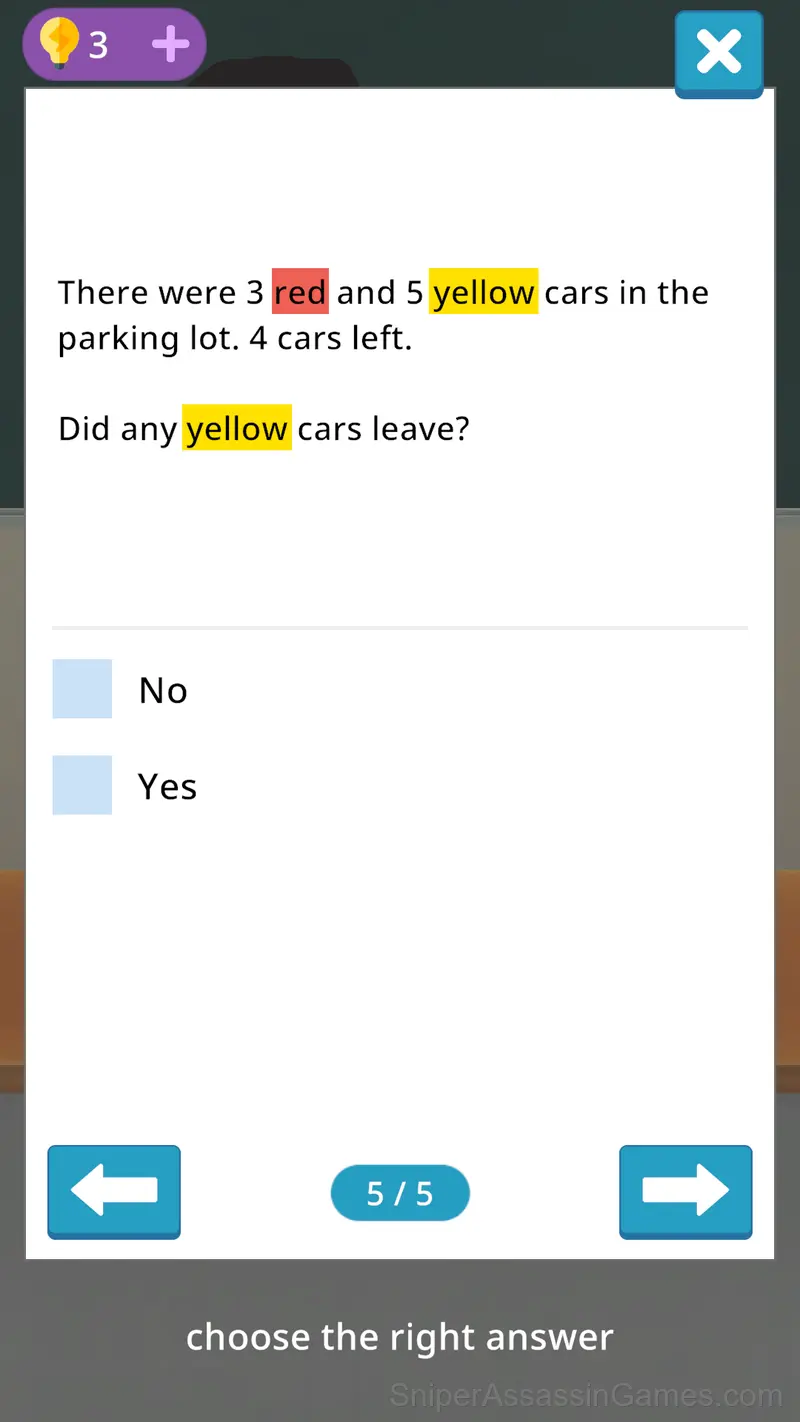
Ask students questions and check their answers.
After the lesson, don't forget to check their homework.
If a mistake was made, don't worry - you can fix it at the end of the game day.
Games Like Teacher Simulator
The following Puzzle Games share common ground with Teacher Simulator and are all playable for free in your browser:
- Sudoku Com
- Spot the Cat. Hidden Cats
- Clean the Room: Shelves and Objects Sorting
- DOP 3
- Thief. Crack the safe
- Number Games: Number Match
- A4 DOP - Erase the extra detail
- Number Match - Seeds
Play Teacher Simulator for Free
Teacher Simulator holds a 3.2 rating from 866 players. It is a free online puzzle game that runs in your browser on any device. No download or installation needed.