 SniperAssassinGames




























Robbie: Tower Simulator
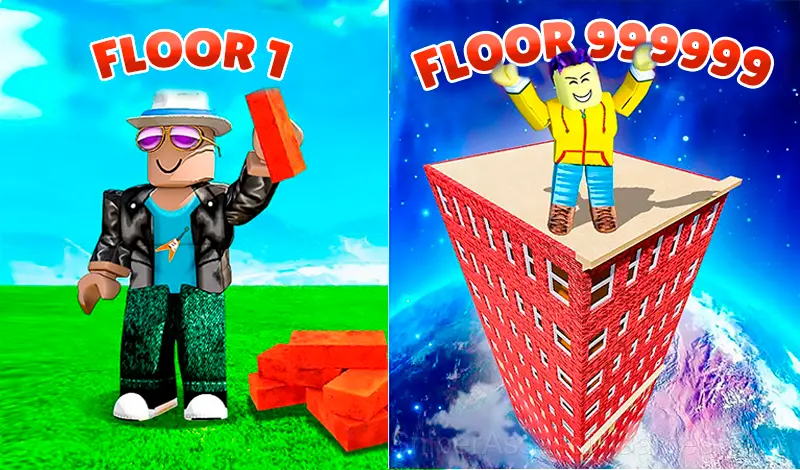
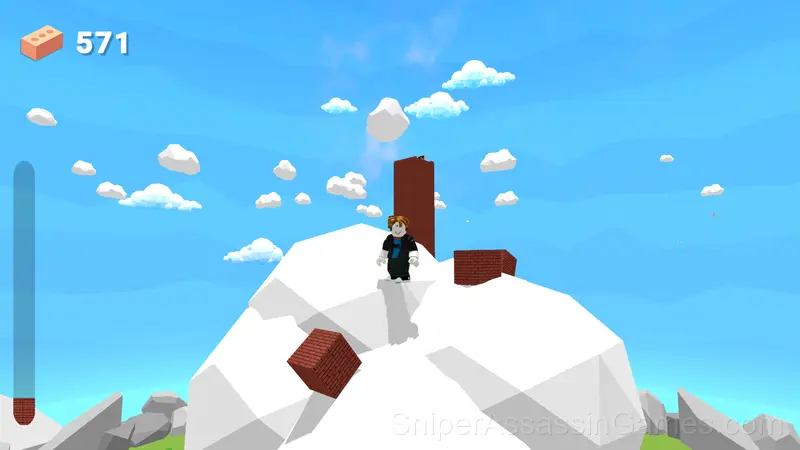
Join Robbie: Tower Simulator in his quest to build the tallest tower to the outer space! Every second your tower adds one block, but tap to speed up the process and climb faster. Help Robbie reach the sky.
About This Game
⚒️ Join Robbie: Tower Simulator in his quest to build the tallest tower to the outer space! Every second your tower adds one block, but tap to speed up the process and climb faster.
Help Robbie, reach the sky
Strange things happen when you leave...
up
and up
and up ...
💕 If you like the game, please support us! To do this, just leave a good review and describe what pleased you! ★★★★★;-)
✉️ If you find any bugs, please write to us and we will try to fix them quickly! Our goal is to make exciting and high—quality games!
Good luck!
Who Made Robbie: Tower Simulator?
The developer of Robbie: Tower Simulator is Ukun, originally released in May 2024. As a browser-based title, Robbie: Tower Simulator requires no download and runs on any device with a modern web browser. Ukun has made the game freely available to play online.
What to Expect
Robbie: Tower Simulator follows the best casual design principle: teach by doing, not by explaining. You figure out the mechanics through play, and by the third round you are already developing your own strategies.
Casual games live or die by their first impression, and Robbie: Tower Simulator makes those opening seconds count. The core mechanic clicks fast, and the progression system gives you reasons to come back.
Playing Robbie: Tower Simulator
PC management: 🖥️
ASDW: Character movement.
Mouse button: Camera rotation.
Mouse wheel: Zoom in and out.
Control on the phone: 📱
UI buttons for control.
A joystick for character movement.
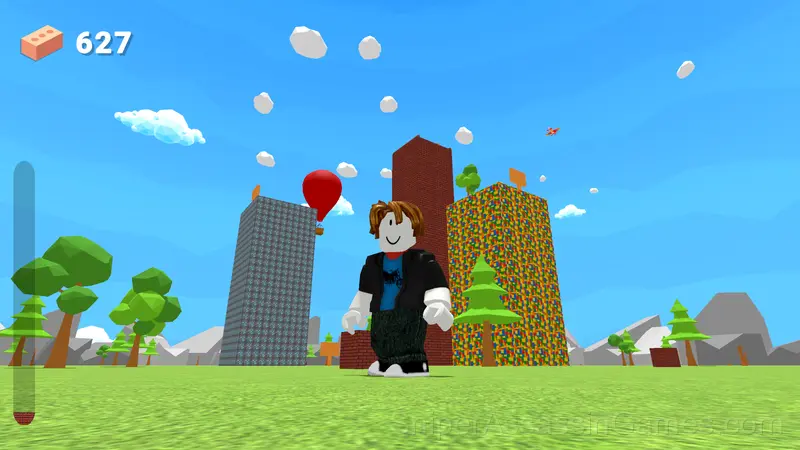
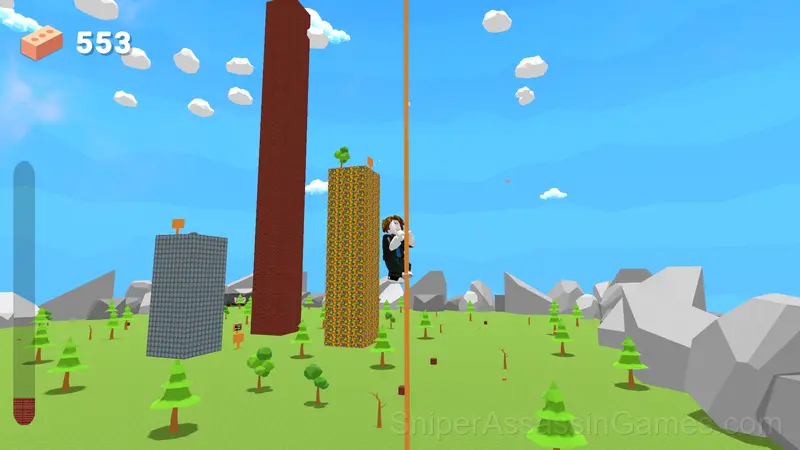
Screenshots

Where Can You Play?
You can play Robbie: Tower Simulator on virtually any device with a web browser. It supports Chrome, Firefox, Edge, Safari, and other modern browsers. The game plays in landscape (horizontal) orientation and works on PCs, Macs, Chromebooks, tablets, and smartphones running Windows, macOS, Linux, ChromeOS, Android, or iOS.
Strategies for Robbie: Tower Simulator
- The first few levels are not throwaway. They calibrate your understanding of the game's physics and timing.
- Do not restart immediately after a mistake. Play through and see how the game handles recovery. Sometimes there is a comeback mechanic you would miss by quitting early.
- Steady, clean play usually beats aggressive, risky play. Consistency compounds over time, and avoiding mistakes matters more than chasing big moments.
- Memorize the layout of the play area if the game reuses it. Spatial awareness is an advantage the game will not give you directly.
What You Get in Robbie: Tower Simulator
- Cloud saves. Your progress carries across devices and sessions.
- Rated 6+, family-friendly content.
- Free to play with optional in-game purchases.
- Designed for horizontal play, best experienced on desktop or tablet.
- Global leaderboards to compare your scores with other players.
Games Like Robbie: Tower Simulator
Players who like Robbie: Tower Simulator tend to enjoy these Casual Games as well. All of them are free to play in your browser:
- Stendof 2 Cases
- Game of Farmers
- Starr Drop Simulator
- Fish rain
- Brawl Box Stars Simulator
- Noob: Rocket to the moon
- Obby: The Hole Digger
- Antistress: Big Collection of Games
Play Robbie: Tower Simulator Online Free
Robbie: Tower Simulator is free, works in your browser, and has 1.8K player reviews with a 4.3 average. Open the page and play on any device.