 SniperAssassinGames



























Plants vs Zombies: Defense
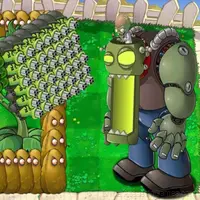
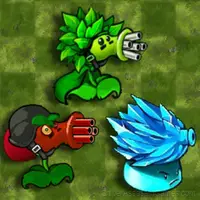
Your main goal is to protect your home from waves of zombies! There are several types of unique plants at your disposal, each of which has special abilities.
Plants vs Zombies: Defense: The Basics
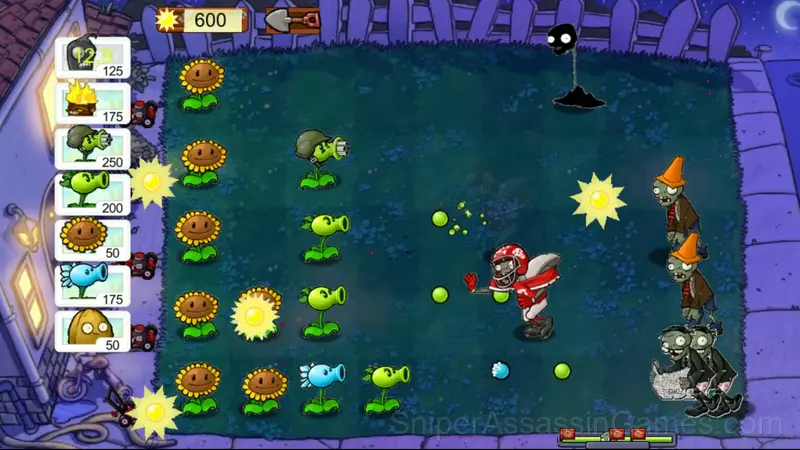
If the zombies reach the house, then you will lose. Various plants are used as protection.
Arrange the plants strategically to cover the most vulnerable areas and prevent
zombies from entering.
Each plant has unique abilities, so choose tactics depending on the situation.
Features in Plants vs Zombies: Defense
- In-game purchases for optional extras. Free to play without them.
- Landscape orientation, optimized for wider screens on desktop and tablet.
Platform Support
Plants vs Zombies: Defense runs in any modern web browser on desktop and mobile. Compatible browsers include Chrome, Firefox, Edge, Safari, and Opera. The game uses landscape (horizontal) orientation and works on Windows, macOS, Linux, ChromeOS, Android, and iOS devices. No plugins, extensions, or downloads are required.
Inside Plants vs Zombies: Defense
The difficulty curve in Plants vs Zombies: Defense never spikes. It moves in small increments, keeping first-time players comfortable and giving veterans enough resistance to stay interested.
There is a satisfying click-reward rhythm to Plants vs Zombies: Defense. Inputs map to outcomes in a way that feels natural, and the game builds on that foundation without breaking it.
Screenshots
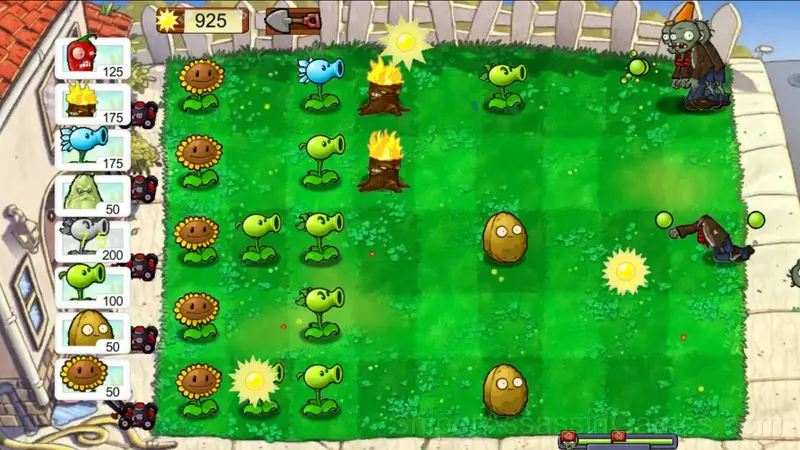
Behind Plants vs Zombies: Defense
Tan made Plants vs Zombies: Defense available for free browser play, originally released in November 2024. It runs on standard web technologies and does not require any plugins, downloads, or installations.
Getting Better at Plants vs Zombies: Defense
- If there are multiple modes or difficulty levels, start on default. It is tuned for first-time players and gives you the experience the developer intended.
- When you hit a wall, look for a mechanic you are underusing. The game usually gives you the tools before the challenge that requires them.
- Play a few complete rounds before looking up guides. Your own observations about the game's systems are more useful than generic advice written for someone else.
- Tap or click with intention. Random inputs might clear early levels, but they build bad habits that stall progress later.
- Steady, clean play usually beats aggressive, risky play. Consistency compounds over time, and avoiding mistakes matters more than chasing big moments.
Playing Plants vs Zombies: Defense
Before starting the game, select the most suitable plants.
To protect your home, plant plants with a paintbrush or with your finger.
Use a shovel to remove an unnecessary plant and plant a new one in its place.
Games Like Plants vs Zombies: Defense
Other Casual Games worth playing if you like Plants vs Zombies: Defense. Free, browser-based, no download or account needed:
- Plants Vs Zombie Hybrid Story Mod
- Plants vs. Zombies: New Map
- Plants VS Zombie: Protect Your Home
- Plants VS Zombie: Night
- Plants vs Zombies: A Journey
- Plants vs. Zombies: Fusion
- King's Army: Epic Battle
- Battle of Middle-earth: War of Survival
Try Plants vs Zombies: Defense Free
Rated 4.2 by 1.8K players, Plants vs Zombies: Defense is a free casual game you can play in your browser. No downloads. No accounts. Just the game.