 SniperAssassinGames


























Obby Tycoon: Farming Simulator
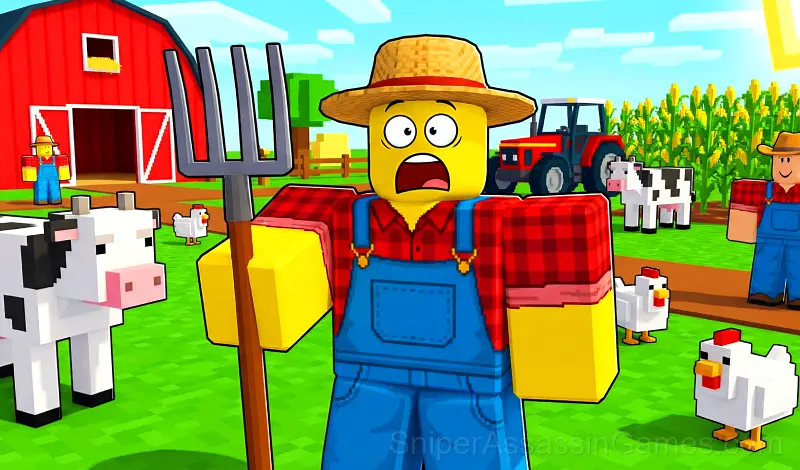
Obby Tycoon: Farming Simulator – a Roblox-style farming tycoon game Grow crops, ride animals,chop wood,catch fish and expand your thriving farm empire! Dive in!
Obby Tycoon: Farming Simulator at a Glance
Obby Tycoon: Farming Simulator invites you to try the immersive world of farm life in the style of Roblox. Grow crops, ride animals, chop wood, catch fish, and expand your thriving farm empire
Key Features:
🐮 Animal Care: Breed cows, pigs, chickens, and other adorable animals
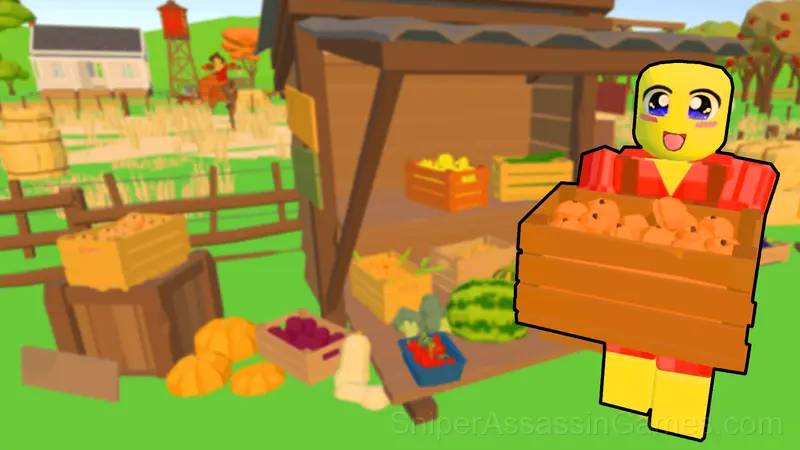
🌾 Cultivate Crops: Plant vegetables and fruits. Harvest your produce to earn valuable coins
🏠 Build and Decorate: Construct barns, greenhouses, and pens while adding unique touches to your farm
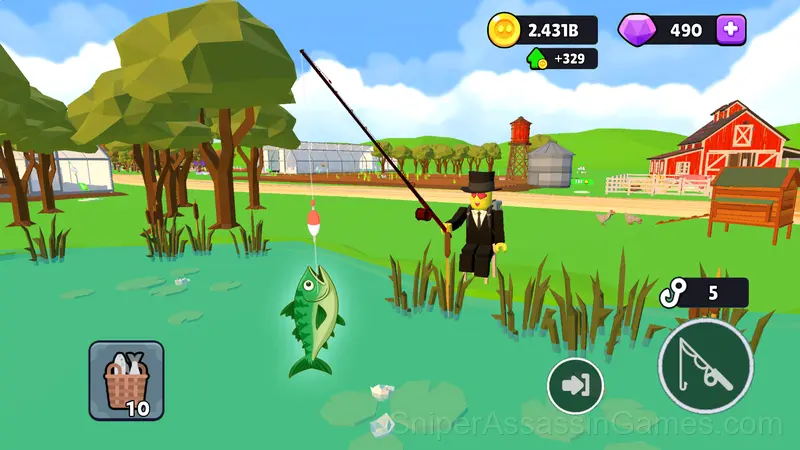
🎣 Fishing: Catch crucian carp and other fish in picturesque local ponds
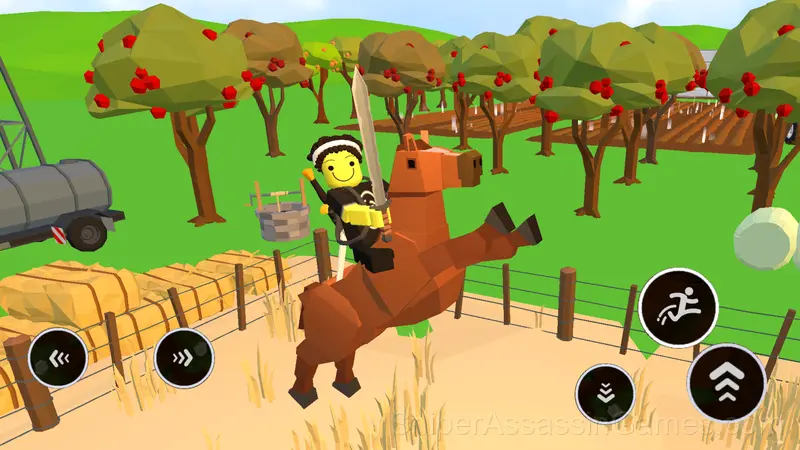
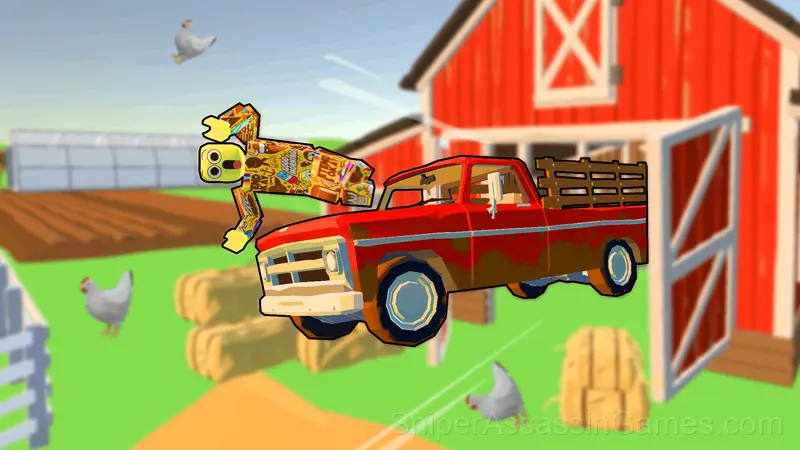
🚜 Farm Vehicles and Animals: Ride horses, bulls, or pigs — or take a tractor, pickup, or combine to complete tasks faster
🌳 Chop Wood: Venture into the forest to chop down trees and collect wood
💰 Become a Tycoon: Expand your farm into a thriving city to boost profits and claim your title as the ultimate tycoon
🎨 Customise: Personalize your character with colorful skins and loyal Roblox-style pets
Ready to grow your dream farm?
Platforms and Browsers
Obby Tycoon: Farming Simulator is playable on desktops, laptops, tablets, and phones through any modern browser. It uses landscape (horizontal) orientation and is compatible with Windows, macOS, Linux, ChromeOS, Android, and iOS. No app download or plugin installation is needed.
Feature List
- Free to play with optional in-game purchases.
- Cloud saves. Your progress carries across devices and sessions.
- Rated 6+, family-friendly content.
- Plays in landscape mode for a wider view of the game.
Screenshots
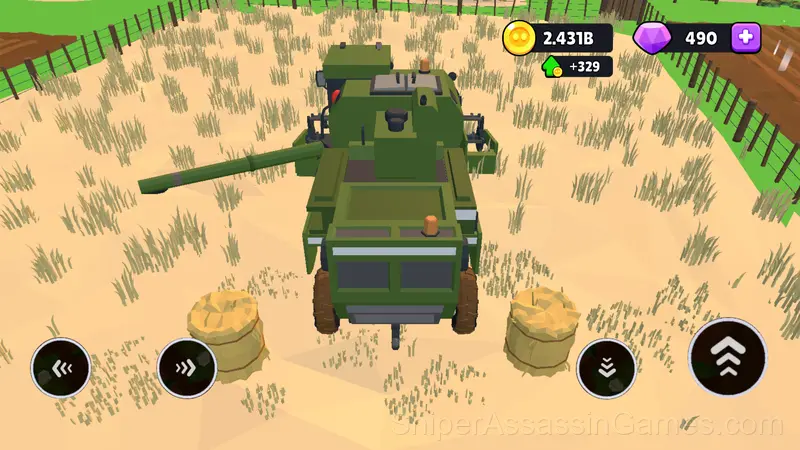
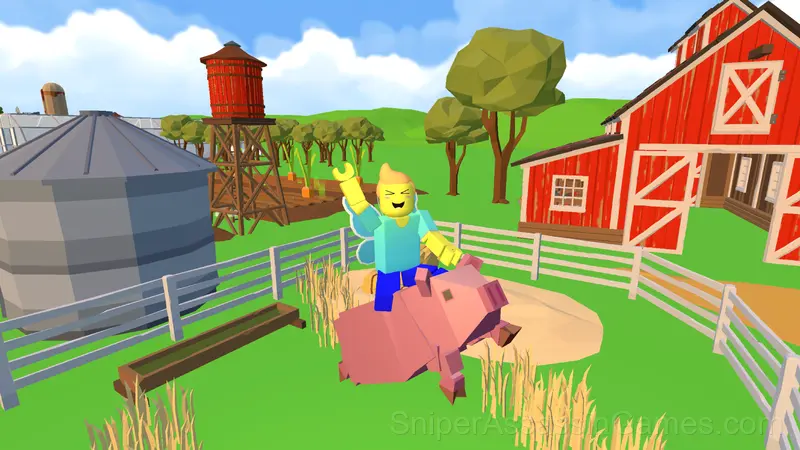
Developer Info
The team at Mechaurus built Obby Tycoon: Farming Simulator as a free browser game, originally released in December 2024. It loads directly in Chrome, Firefox, Edge, Safari, and other browsers on any desktop or mobile device.
Strategy Guide
- Learn the difference between what costs you progress and what costs you time. Avoiding the first is always more important than optimizing the second.
- When a new mechanic appears, use it immediately in a low-pressure situation. Build familiarity before the game puts you in a spot where you need it.
- The scoring system tells you what the designers value. If combos score highest, build combos. If accuracy scores highest, slow down.
- If the game has a tutorial, do it once properly. Skipping it and then struggling with basics wastes more time than the tutorial ever would.
- If there are multiple modes or difficulty levels, start on default. It is tuned for first-time players and gives you the experience the developer intended.
- Tap or click with intention. Random inputs might clear early levels, but they build bad habits that stall progress later.
Gameplay Details
One thing Obby Tycoon: Farming Simulator handles well is feedback. You always know whether your last move was good, bad, or average. That immediate response is what makes casual play sessions feel productive.
What works here is the pacing. Obby Tycoon: Farming Simulator introduces new elements at a rate that keeps you engaged without overwhelming you. Each session feels slightly different from the last.
Obby Tycoon: Farming Simulator Controls
➡️ How to Play:
On PC:
🔹 WASD - Move
🔹 Spacebar - Jump
🔹 Mouse + LMB - Adjust camera
🔹 LMB on Buttons - Perform actions (e.g., chop wood, fish, enter vehicles)
🔹 Camera Controls - Use the scale slider in settings
On Mobile:
🔹 Use the joystick and on-screen buttons for smooth gameplay.
➡️ Gameplay Overview:
🏠 Build and Expand:
Start small and unlock new areas by interacting with ground buttons displaying prices.
🌾 Grow Your Farm:
To plant crops, head to the glowing white indicator, choose a seed, and start farming!
🚜 Ride Animals and Vehicles:
Approach the vehicle or animal, then press the action button to jump aboard.
🦄 Unlock Skins and Pets:
Add flair to your adventure with fun skins for your character and charming pets to accompany you.
🌳 Chop Trees:
Go to the forest area and use the axe button to chop down trees for resources.
🎣 Go Fishing:
Engage in the fishing mini-game by pressing the hook at the right moment to reel in your catch.
Games Like Obby Tycoon: Farming Simulator
Here are more Casual Games that Obby Tycoon: Farming Simulator players tend to enjoy. All free, all browser-based:
- Stendof 2 Cases
- Game of Farmers
- Starr Drop Simulator
- Fish rain
- Brawl Box Stars Simulator
- Noob: Rocket to the moon
- Obby: The Hole Digger
- Antistress: Big Collection of Games
Try Obby Tycoon: Farming Simulator Free
Obby Tycoon: Farming Simulator has been reviewed by 2.1K players who gave it a 4.6 average. Play it free in your browser on desktop or mobile. No download, no registration.