 SniperAssassinGames


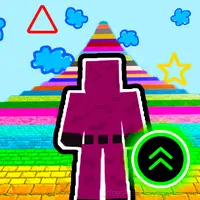
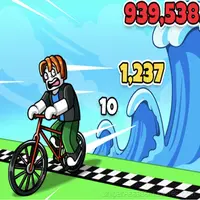
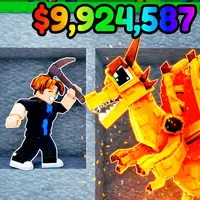
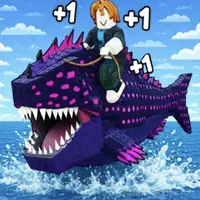
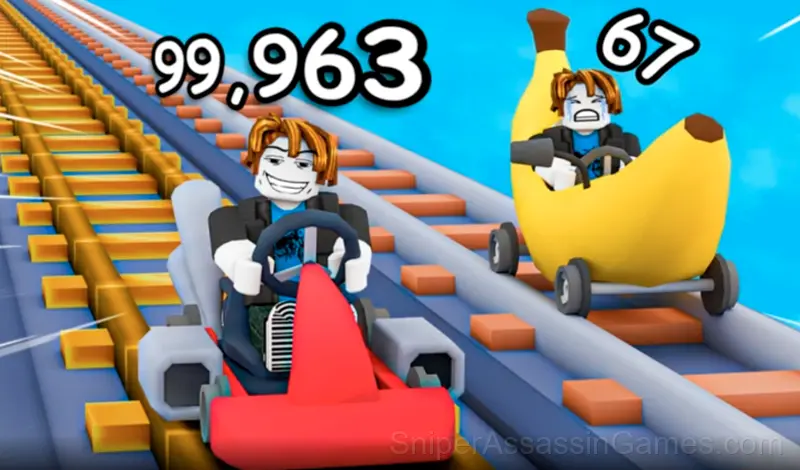
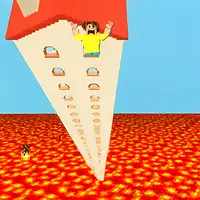
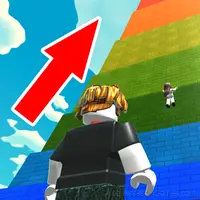

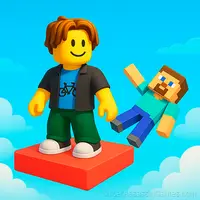








Obby: Climb Up and Slide Down on Minecarts
Ride your carts, collect money, and conquer the tracks! Upgrade your speed and handling, overcome challenges, and become the champion.
Introduction to Obby: Climb Up and Slide Down on Minecarts
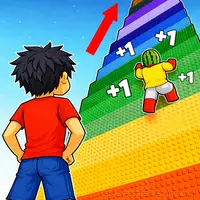
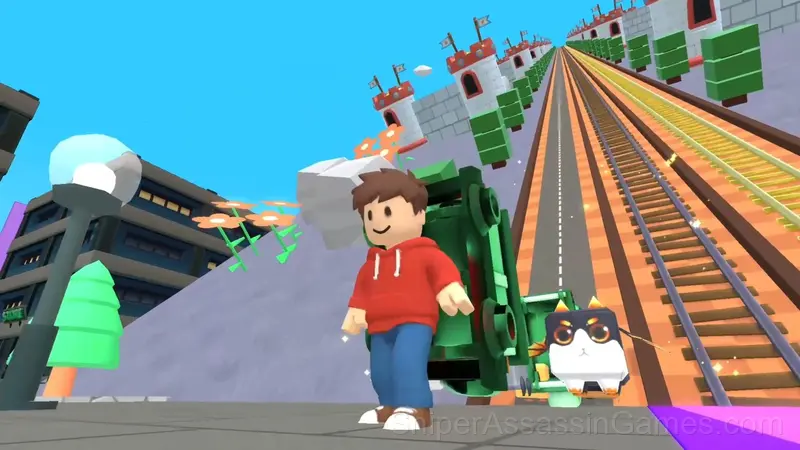
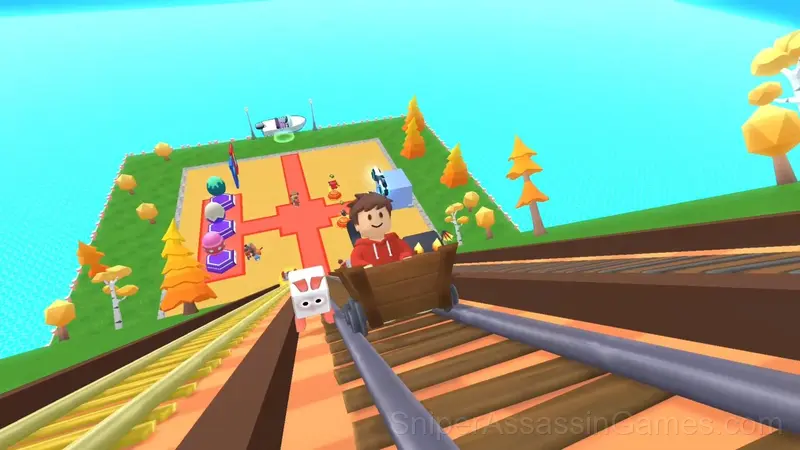
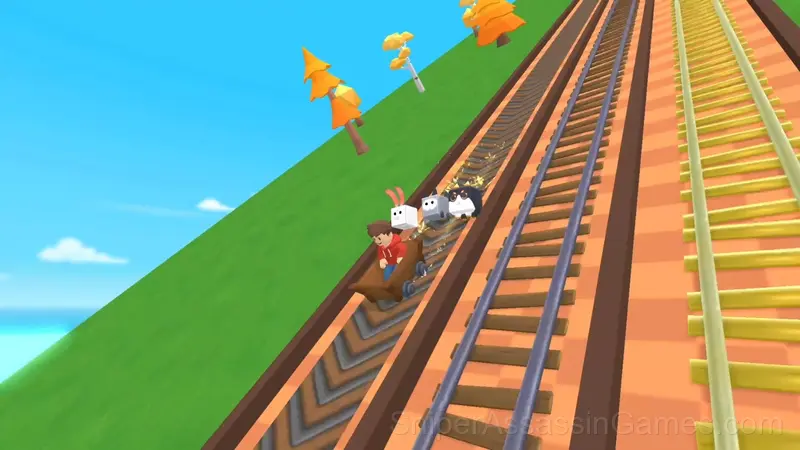
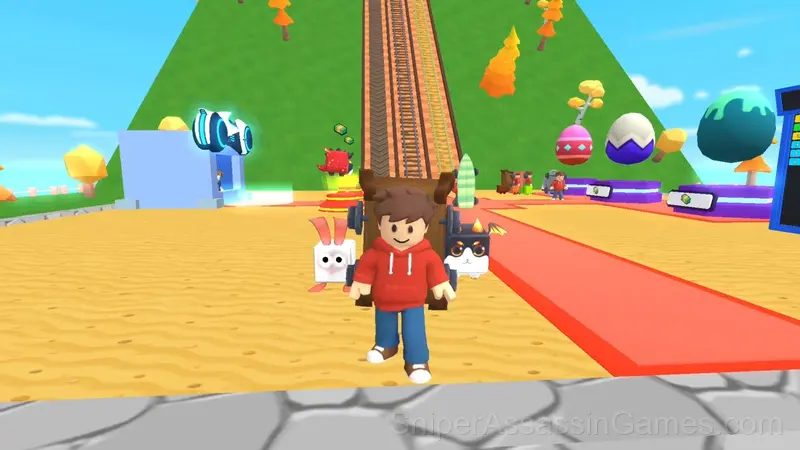
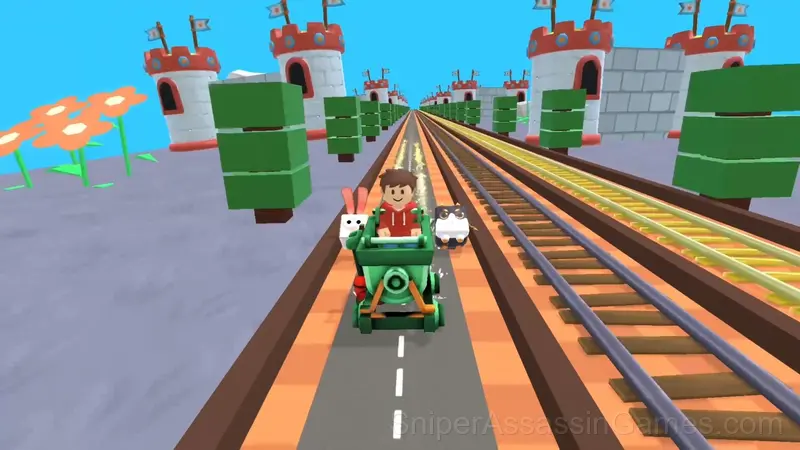
Welcome to an exciting game where you climb upward on carts, collect money, and upgrade your ride! Make your way through various levels and push your progress higher and higher.
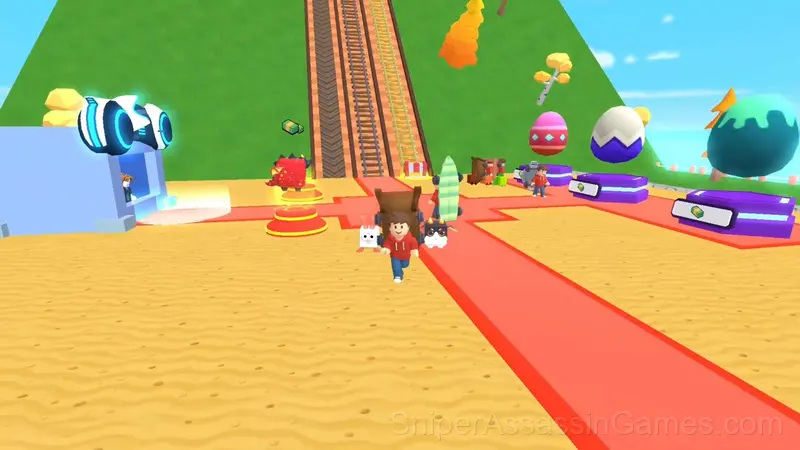
Each run earns you money that can be spent on a brand-new cart. The higher you climb, the more challenging the track becomes—but the rewards grow as well. Unlock new zones, explore diverse locations, and get stronger with every attempt.
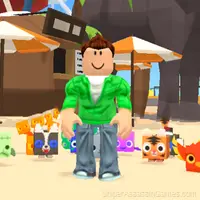
Adorable pets will accompany you on your journey. Collect a wide variety of pets, level them up, and use their unique abilities to complete levels faster and more efficiently.
Compete with friends for the best score, improve your skills, and prove that you are the ultimate rising racer!
Feature List
- Global leaderboards to compare your scores with other players.
- Age rating: 6+, appropriate for younger players.
- Landscape orientation, optimized for wider screens on desktop and tablet.
- Free to play with optional in-game purchases.
- Cloud saves. Your progress carries across devices and sessions.
How to Get Started
🎮 On PC
● WASD – Move
● Mouse – Camera control
📱 On Mobile
● Use the on-screen controls
● Drag anywhere on the screen – Camera control
Platforms and Browsers
Obby: Climb Up and Slide Down on Minecarts works on phones, tablets, laptops, and desktops. It is compatible with Chrome, Firefox, Edge, and Safari on Windows, macOS, Linux, ChromeOS, Android, and iOS. The game uses landscape (horizontal) orientation.
Developer Details
Serbull Studio is the studio behind Obby: Climb Up and Slide Down on Minecarts, originally released in December 2025. The game was built for browser play from the ground up, running on web technologies that work across devices. Players can access Obby: Climb Up and Slide Down on Minecarts for free on desktop computers, laptops, tablets, and mobile phones.
Getting Better at Obby: Climb Up and Slide Down on Minecarts
- Turn off notifications. Even a casual game session benefits from two minutes of undivided attention.
- Do not restart immediately after a mistake. Play through and see how the game handles recovery. Sometimes there is a comeback mechanic you would miss by quitting early.
- The first few levels are not throwaway. They calibrate your understanding of the game's physics and timing.
- Take breaks when frustration builds. Coming back after a few minutes often makes the solution or the right timing click naturally.
- If the game offers cosmetic rewards, ignore them until you are comfortable with the core mechanics. Progression systems can distract from actual skill development.
- Pay attention to what the scoring system rewards. Understanding the game's priorities helps you focus on the right actions.
- Try playing left-handed if the game allows it (or vice versa). It sounds odd, but changing your input hand can reveal patterns your dominant hand was autopiloting through.
What to Expect
Obby: Climb Up and Slide Down on Minecarts follows the best casual design principle: teach by doing, not by explaining. You figure out the mechanics through play, and by the third round you are already developing your own strategies.
Obby: Climb Up and Slide Down on Minecarts leans into simplicity without being boring. The surface level works fine for quick play. Underneath, there are scoring patterns and timing mechanics that reward attention.
Screenshots
Games Like Obby: Climb Up and Slide Down on Minecarts
Other Casual Games worth playing if you like Obby: Climb Up and Slide Down on Minecarts. Free, browser-based, no download or account needed:
- Obby: 1 Step = $1
- Obby: Dig Down
- Obby: World`s Tallest Roller Coaster
- Obby: Climb and Slide
- Robby +1 To Jump Power Per Click
- Robby +1 To Speed Per Click
- Robby +1 To Jump Power Per Jump
- Obby: Tsunami +1 speed
Play Obby: Climb Up and Slide Down on Minecarts Online Free
Play Obby: Climb Up and Slide Down on Minecarts free in your browser right now. With a 4.5 rating across 2.7K reviews, the game has a solid track record. No download, no account, no cost.