 SniperAssassinGames













Nextbots: Sandbox of Memes
Play the enhanced and web-browser adapted version of the Nextbots game mode from Garry's Mod — "Nextbots: Sandbox of Memes"!
What You Get in Nextbots: Sandbox of Memes
Try out the new version of the Nextbots game mode from Garry's Mod called "Nextbots: Sandbox of Memes", adapted to work in a web browser, along with new and interesting nextbots!
Nextbots from Garry's Mod offer a unique game mode that provides thrilling adventures in the world of nextbots and science fiction. In the enhanced and adapted-for-the-web-browser version of this mode, titled "Nextbots: Sandbox of Memes", even more exciting opportunities await you.
Now you can play in the world of nextbots right from your browser, without requiring the installation of additional applications or plugins. Enhanced graphics, intuitive controls, and lots of fun await you!
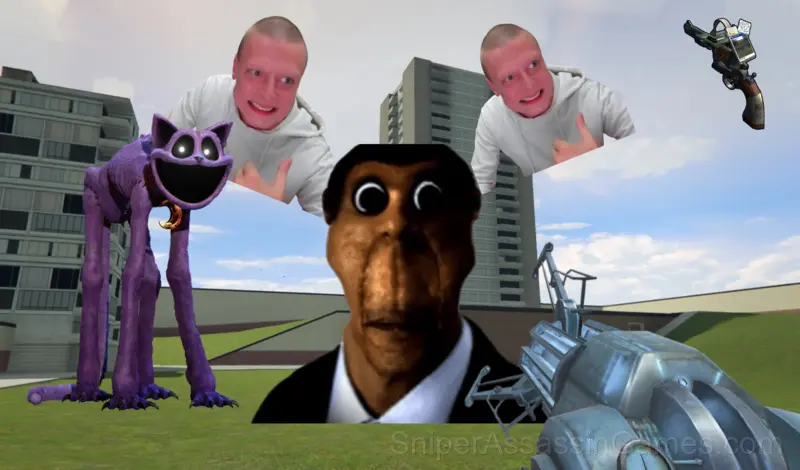
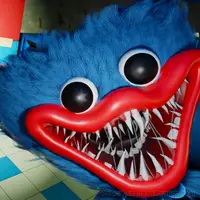
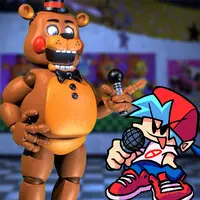
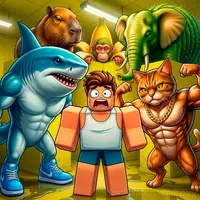
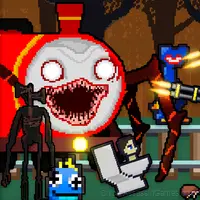
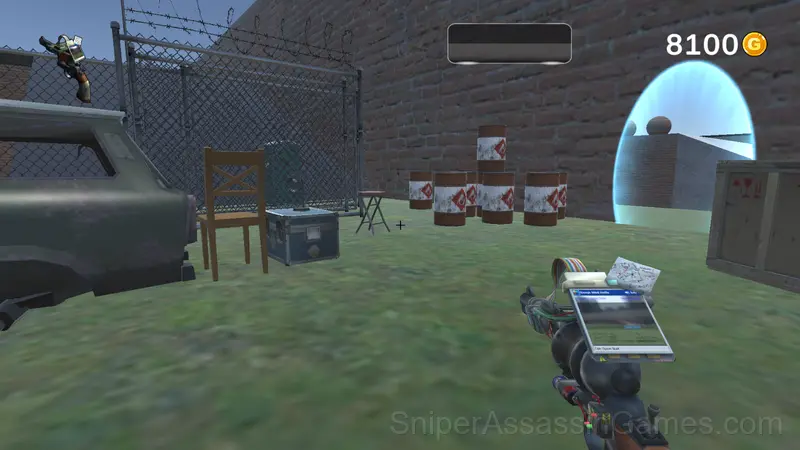
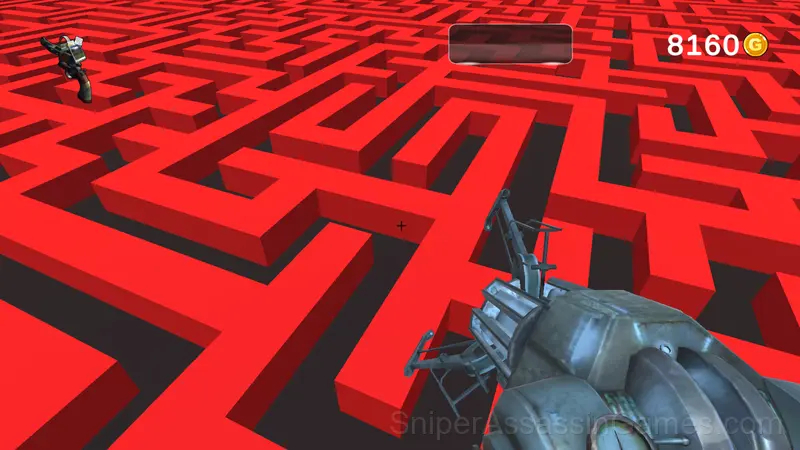
Screenshots
Nextbots: Sandbox of Memes Features
- Global leaderboards to compare your scores with other players.
- Landscape orientation, optimized for wider screens on desktop and tablet.
- Cloud saves. Your progress carries across devices and sessions.
- In-game purchases for optional extras. Free to play without them.
The Gameplay
Pattern recognition drives most of what happens in Nextbots: Sandbox of Memes. Obstacles, enemy spawns, item placements. They follow logic you can decode, and decoding them is half the game.
Speed is the variable that makes Nextbots: Sandbox of Memes interesting. Early on you have time to react. Later, the game compresses your decision window until you are playing on instinct, not thought.
Platform Support
Desktop and mobile devices both run Nextbots: Sandbox of Memes through the browser. Supported browsers are Chrome, Firefox, Edge, Safari, and Opera. The game uses landscape (horizontal) orientation. No downloads or plugins needed.
How to Play
PC Controls:
- Press the right mouse button to enable and use the mouse cursor.
- Use the keys W, A, S, D to move.
- Use the "space" key to jump.
- Use the "Q" key to activate the nextbot menu.
For mobile device controls, use the joystick for movement...
Strategy Guide
- Figure out what ends your runs most often. The most common failure point is usually the most valuable thing to improve.
- If the game offers cosmetic rewards, ignore them until you are comfortable with the core mechanics. Progression systems can distract from actual skill development.
- Memorize the sections that kill you most. Targeted practice on weak spots improves your runs faster than just replaying from the start.
- If the game has a tutorial, do it once properly. Skipping it and then struggling with basics wastes more time than the tutorial ever would.
Behind Nextbots: Sandbox of Memes
The team at QroutsDepletingEntertainment built Nextbots: Sandbox of Memes as a free browser game, originally released in March 2024. It loads directly in Chrome, Firefox, Edge, Safari, and other browsers on any desktop or mobile device.
Games Like Nextbots: Sandbox of Memes
If you enjoy Nextbots: Sandbox of Memes, these free online Arcade Games are worth checking out. Each one shares similar gameplay elements while bringing its own twist to the genre:
- FNF vs Sonic.EXE
- Friday Night Funkin Lullaby
- Friday Night Funkin Halloween Pack
- Impostor but Huggy Wuggy
- The Backrooms: Meeting with Shrek Wazowski
- Shrek: ESCAPE from the swamp
- NEXTBOTS: Sandbox
- Friday Night Funkin vs Herobrine Reborn 2.0
Try Nextbots: Sandbox of Memes Free
Nextbots: Sandbox of Memes is free, works in your browser, and has 10K player reviews with a 4.1 average. Open the page and play on any device.