 SniperAssassinGames













My Tamagotchi
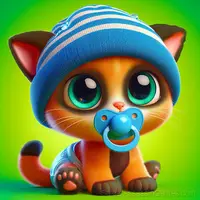
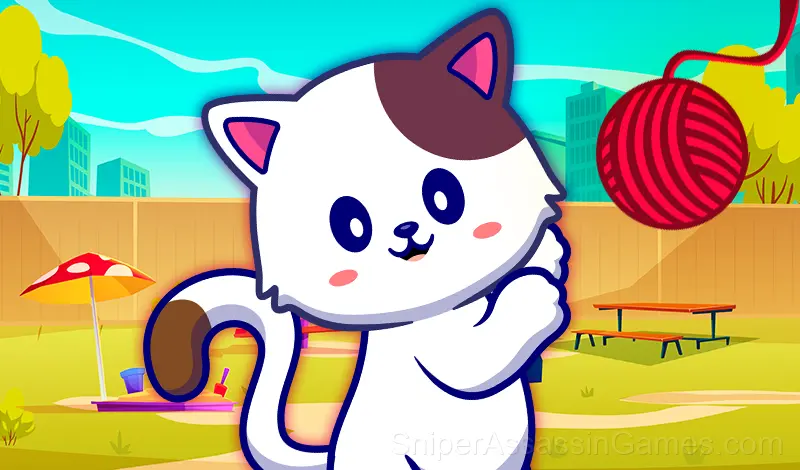
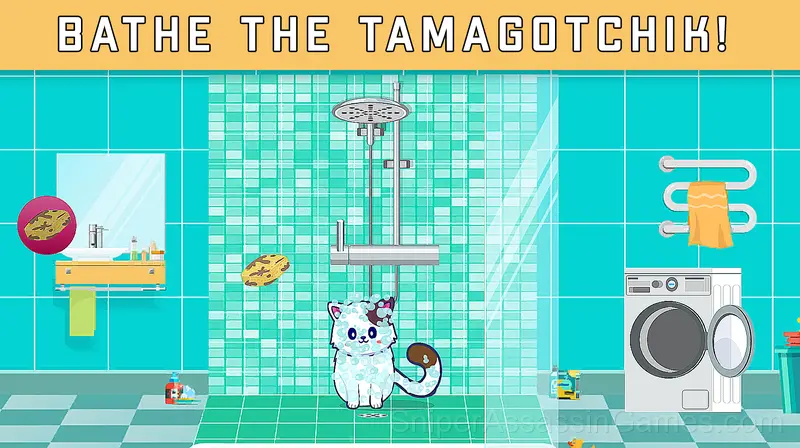
The game "My Tamagotchi" is about your new pet, like in the old children's toy "Tamagotchi". This is a cat that you need to take care of, go fishing, play with.
What is My Tamagotchi?
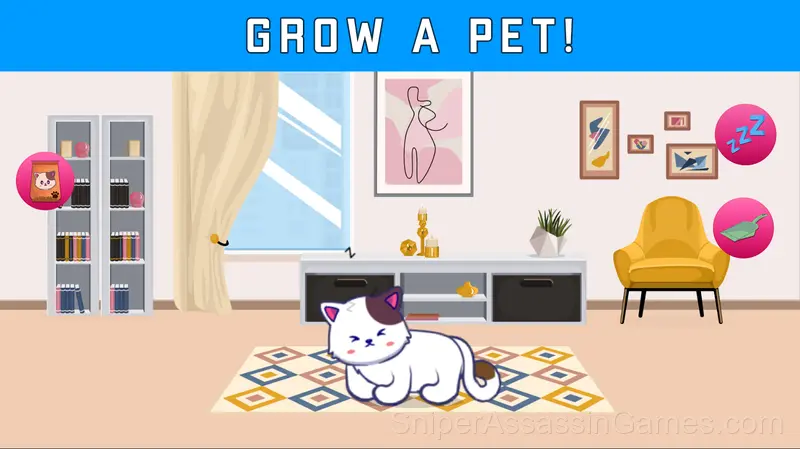
Tamagotchi is your online pet that needs to be looked after in order to grow.
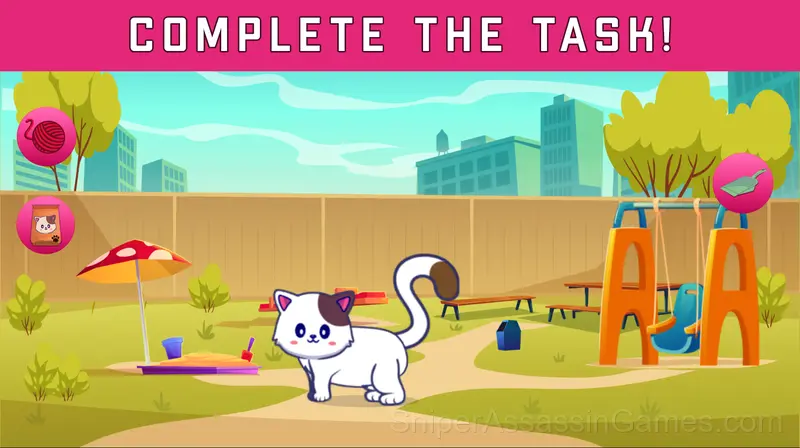
Keep track of your cat's vital signs and mood. Complete tasks and catch rodents.
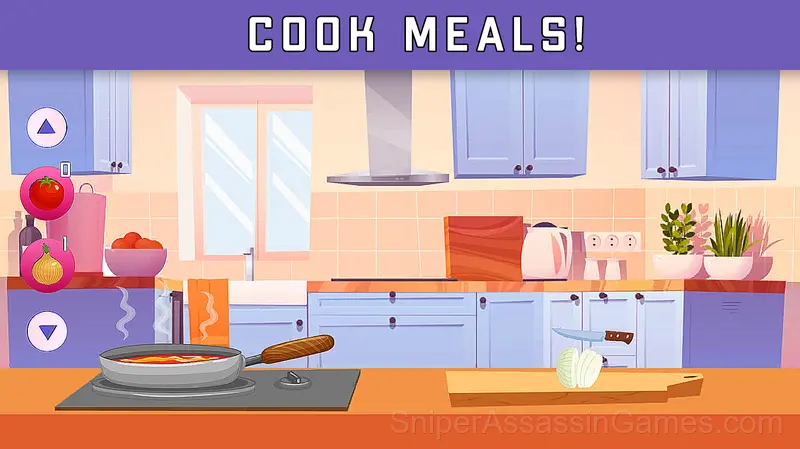
Feed, play and put the cat to bed on time so that he is happy and satisfied.
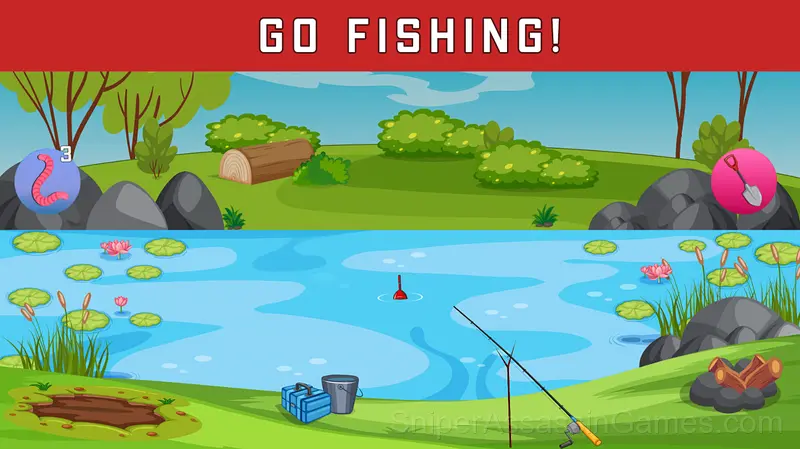
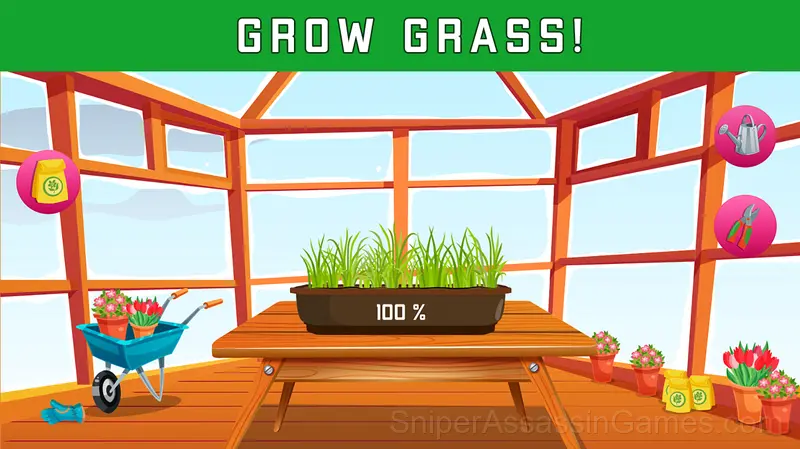
You can fish with Tamagotchik, relax in nature and grow healing plants for your pet!
Try to complete as many days as possible to get the highest level!
Get to know your new pet!
Developer of My Tamagotchi
The developer Layaa released My Tamagotchi for browser-based play, originally released in March 2023. The game is free and accessible on desktop and mobile devices.
Supported Platforms
My Tamagotchi runs in any modern web browser on desktop and mobile. Compatible browsers include Chrome, Firefox, Edge, Safari, and Opera. The game uses landscape (horizontal) orientation and works on Windows, macOS, Linux, ChromeOS, Android, and iOS devices. No plugins, extensions, or downloads are required.
My Tamagotchi Feature Rundown
- Optional in-game purchases available. The core game is free.
- Leaderboard support. Track your ranking against the community.
- Cloud save support. Pick up where you left off on any device.
- Age rating: 0+, appropriate for younger players.
- Landscape orientation, optimized for wider screens on desktop and tablet.
Screenshots
How to Play
Use your mouse or touch the screen to interact with Tamagotchi and objects.
Take care of Tamagotchi and complete daily tasks. Your task is to keep his performance normal so that he feels good.
Try to get through as many days as possible!
How My Tamagotchi Feels to Play
What makes My Tamagotchi stick is the gap between 'I can finish this' and 'I can finish this well.' The game is completable with basic skills, but mastery requires real engagement with its systems.
My Tamagotchi teaches through play rather than instruction. Mechanics are introduced through gameplay situations, and by the time you encounter a real challenge, you have already practiced the solution without realizing it.
My Tamagotchi Tips
- If there are multiple modes or difficulty levels, start on default. It is tuned for first-time players and gives you the experience the developer intended.
- When you hit a wall, look for a mechanic you are underusing. The game usually gives you the tools before the challenge that requires them.
- Test the edges of each mechanic. Move in directions the game does not suggest. Interact with things that look static. The boundaries tell you a lot about how the game works.
- Audio cues exist for a reason. Play with sound on at least once to learn what the game communicates through audio versus visuals.
- Spend the first few rounds learning the controls without chasing a high score. Getting comfortable with the inputs pays off more than early optimization.
Games Like My Tamagotchi
Enjoyed My Tamagotchi? These related Kids Games offer similar gameplay and are all free to play with no download:
- Coloring Book for Kids
- Toca Boca Your House
- Cat house. My dear friend kitten.
- Lalafanfan Duck Stylist: Dress Up
- Games for girls: Surprise Egg
- Draw a Pony: ASMR coloring book
- Cat Coloring Game
- My Jelly Bear Pet
Jump Into My Tamagotchi
My Tamagotchi holds a 4.5 rating from 13K players. It is a free online kids game that runs in your browser on any device. No download or installation needed.