 SniperAssassinGames



Monsters Family Dress Up
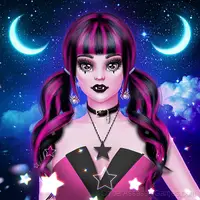
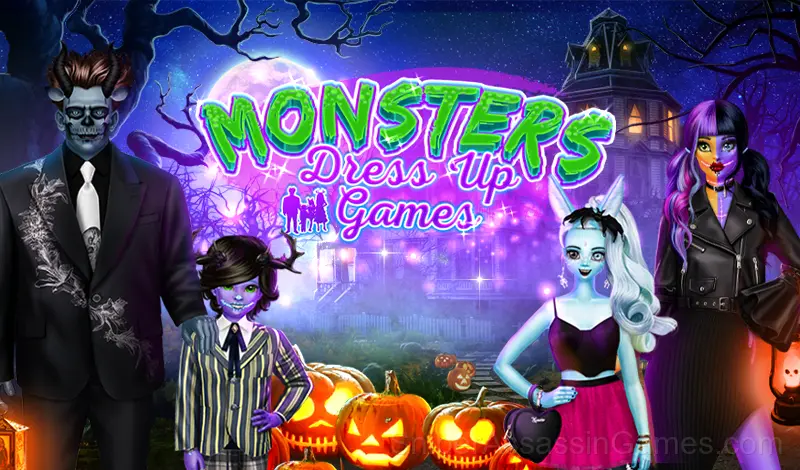
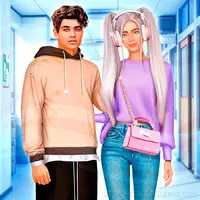
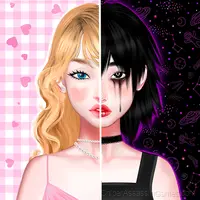
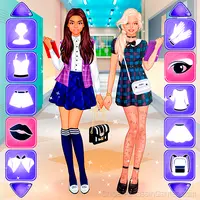
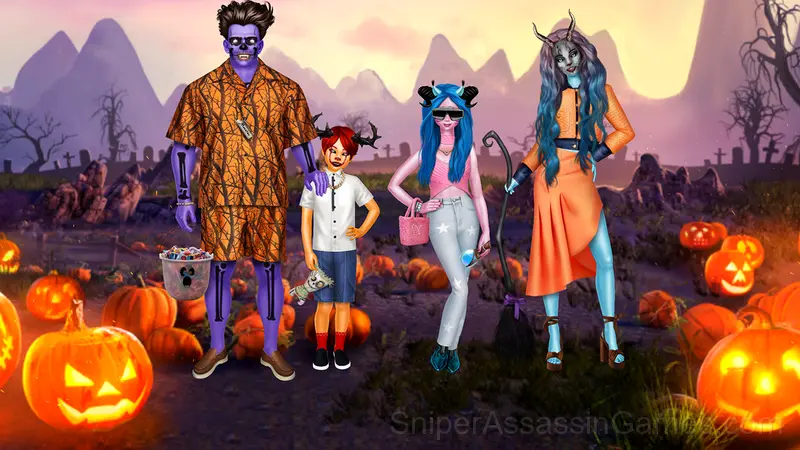
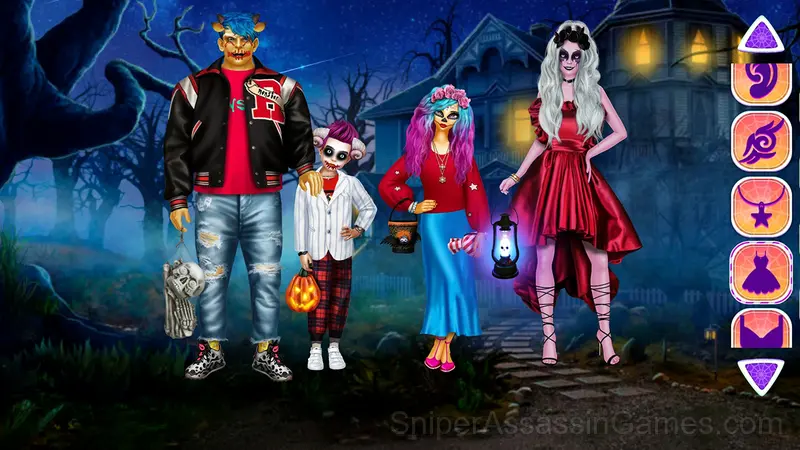
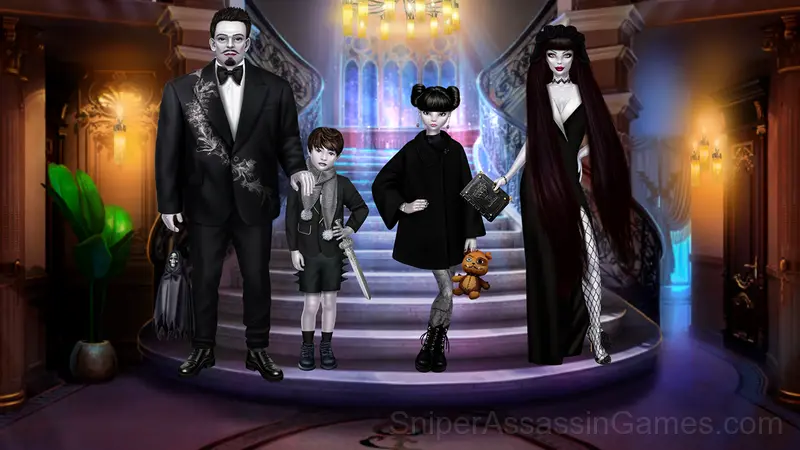
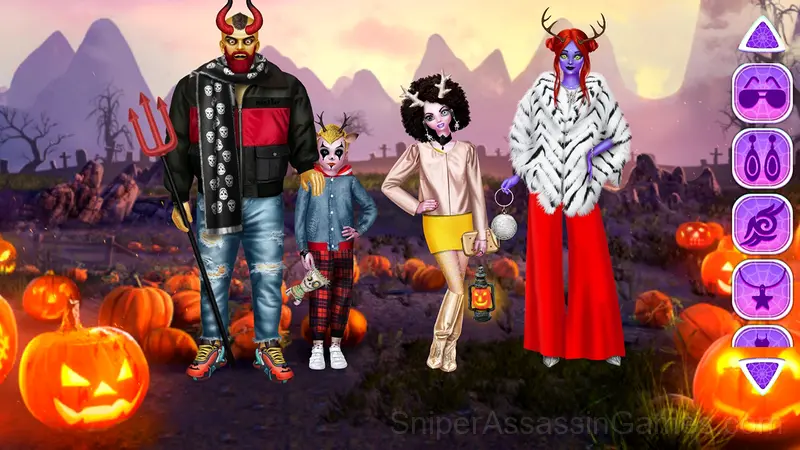
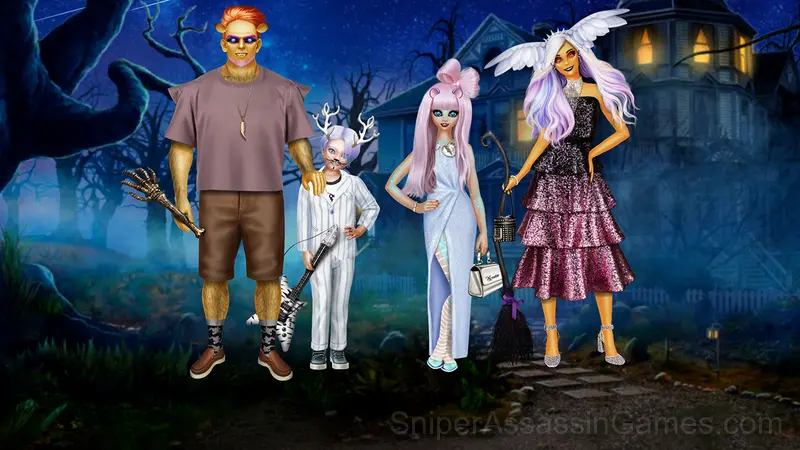
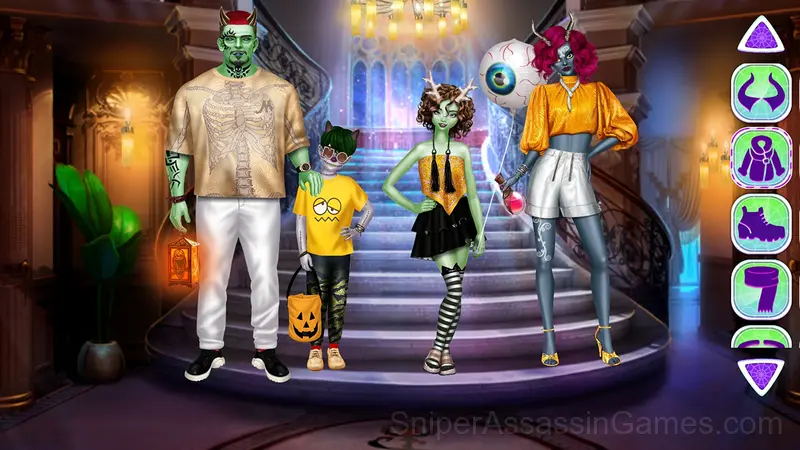
Live monster maker: family makeover in Halloween games. Monsters’ beauty shop! Incredible family dress up and makeover games for girls and boys. Use this monster maker to dress up superstar family of monsters for Halloween party or monstrous fashion show.
What is Monsters Family Dress Up About?
🧛♀🧞♀ REALISTIC MONSTER MAKER 🧛🧝🏻♀
🎃 4 realistic animated dolls + fabulous monstrous backgrounds
🎃 Advanced monster creator: each creature is highly customizable👽
🎃 High fashion for monsters: designer clothes, unique selection for each monster
🎃 Monster style features in beauty shop: decorate and invent new monster model
🎃 Dress up and makeover live portraits, save pictures
🎃 Creepy accessories: horns, ears, teeth, spooky which craft attributes 🧙♀
You’ll fall in love with monsters and family dress up if you are a fan of Halloween games, monster girl maker, vampire, witch or goth dress up games, monster beauty shops. Use your dark creativity using horns, tails, wings, and other magical features. Make them look funny or spooky and try to combine different monstrous features. It's so fun, you can't stop creating fantastic monsters ever after. Monster makeup and features help you make freakishly pretty creatures.
Gameplay Breakdown
Monsters Family Dress Up strips away everything that does not serve the core gameplay. No lengthy tutorials, no forced cutscenes. Just the game, presented cleanly.
What works here is the pacing. Monsters Family Dress Up introduces new elements at a rate that keeps you engaged without overwhelming you. Each session feels slightly different from the last.
Supported Platforms
Monsters Family Dress Up loads in all major browsers: Chrome, Firefox, Edge, Safari, Opera. It uses landscape (horizontal) orientation and runs on every major operating system including Windows, macOS, Linux, ChromeOS, Android, and iOS.
Screenshots
Game Features
- Optional in-game purchases available. The core game is free.
- Plays in landscape mode for a wider view of the game.
Getting Started
Start Halloween makeover of 4 monsters: dress up girl and boy, then, then start dressing parents. You can style spooky dolls in one monster fashion as werewolves, vampires, aliens or witches, or makeup and dress up each one completely different. It's up to ...
Who Built Monsters Family Dress Up?
Игры для девочек developed Monsters Family Dress Up for web browsers, originally released in September 2022. The game runs on desktop and mobile devices without needing a download. Игры для девочек distributes it as a free-to-play title.
Tips to Improve
- Steady, clean play usually beats aggressive, risky play. Consistency compounds over time, and avoiding mistakes matters more than chasing big moments.
- If the game has daily challenges, do them. They force you into situations you would not choose on your own, and that builds flexibility.
- Do not restart immediately after a mistake. Play through and see how the game handles recovery. Sometimes there is a comeback mechanic you would miss by quitting early.
- When you hit a wall, look for a mechanic you are underusing. The game usually gives you the tools before the challenge that requires them.
Games Like Monsters Family Dress Up
Other Casual Games worth playing if you like Monsters Family Dress Up. Free, browser-based, no download or account needed:
- Fashion Superstar Career
- Monster Girl Dress Up
- Fashion Blogger Dress Up
- Beauty Salon: Makeover & Dress Up
- Fashion Princess - Dress Up for Girls
- College Girls Team Makeover
- Dress-Up Marinette & Friends
- Ladybug Hair Salon
Start Monsters Family Dress Up Now
With 1.8K reviews and a 4.4 average, Monsters Family Dress Up has proven its staying power as a free online casual game. It loads instantly in your browser and requires no download or account creation to play.