 SniperAssassinGames






















Minesweeper Online
Minesweeper Online is a classical logic game. It is one of the old Windows games such as a "Klondike", "Spider" and "Solitaire". You can play this game free online. Good luck in the game!
What is Minesweeper Online?
Minesweeper Online is a classical logic game. It is one of the old Windows games such as a "Klondike", "Spider" and "Solitaire".
Find all mines and defuse the minefield.
Challenge youself at different difficulty levels.
Play this classical puzzle game online for free. Save your records and reach the top of the leaderboard!
Good luck in the game!
How to Play Minesweeper Online
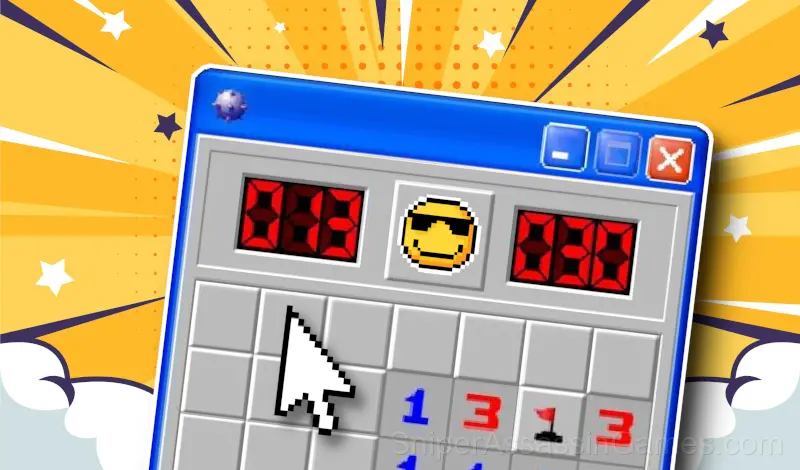
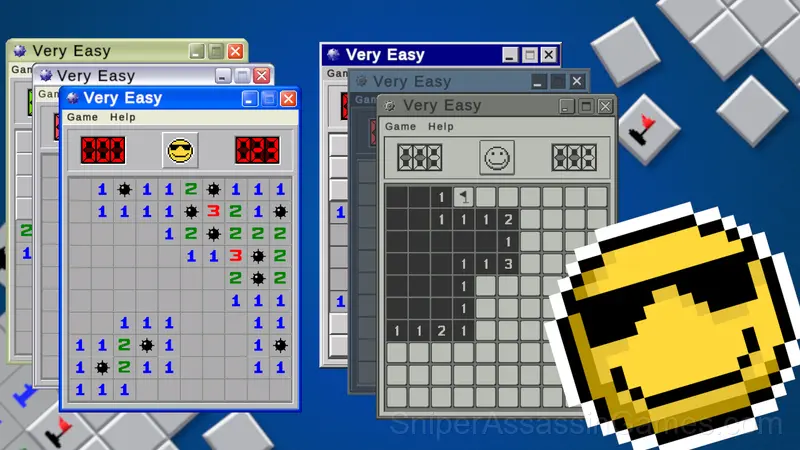
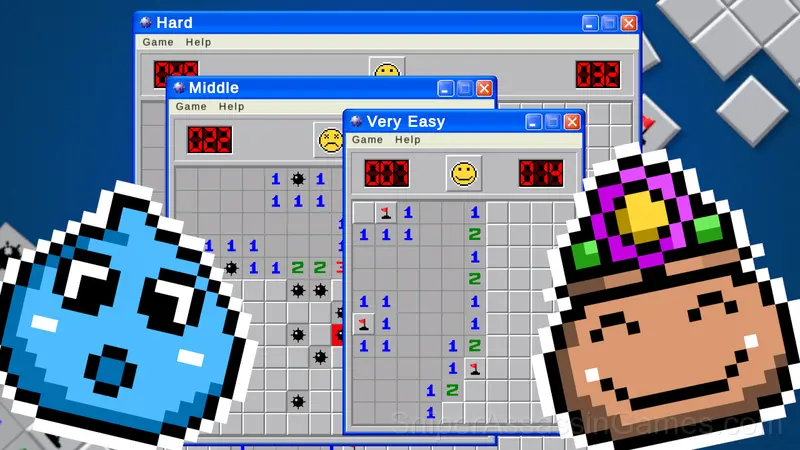
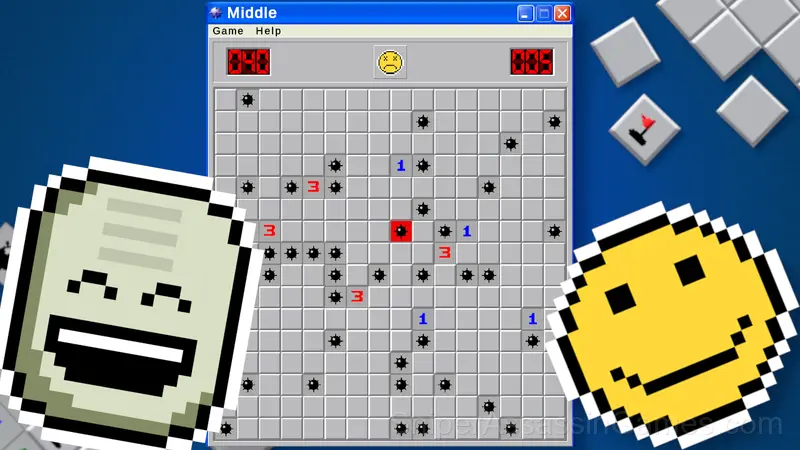
- Click left mouse button to open a square. If you click on a non-bomb area, the square will either open up to be blank, or will contain a number from 1 to 8.These numbers specify the number of bombs that are adjacent to that block. 1 means there is only 1 bomb adjacent to it, while 8 would mean all blocks adjacent to it are bombs.
- Click right mouse button to set a flag on a square. Click right mouse button again to remove a flag.
- Open all blank squares or mark all mines by flags to win.
Strategy Guide
- Do not restart immediately after a mistake. Play through and see how the game handles recovery. Sometimes there is a comeback mechanic you would miss by quitting early.
- Short sessions add up. Playing for five minutes several times is often better for improvement than one long sitting.
- When a new mechanic appears, use it immediately in a low-pressure situation. Build familiarity before the game puts you in a spot where you need it.
- Memorize the layout of the play area if the game reuses it. Spatial awareness is an advantage the game will not give you directly.
Behind Minesweeper Online
Minesweeper Online was created by Toxic Pixels and released as a free online game, originally released in August 2021. It runs in your browser on any device.
Screenshots
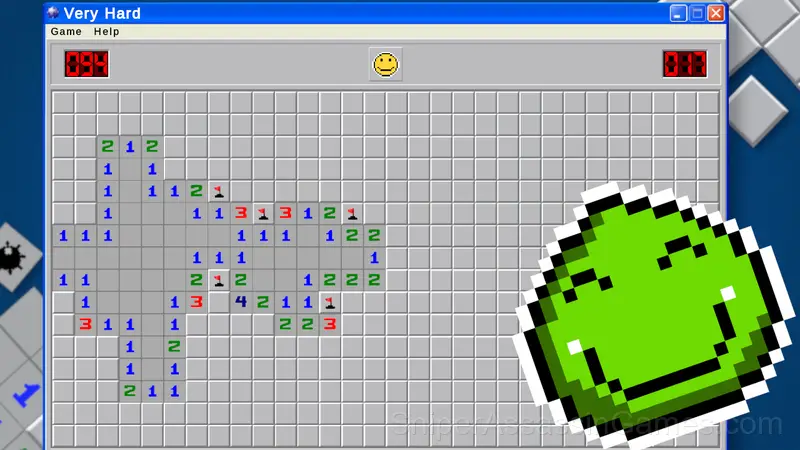
Minesweeper Online Feature Rundown
- In-game purchases for optional extras. Free to play without them.
- Global leaderboards to compare your scores with other players.
- Age rating: 6+, appropriate for younger players.
- Cloud saves. Your progress carries across devices and sessions.
- Built for vertical screens. Plays naturally on phones.
Platform Support
You can play Minesweeper Online on virtually any device with a web browser. It supports Chrome, Firefox, Edge, Safari, and other modern browsers. The game plays in portrait (vertical) orientation and works on PCs, Macs, Chromebooks, tablets, and smartphones running Windows, macOS, Linux, ChromeOS, Android, or iOS.
Gameplay
Most casual games lose players after a few days. Minesweeper Online resists that by introducing micro-variations that keep the core loop from feeling repetitive, even across dozens of sessions.
There is a satisfying click-reward rhythm to Minesweeper Online. Inputs map to outcomes in a way that feels natural, and the game builds on that foundation without breaking it.
Games Like Minesweeper Online
Here are more Casual Games that Minesweeper Online players tend to enjoy. All free, all browser-based:
- Draw path to home
- Goods Sort: Matching Items by Shelves
- Piece of Cake
- DOP: Erase One Part
- Help Me: Tricky Story of Puzzles
- Sudoku Com
- Blocks and that's it
- Ultimate Sudoku
Jump Into Minesweeper Online
Minesweeper Online does what a good free online casual game should: it is fast to load, easy to pick up, and engaging enough to keep 5.3K players coming back. Play it in your browser. No download needed.