 SniperAssassinGames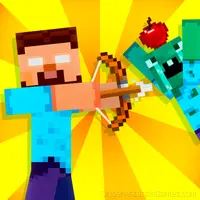



Mine: Mini-Games
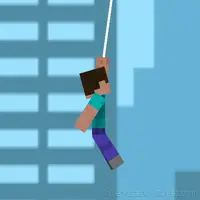
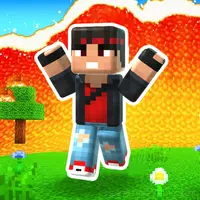
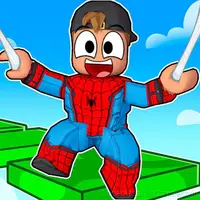
Mine: Mini-Games is a unique game inspired by popular titles like Minecraft and Roblox. Compete in 3 different modes: Skyrace, Building Battle, Hide-and-Seek 💥
About This Game
🎮 «Mine: Mini-Games»
Where Minecraft meets Roblox, and chaos becomes art!
Try to defeat everyone in three crazy modes:
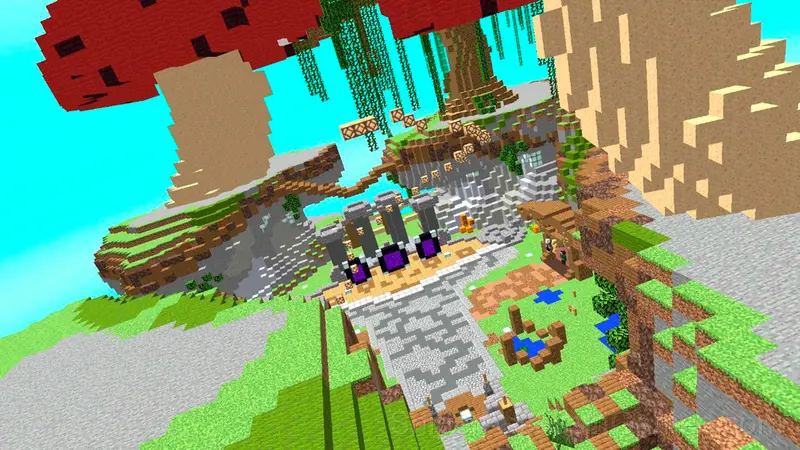
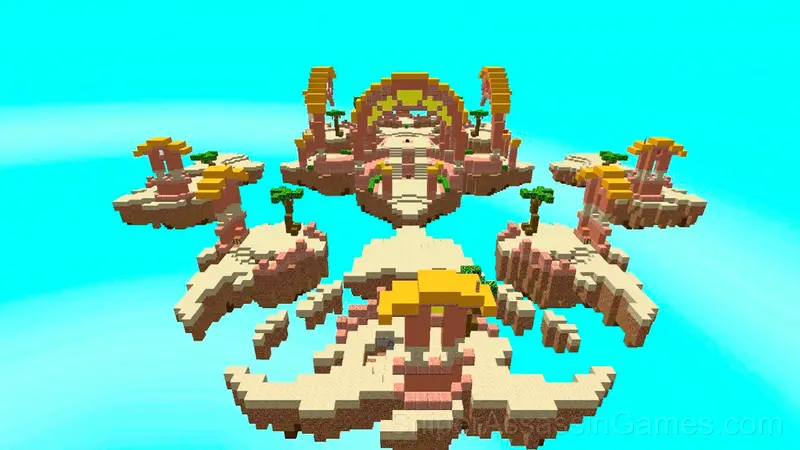
⚔️ SKYWARDS
Fight on floating islands! Throw your opponents into the void, build trap bridges, and survive at any cost. It's not the strongest who survives, but the most cunning!
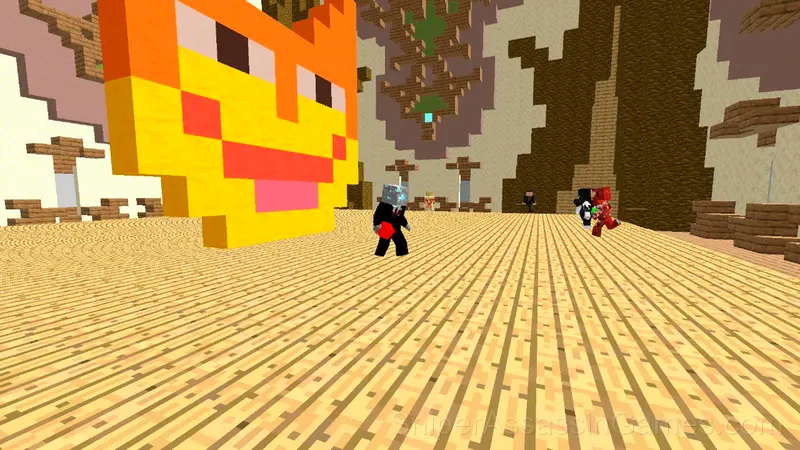
🏗️ BUILD BATTLE
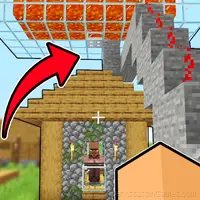
Surprise the world with your build! Build gorgeous palaces or shabby sheds — the main thing is that the NPC judges give a like. Yes, they are those critics with quirks!
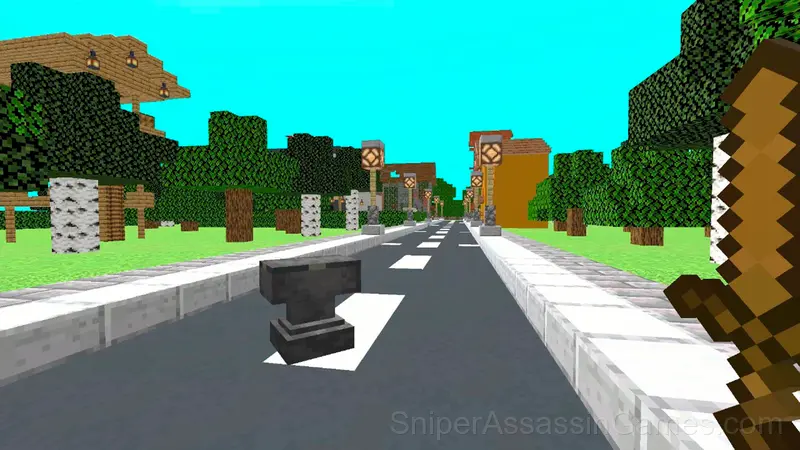
🕵️ HIDING
Hide so that you are not found even with an X-ray! Change the location once a minute, pretend to be a chest or just dig into the ground — everything works!
WHAT ELSE TO DO:
• Get high in the hub with parkour and live NPC
• Earn coins and unlock 12 unique skins
• Increase your ranking in the cups and become a server legend
JUST REMEMBER:
There are no rules here - there is only your imagination and a bunch of ways to outsmart everyone! 😎
Getting Better at Mine: Mini-Games
- Spend the first few rounds learning the controls without chasing a high score. Getting comfortable with the inputs pays off more than early optimization.
- Play a few complete rounds before looking up guides. Your own observations about the game's systems are more useful than generic advice written for someone else.
- If the game offers cosmetic rewards, ignore them until you are comfortable with the core mechanics. Progression systems can distract from actual skill development.
- Pay attention to what the scoring system rewards. Understanding the game's priorities helps you focus on the right actions.
Screenshots
Developer Details
Behind Mine: Mini-Games is HomeGAMESTUDIO, originally released in November 2025. They made the game available as a free browser title that works on desktop, laptop, tablet, and mobile devices.
Controls and Rules
PC controls: 🎮
WSAD - Player movement
E - Shop
Q - Settings
Tab - Cursor
Space - Jump
Mobile controls: 📞
Controls are performed on the buttons
Browser and Device Support
You can play Mine: Mini-Games on virtually any device with a web browser. It supports Chrome, Firefox, Edge, Safari, and other modern browsers. The game plays in landscape (horizontal) orientation and works on PCs, Macs, Chromebooks, tablets, and smartphones running Windows, macOS, Linux, ChromeOS, Android, or iOS.
Mine: Mini-Games Feature Rundown
- Automatic cloud saves that sync across devices.
- Competitive leaderboards built into the game.
- Designed for horizontal play, best experienced on desktop or tablet.
- Free to play with optional in-game purchases.
Playing Mine: Mini-Games: What to Know
What Mine: Mini-Games gets right is the feedback loop. Every action has a clear result, successful strategies are immediately rewarding, and failed attempts give you enough information to try differently.
Sound and visual cues in Mine: Mini-Games work together to communicate game state. You can often hear a problem before you see it, and that layered feedback makes the game feel polished.
Games Like Mine: Mini-Games
Enjoyed Mine: Mini-Games? These related Action Games offer similar gameplay and are all free to play with no download:
- Herobrine Monster School
- Trap Craft
- Noob defends the village
- Robot Fighting
- Noob Squid Craft Playground Sandbox Ragdoll Mod
- Funny Robux Hide-and-Seek
- Hit & Level Up
- Stickman Jailbreak 3
Play Mine: Mini-Games in Your Browser
Free, browser-based, and rated 3.7 by 1.1K players. Mine: Mini-Games loads in seconds and works on desktop and mobile. Click play and start.