 SniperAssassinGames



Mine Island 3D: Crafting and Survival
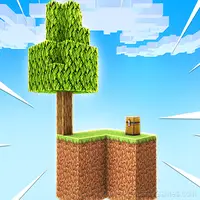
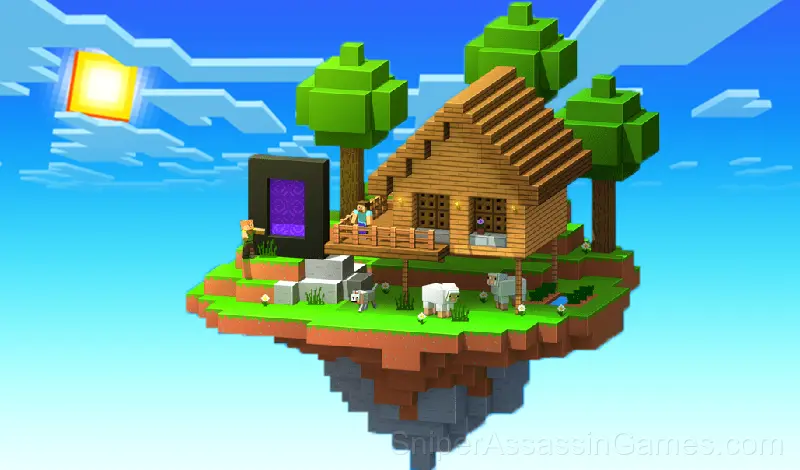
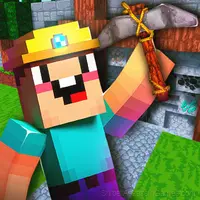
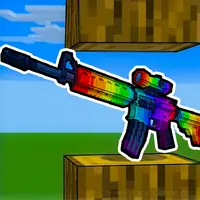
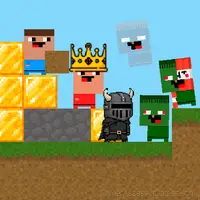
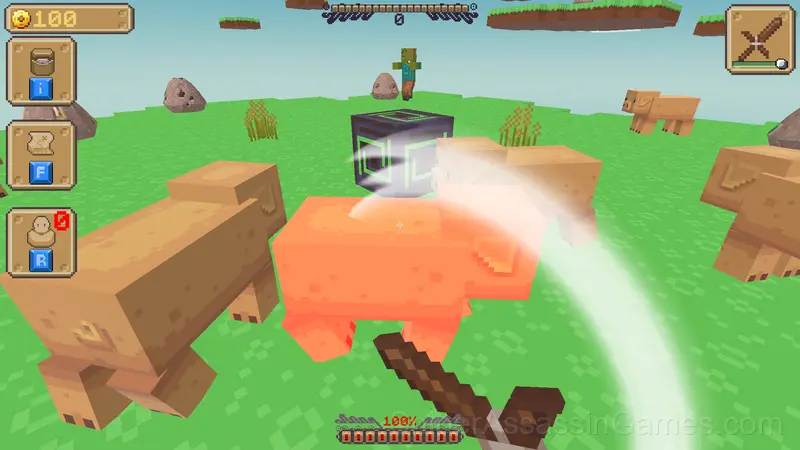
"Mine Island 3D: Crafting and Survival" is a game inspired by Minecraft. Craft: Create various tools and armor, upgrade your equipment.
About Mine Island 3D: Crafting and Survival
"Mine Island 3D: Crafting and Survival" is an exciting adventure game with survival elements, inspired by the legendary Minecraft.
The game offers:
🔨 Crafting: Create a variety of tools and armor using the resources you find.
💪 Upgrading: Develop your equipment to become even stronger and better at resisting enemies.
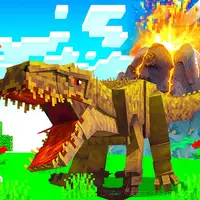
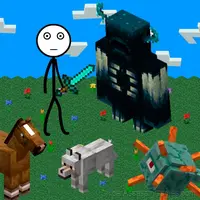
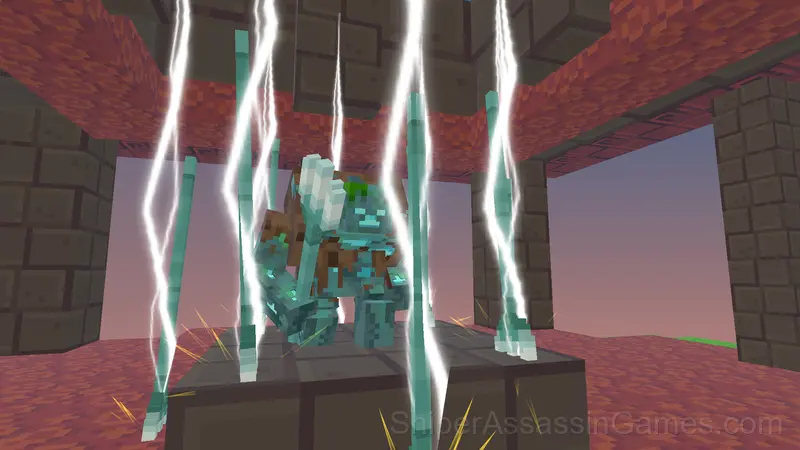
👾 Mobs and bosses: Fight a variety of monsters and powerful bosses, each of which will require a special strategy.
🗡️ Collect resources, create the best equipment and play in the atmosphere of a real Minecraft adventure!
Browser and Device Support
Desktop and mobile devices both run Mine Island 3D: Crafting and Survival through the browser. Supported browsers are Chrome, Firefox, Edge, Safari, and Opera. The game uses landscape (horizontal) orientation. No downloads or plugins needed.
What Mine Island 3D: Crafting and Survival Offers
- Plays in landscape mode for a wider view of the game.
- Leaderboard support. Track your ranking against the community.
- Free to play with optional in-game purchases.
- Cloud save support. Pick up where you left off on any device.
Who Made Mine Island 3D: Crafting and Survival?
The developer of Mine Island 3D: Crafting and Survival is slough soft, originally released in October 2024. As a browser-based title, Mine Island 3D: Crafting and Survival requires no download and runs on any device with a modern web browser. slough soft has made the game freely available to play online.
What to Expect
Session length in Mine Island 3D: Crafting and Survival is flexible. The game saves progress in ways that let you stop and return without losing momentum. Quick sessions and long sessions both feel worthwhile.
The core loop in Mine Island 3D: Crafting and Survival reveals its depth over time. First sessions feel straightforward, but returning players start noticing patterns, shortcuts, and optimizations the game does not advertise.
How to Play Mine Island 3D: Crafting and Survival
Your main goal is to open all the islands and defeat all the bosses!
PC controls:
WASD - Move the character.
LMB - Destroy the block.
RMB - Interact with objects.
ESC - Settings menu.
Mobile controls:
Left joystick - Move.
Right side of the screen - Look ...
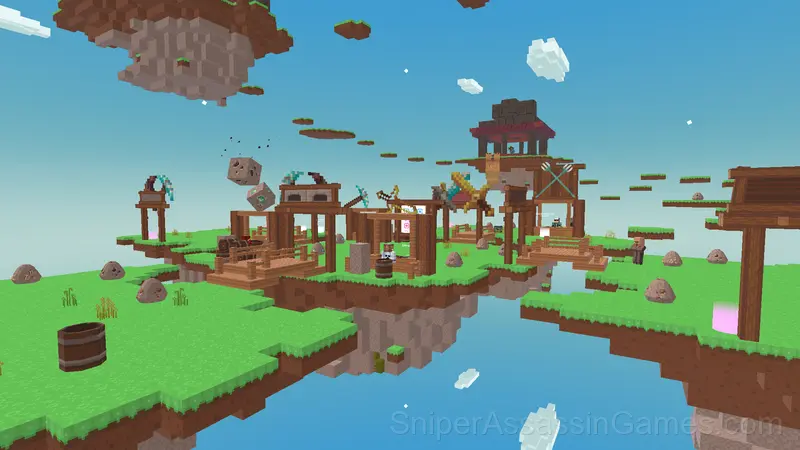
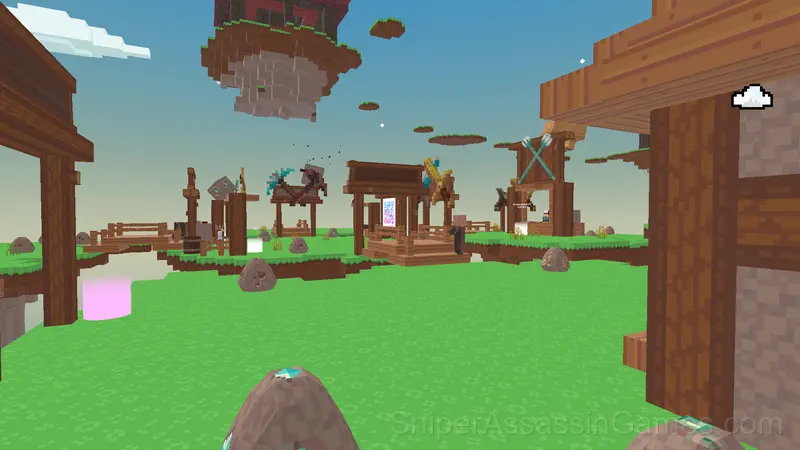
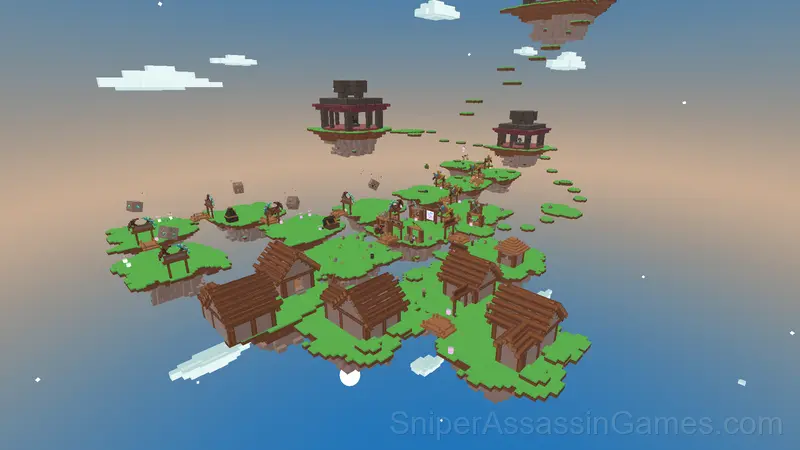
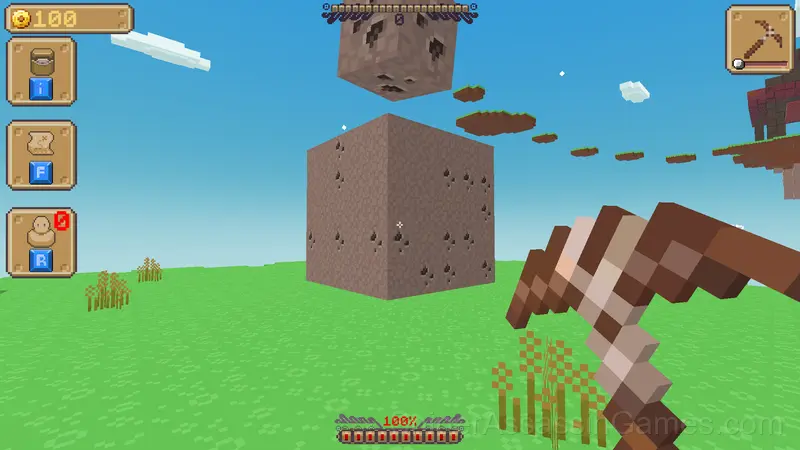
Screenshots
Strategy Guide
- Test the edges of each mechanic. Move in directions the game does not suggest. Interact with things that look static. The boundaries tell you a lot about how the game works.
- The early levels teach mechanics that become critical later. Do not skip through them, even if they feel easy. The patterns they introduce come back.
- Take breaks when frustration builds. Coming back after a few minutes often makes the solution or the right timing click naturally.
- Steady, clean play usually beats aggressive, risky play. Consistency compounds over time, and avoiding mistakes matters more than chasing big moments.
Games Like Mine Island 3D: Crafting and Survival
If Mine Island 3D: Crafting and Survival clicked with you, try these free online Action Games. They are all browser games with no download required:
- Surf GO: CS 2 Parkour and Case Simulator
- Herobrine Bunker
- Noob defends the village
- Stickman Craft. Chapter 1
- Pit Parkour
- Survival: Mysterious Forest
- Digger: Survival
- Spider-Noob
Try Mine Island 3D: Crafting and Survival Free
Mine Island 3D: Crafting and Survival does what a good free online action game should: it is fast to load, easy to pick up, and engaging enough to keep 1.9K players coming back. Play it in your browser. No download needed.