 SniperAssassinGames




























MGE Status
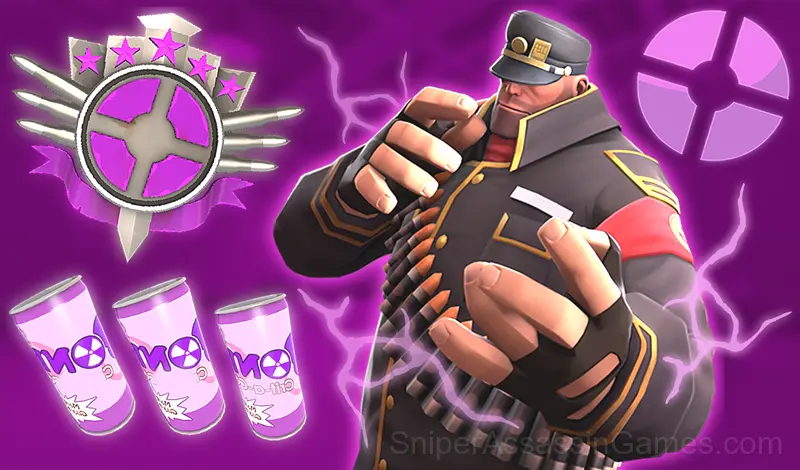
This MGE status is asking for upgrade! Come here and train until 6am to become a real MGE brother. Jokes, testosterone and a ticket to the train included!
MGE Status Overview
Advanced clicker about MGE brothers, where you can increase your level, status, unlock new characters and accumulate testosterone.
After 30 level brothers will meet you to invite into their brotherhood.
There is even a list of the best players - prove to everyone that you are the coolest of the MGE-brothers!
The Gameplay
MGE Status leans into simplicity without being boring. The surface level works fine for quick play. Underneath, there are scoring patterns and timing mechanics that reward attention.
Casual games live or die by their first impression, and MGE Status makes those opening seconds count. The core mechanic clicks fast, and the progression system gives you reasons to come back.
Getting Better at MGE Status
- Learn the difference between what costs you progress and what costs you time. Avoiding the first is always more important than optimizing the second.
- When a new mechanic appears, use it immediately in a low-pressure situation. Build familiarity before the game puts you in a spot where you need it.
- If the game has daily challenges, do them. They force you into situations you would not choose on your own, and that builds flexibility.
- Audio cues exist for a reason. Play with sound on at least once to learn what the game communicates through audio versus visuals.
- The early levels teach mechanics that become critical later. Do not skip through them, even if they feel easy. The patterns they introduce come back.
- When you hit a wall, look for a mechanic you are underusing. The game usually gives you the tools before the challenge that requires them.
Who Built MGE Status?
Behind MGE Status is Its Jason [Studio], originally released in August 2024. They made the game available as a free browser title that works on desktop, laptop, tablet, and mobile devices.
Features in MGE Status
- Designed for horizontal play, best experienced on desktop or tablet.
- Cloud saves. Your progress carries across devices and sessions.
- Global leaderboards to compare your scores with other players.
- Optional in-game purchases available. The core game is free.
Supported Platforms
MGE Status is playable on desktops, laptops, tablets, and phones through any modern browser. It uses landscape (horizontal) orientation and is compatible with Windows, macOS, Linux, ChromeOS, Android, and iOS. No app download or plugin installation is needed.
How to Play
- Go to the gym and click on the character
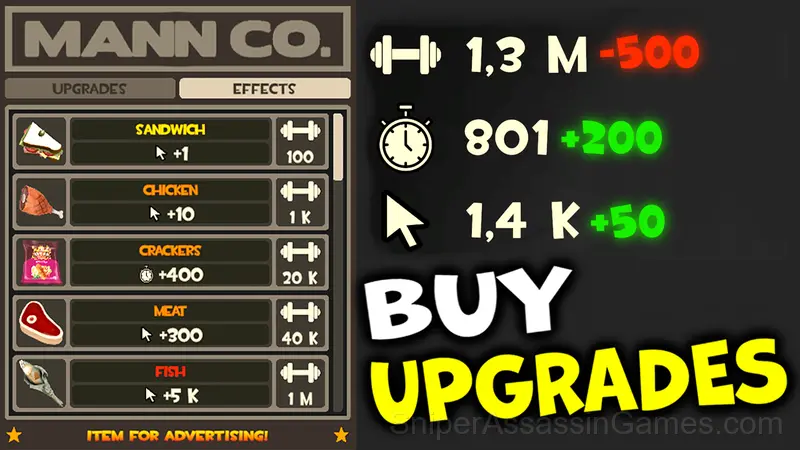
- For each click you get a dose of testosterone. You can increase it by buying upgrade items in the store. The same goes for points for the timer
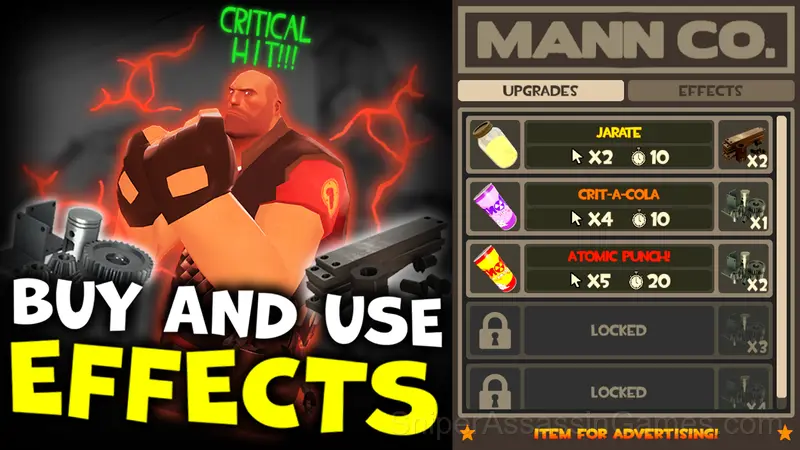
- When you click on the character, there is a chance to get scrap metal. You can buy special boost effects for the metal, such as crits. The effects are activated through the inventory
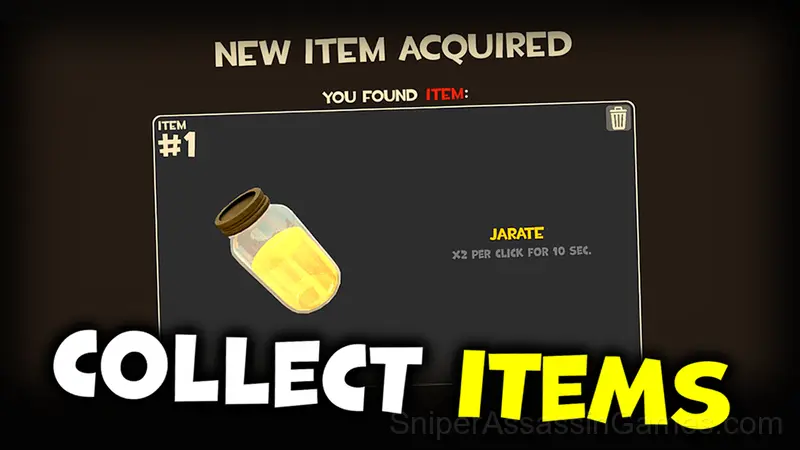
- During the game, you will get random items: you may get a sandwich, refined metal or crit-cola. Use them wisely so as not to waste them
Screenshots

Games Like MGE Status
If you enjoy MGE Status, these free online Casual Games are worth checking out. Each one shares similar gameplay elements while bringing its own twist to the genre:
- Sniper Shot: Bullet Time
- Standoff 2 Cases: Hacked Version
- Solitaire for full-grown
- Case Simulator: Standoff 2
- Mahjong for full-grown
- Akinator
- Family Hotel
- Case and Box Simulator Standoff 2
Play MGE Status in Your Browser
MGE Status is a free browser casual game that delivers on its premise. With 1.2K player reviews and a 4.9 rating, it has the engagement numbers to back up the quality. No download, no signup. Open the page and play.