 SniperAssassinGames





























Little Commander: Red vs Blue
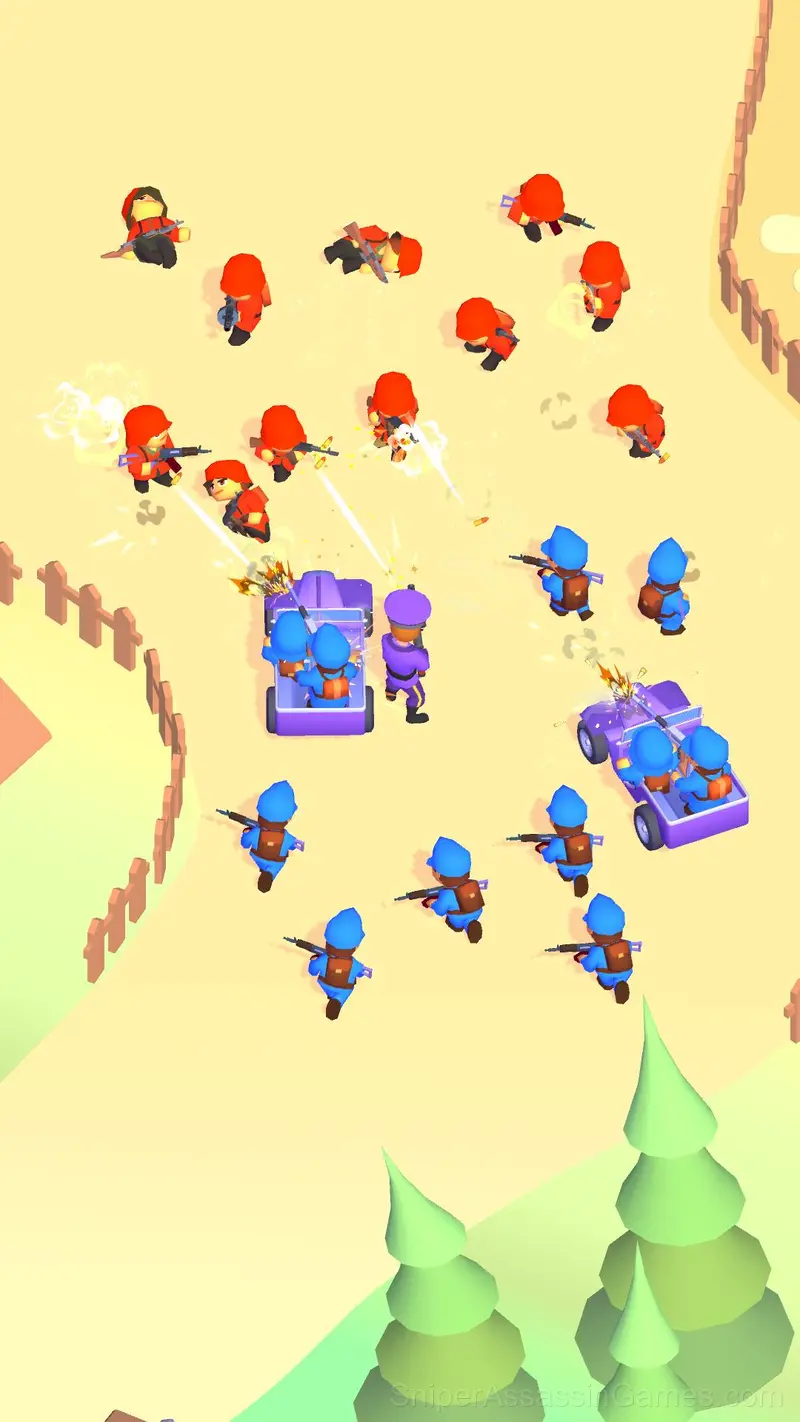
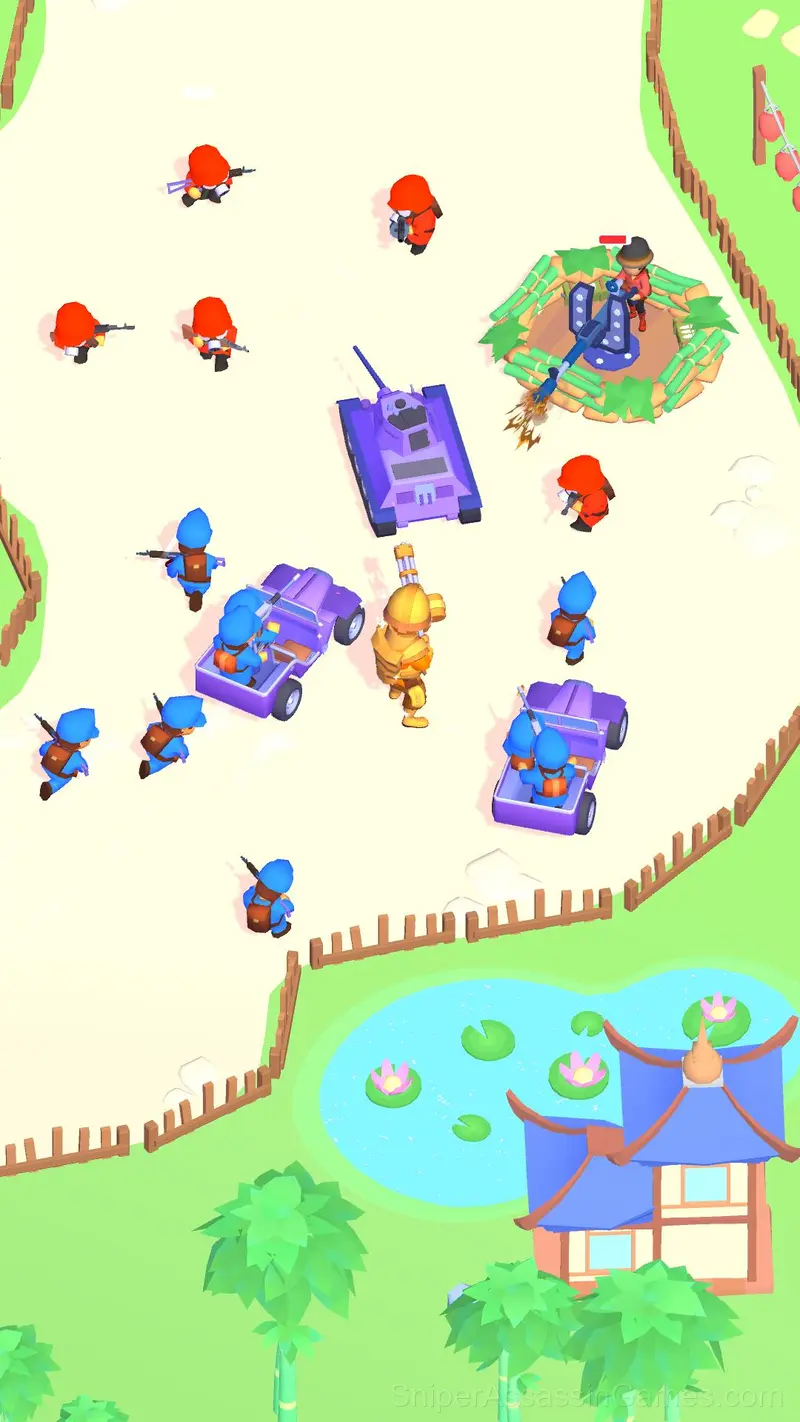
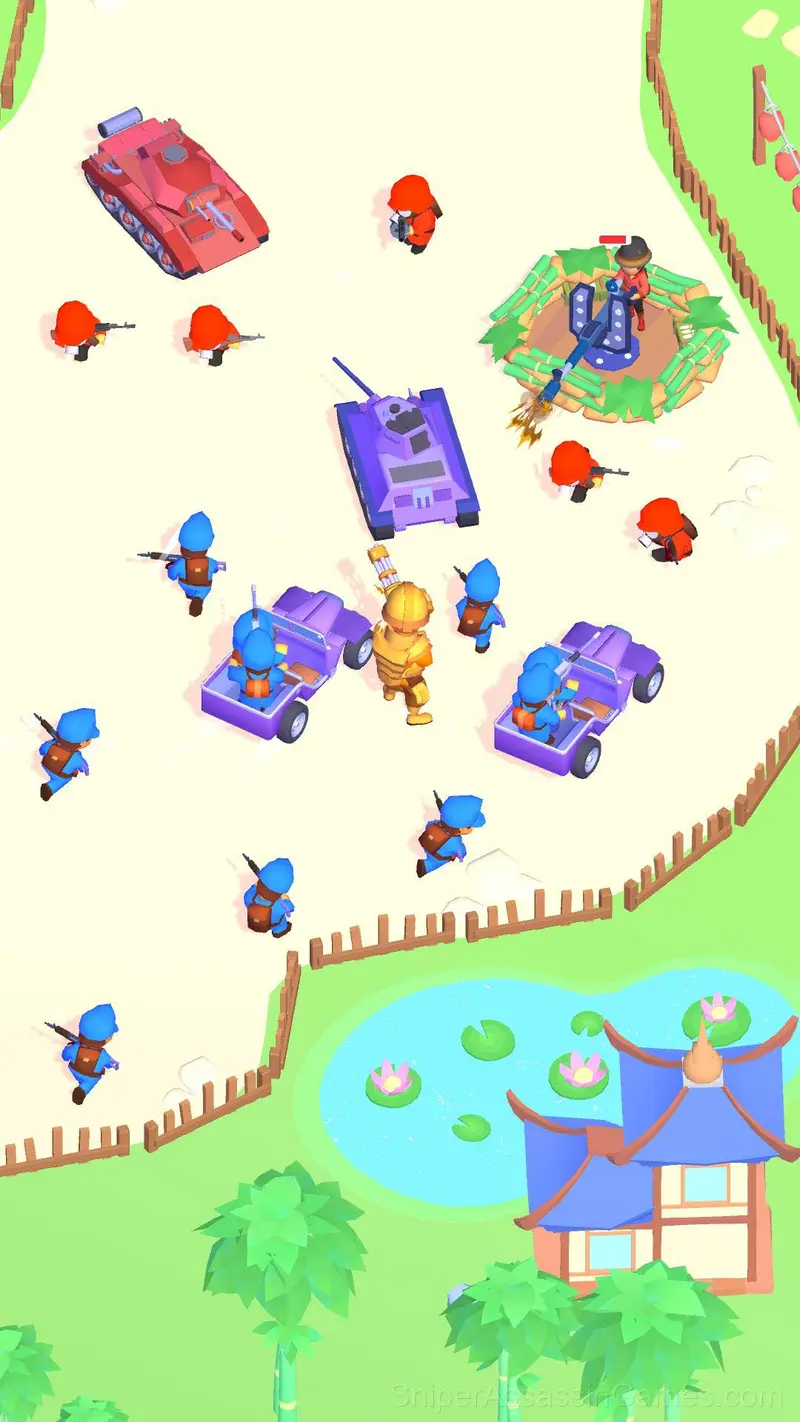
Build and develop a camp! Upgrade an army. Reds vs Blue! Command squads, build tanks! Lead a crowd of soldiers! Attack and defend! Little commander! Battle!
What is Little Commander: Red vs Blue?
Develop your camp and fight the invaders!
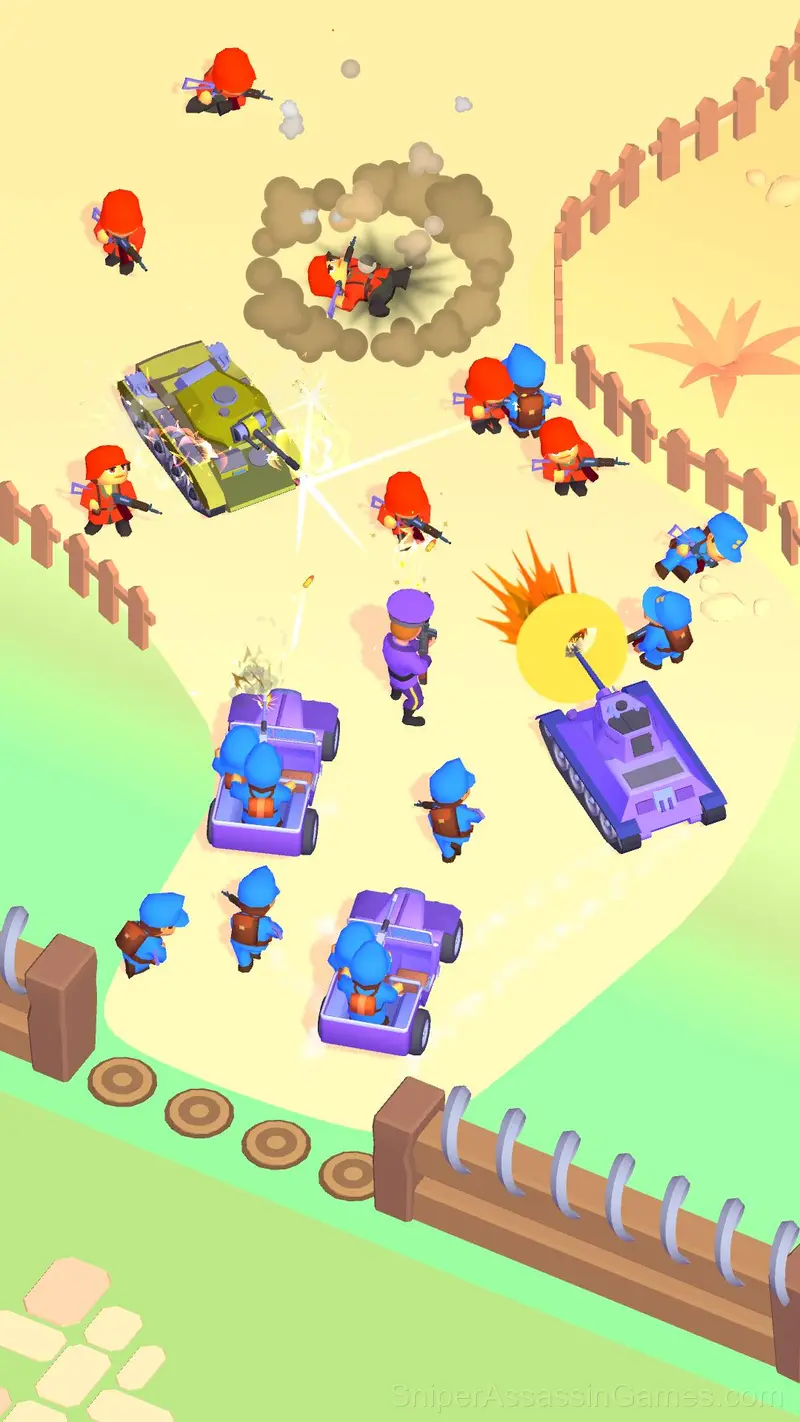
In your battle camp you can upgrade your troops, buy military equipment, and improve your weapons.
Buy jeeps, tanks, hire squads of fighters!
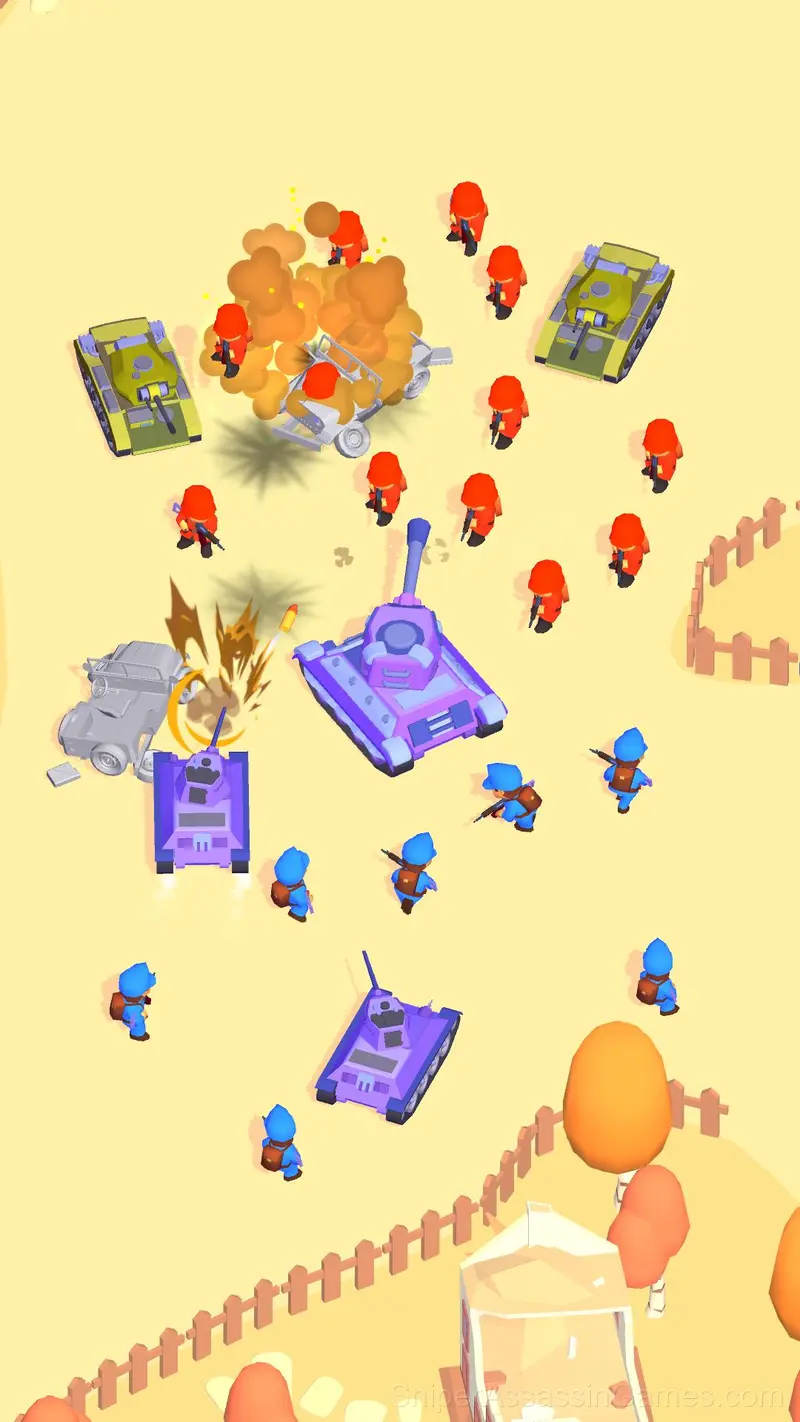
Next, boldly lead your blue troops into battle!
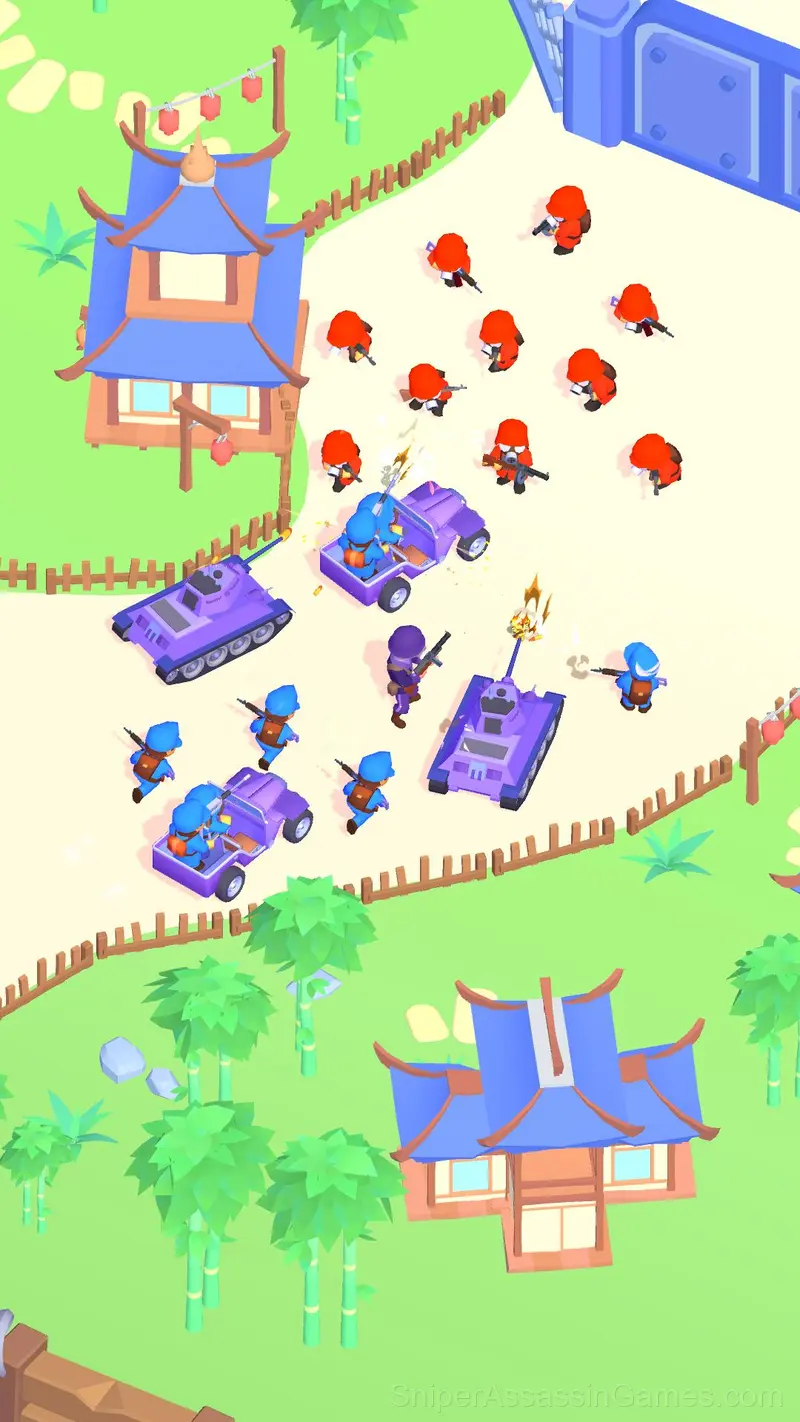
Go through all locations, defeat all opponents!
Blue vs. Red in this exciting game of squad battles!
- Several locations
- A large number of upgrades
- Different types of equipment
- Interesting enemies
- Several types of bosses!
Strategies for Little Commander: Red vs Blue
- Tap or click with intention. Random inputs might clear early levels, but they build bad habits that stall progress later.
- Turn off notifications. Even a casual game session benefits from two minutes of undivided attention.
- The early levels teach mechanics that become critical later. Do not skip through them, even if they feel easy. The patterns they introduce come back.
- Try the opposite of what keeps failing. If you are playing aggressively and dying, play defensively. If you are playing cautiously and timing out, push forward. The answer is often the reverse of your instinct.
- Figure out what ends your runs most often. The most common failure point is usually the most valuable thing to improve.
- Do not restart immediately after a mistake. Play through and see how the game handles recovery. Sometimes there is a comeback mechanic you would miss by quitting early.
- Watch your own replays if the game supports them. You will spot mistakes in replay that you completely missed during live play.
- If the game has daily challenges, do them. They force you into situations you would not choose on your own, and that builds flexibility.
Who Built Little Commander: Red vs Blue?
Квадратный Динозавр developed Little Commander: Red vs Blue for web browsers, originally released in July 2024. The game runs on desktop and mobile devices without needing a download. Квадратный Динозавр distributes it as a free-to-play title.
Where Can You Play?
You can play Little Commander: Red vs Blue on virtually any device with a web browser. It supports Chrome, Firefox, Edge, Safari, and other modern browsers. The game plays in portrait (vertical) orientation and works on PCs, Macs, Chromebooks, tablets, and smartphones running Windows, macOS, Linux, ChromeOS, Android, or iOS.
Gameplay
The visual language in Little Commander: Red vs Blue communicates everything. You know what to tap, swipe, or click without reading instructions. That clarity is the hardest part of casual design to get right.
What works here is the pacing. Little Commander: Red vs Blue introduces new elements at a rate that keeps you engaged without overwhelming you. Each session feels slightly different from the last.
How to Play
To send troops into battle, you need to press the "BATTLE" button next to the gate. Allied troops will automatically move out to search for enemies.
Upgrade your army and weapons at the base in special places.
To win, you must destroy all enemies on the l...
Screenshots
Little Commander: Red vs Blue Features
- In-game purchases for optional extras. Free to play without them.
- Portrait mode, optimized for mobile play.
- Cloud save support. Pick up where you left off on any device.
Games Like Little Commander: Red vs Blue
The following Casual Games share common ground with Little Commander: Red vs Blue and are all playable for free in your browser:
- Paper War
- Army Evolution: Merge & Tactics
- Jurassic Battle! Dinosaur Evolution!
- Plants Vs Zombie Hybrid Story Mod
- Draw Defence
- Battle of Middle-earth: War of Survival
- Plants vs Zombies: All modes
- Blue vs Red: Craft and Battle
Play Little Commander: Red vs Blue Online Free
Little Commander: Red vs Blue is a free browser casual game that delivers on its premise. With 1.6K player reviews and a 4.2 rating, it has the engagement numbers to back up the quality. No download, no signup. Open the page and play.