 SniperAssassinGames






























Kinito: Digital Nightmare
Interactive horror simulator! Take care of Kinito: feed him, wash him, put him to bed and play with him. Go on an exciting and creepy adventure as his friend and uncover all his secrets!
Kinito: Digital Nightmare at a Glance
🎃 A creepy horror simulator in which your device becomes home to a strange and sinister virus called Kinito. This digital monster doesn't just infect your system, but starts deleting all your files in an attempt to take complete possession of your device. Take care of him, feed him, wash him, and put him to bed to keep his spirits up. But be prepared for unexpected horror stories and dark secrets that await you at every turn.
🕹️ You don't just control your virtual friend, but also play in an intriguing world filled with mystery and suspense. The game offers a unique combination of care simulator and horror, where every action you take matters and can lead to unexpected consequences.
👁️ Explore dark corners and face the consequences of your actions. It depends on you whether you manage to cope with the virus or let Kinito destroy everything you hold dear. Get ready for an unforgettable and intense experience in this unique simulator.
Behind Kinito: Digital Nightmare
PlayCroc developed Kinito: Digital Nightmare for web browsers, originally released in July 2024. The game runs on desktop and mobile devices without needing a download. PlayCroc distributes it as a free-to-play title.
Tips to Improve
- Short sessions add up. Playing for five minutes several times is often better for improvement than one long sitting.
- The scoring system tells you what the designers value. If combos score highest, build combos. If accuracy scores highest, slow down.
- Take breaks when frustration builds. Coming back after a few minutes often makes the solution or the right timing click naturally.
- Watch how the game responds before committing to a single approach. Most games reward players who experiment early and specialize later.
- When a new mechanic appears, use it immediately in a low-pressure situation. Build familiarity before the game puts you in a spot where you need it.
- Turn off notifications. Even a casual game session benefits from two minutes of undivided attention.
- Spend the first few rounds learning the controls without chasing a high score. Getting comfortable with the inputs pays off more than early optimization.
- Test the edges of each mechanic. Move in directions the game does not suggest. Interact with things that look static. The boundaries tell you a lot about how the game works.
Platform Support
Kinito: Digital Nightmare runs in any modern web browser on desktop and mobile. Compatible browsers include Chrome, Firefox, Edge, Safari, and Opera. The game uses landscape (horizontal) orientation and works on Windows, macOS, Linux, ChromeOS, Android, and iOS devices. No plugins, extensions, or downloads are required.
Playing Kinito: Digital Nightmare: What to Know
What works here is the pacing. Kinito: Digital Nightmare introduces new elements at a rate that keeps you engaged without overwhelming you. Each session feels slightly different from the last.
Most casual games lose players after a few days. Kinito: Digital Nightmare resists that by introducing micro-variations that keep the core loop from feeling repetitive, even across dozens of sessions.
Feature List
- Free to play with optional in-game purchases.
- Age rating: 6+, appropriate for younger players.
- Plays in landscape mode for a wider view of the game.
How to Get Started
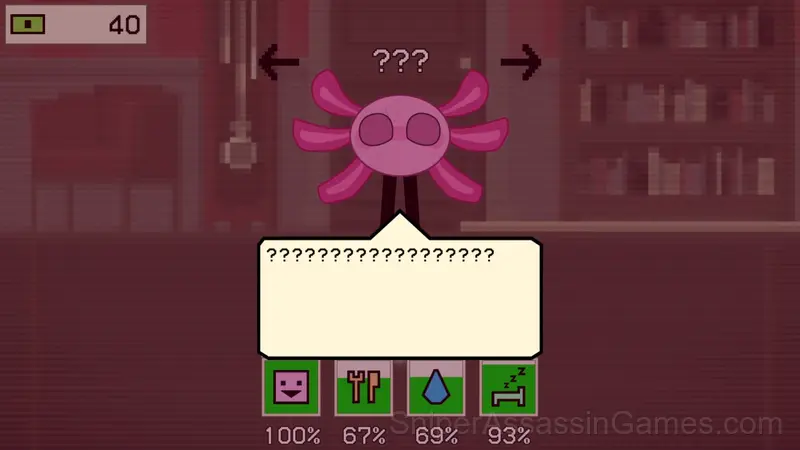
• Click on “chat” to flip through dialogs.
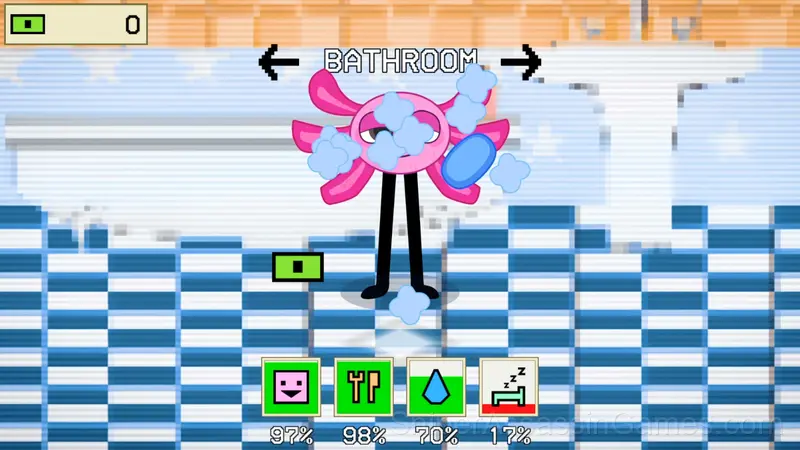
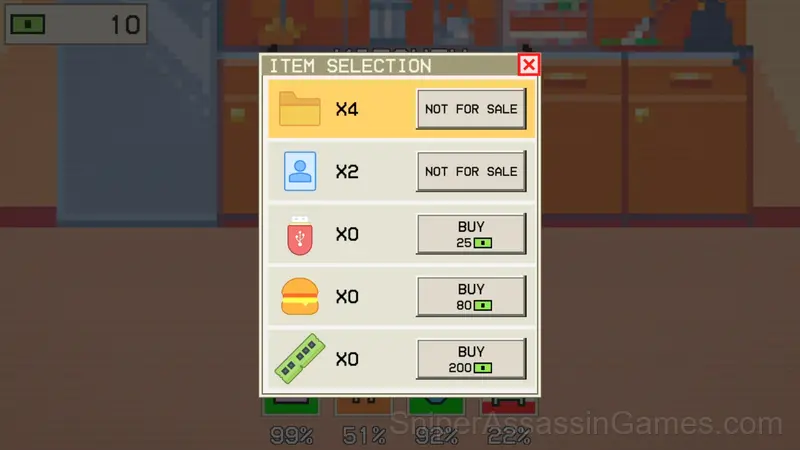
• Use the buttons to move around the rooms to change them and possible actions.
• Keep an eye on the characteristics so that they are always in the green zone.
• The game is saved automatically.
Screenshots

Games Like Kinito: Digital Nightmare
Fans of Kinito: Digital Nightmare often play these Casual Games too. Each one is free and runs in your browser:
- Antistress: Big Collection of Games
- Case Simulator Stand Box 2 - 3D
- Coon Plutus and Grandpa
- Sandbox Playground: Plants Vs Zombies
- Fluid Ship Simulator Sandbox
- Five Nights at Freddy's Playground Sandbox
- Obby: Italian Brainrot Animals RNG
- Build the perfect defense
Jump Into Kinito: Digital Nightmare
With 1.7K reviews and a 4.3 average, Kinito: Digital Nightmare has proven its staying power as a free online casual game. It loads instantly in your browser and requires no download or account creation to play.