 SniperAssassinGames





Grand City Missions
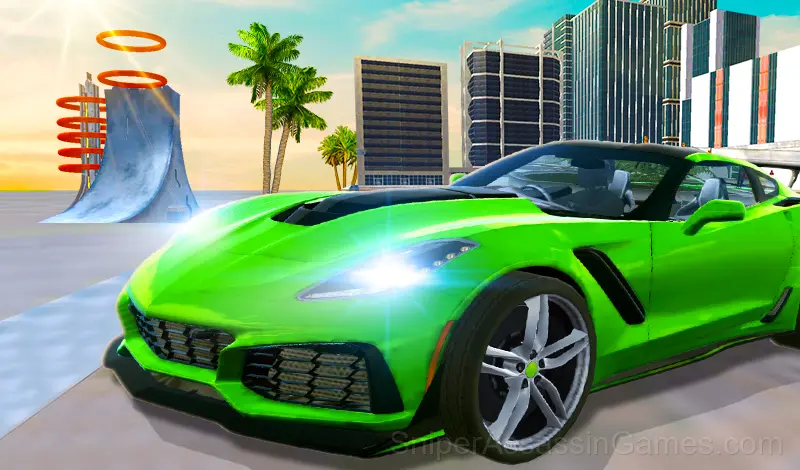
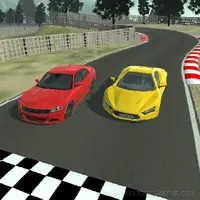
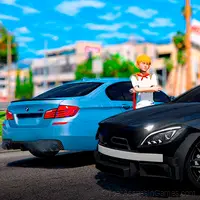
A great car game is beginning with Grand City Missions game in a huge city where has giant buildings, wide roads, and a huge stunt arena! There are two game modes as racing and career.
Introduction to Grand City Missions
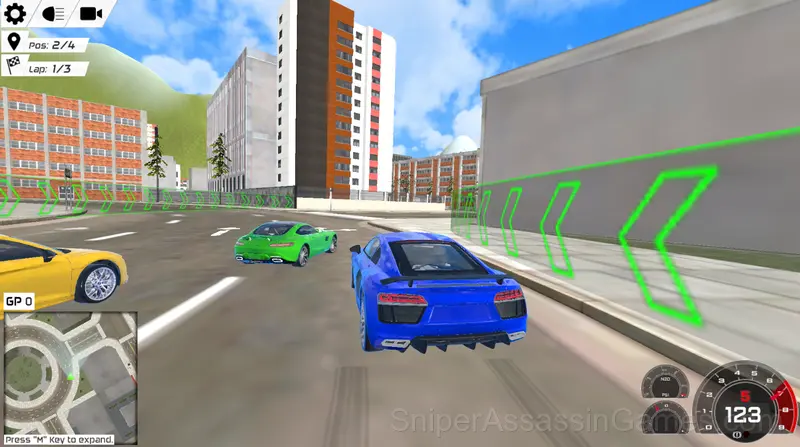
In career game mode, there are sixteen missions which consist of races and missions which are exciting each other. While some of these missions are in the stunt arena, some of them are inside of the city and these missions consist of transportation missions, car races, driving skills, and bomb detonation missions.
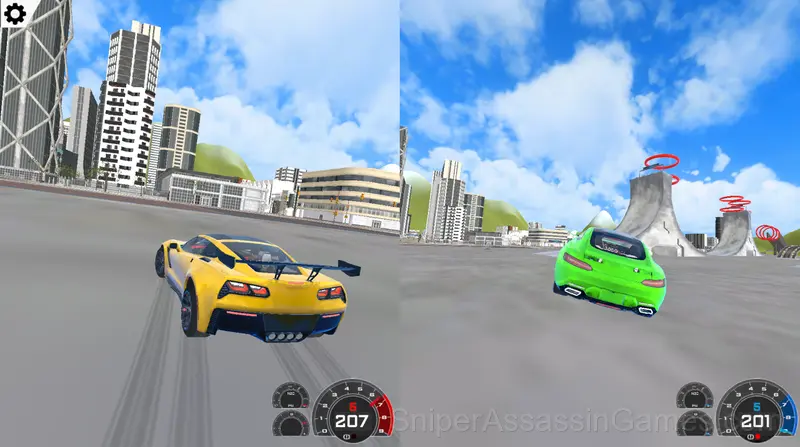
In Racing game mode, you can join five different races which consist of four circuit races and one sprint race. You can earn GP from these races if you participate in them in single player mode. If you participate as two player, you can only race for fun against a friend. We strongly recommend you to play this mode in two player gaming mode because it is really much more fun than single player gaming.
Tips for Players
- Do not aim for first place on your first attempt. Finishing consistently teaches you more about the tracks than crashing on the first lap.
- The fastest line through a corner starts wide and exits tight. This principle applies to almost every track in every racing game.
- Take breaks when frustration builds. Coming back after a few minutes often makes the solution or the right timing click naturally.
- Memorize the layout of the play area if the game reuses it. Spatial awareness is an advantage the game will not give you directly.
- Pay attention to what the scoring system rewards. Understanding the game's priorities helps you focus on the right actions.
- Draft behind opponents when the game supports it. The speed boost from slipstreaming can make up for lost time in technical sections.
- Learn the difference between what costs you progress and what costs you time. Avoiding the first is always more important than optimizing the second.
Gameplay
Difficulty in Grand City Missions comes from track design, not artificial rubber-banding. Challenging sections are challenging because they demand precise inputs, not because the AI suddenly got faster.
Weather or surface changes in Grand City Missions, when present, force you to adapt your approach mid-race. The same track plays differently when the grip level changes.
Feature List
- Family-friendly with a 6+ age rating.
- Localized in 13 languages for global players.
- Free to play with optional in-game purchases.
- Plays in landscape mode for a wider view of the game.
Compatible Devices
Any device running Chrome, Firefox, Edge, or Safari can play Grand City Missions. The game supports landscape (horizontal) orientation and works on Windows, macOS, Linux, ChromeOS, Android, and iOS without downloads.
The Developer
RHM Interactive released Grand City Missions as a free online racing game, originally released in July 2022. The game needs no download and works on any device with a web browser.
Screenshots
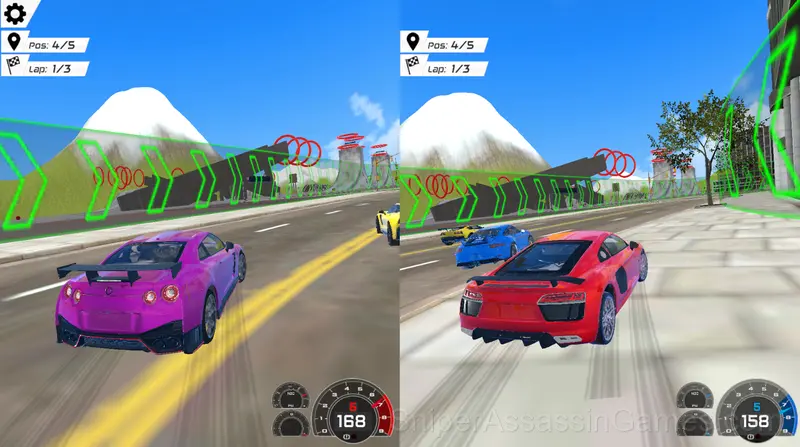
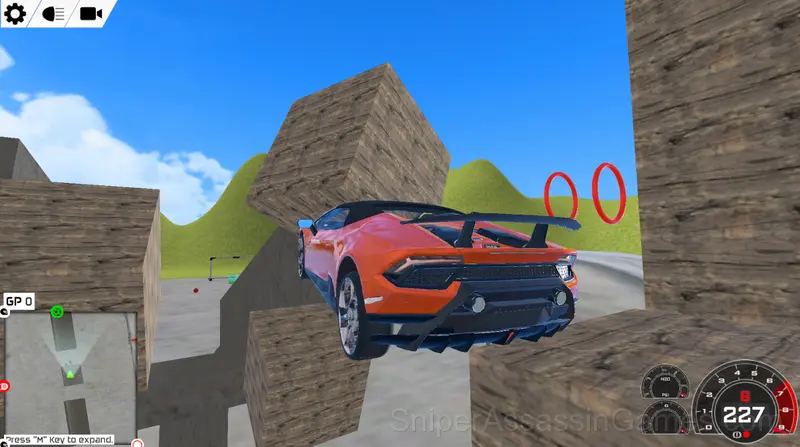
Learning the Controls
Player 1:
Move: "W,A,S,D"
NOS: "F"
Look back: "T"
Restart car: "R"
Player 2:
Move: "ARROW KEYS"
NOS: "K"
Look back: "L"
Restart car: "O"
Games Like Grand City Missions
Other Racing Games worth playing if you like Grand City Missions. Free, browser-based, no download or account needed:
- MTB Downhill Extreme
- Ultimate Flying Car
- Night City Racing
- Grand City Racing
- Grand Extreme Racing
- Monster Cars: Ultimate Simulator
- Challenge The Runners
- Jet Boat Racing
Play Grand City Missions for Free
A 4.1 rating from 3.4K players puts Grand City Missions among the better free Racing Games available online. It plays in your browser with no download required and works on both desktop and mobile.