 SniperAssassinGames









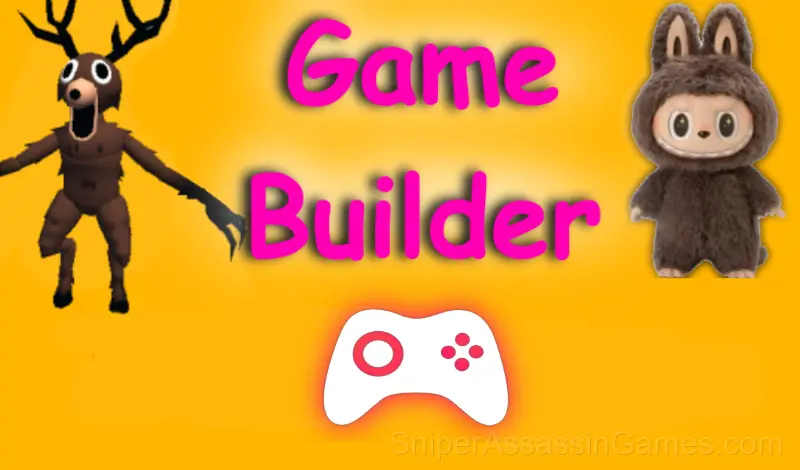
















Game Builder
Create and share your own games with friends. Build, play, and explore games made by the community.
Introduction to Game Builder
This is a game development constructor where you can not only make your own game, but also play other games from developers.
Game Builder Developer
Game Builder comes from Browserplay, originally released in August 2025. The game was designed for browser-based play and runs across all major platforms without any installation. It is free for all players.
Strategy Guide
- Memorize the layout of the play area if the game reuses it. Spatial awareness is an advantage the game will not give you directly.
- Steady, clean play usually beats aggressive, risky play. Consistency compounds over time, and avoiding mistakes matters more than chasing big moments.
- Use the fast-forward sparingly. Time compression can cause you to miss warning signs that a system is about to fail or stall.
- Do not restart immediately after a mistake. Play through and see how the game handles recovery. Sometimes there is a comeback mechanic you would miss by quitting early.
- Test the edges of each mechanic. Move in directions the game does not suggest. Interact with things that look static. The boundaries tell you a lot about how the game works.
- If the game has a tutorial, do it once properly. Skipping it and then struggling with basics wastes more time than the tutorial ever would.
Screenshots
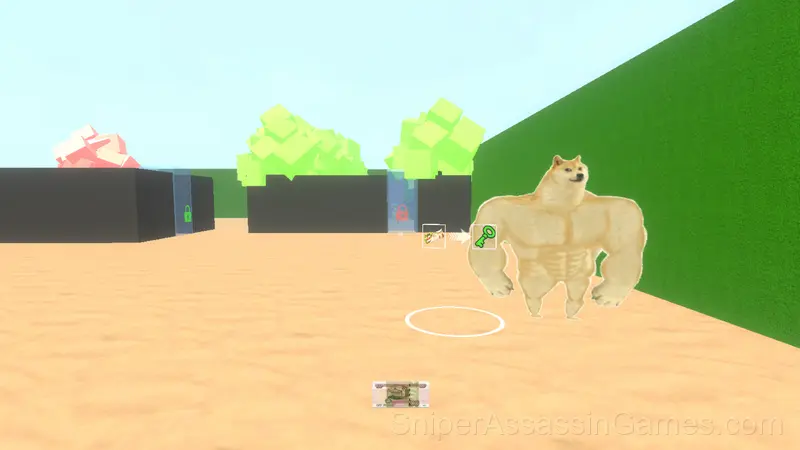
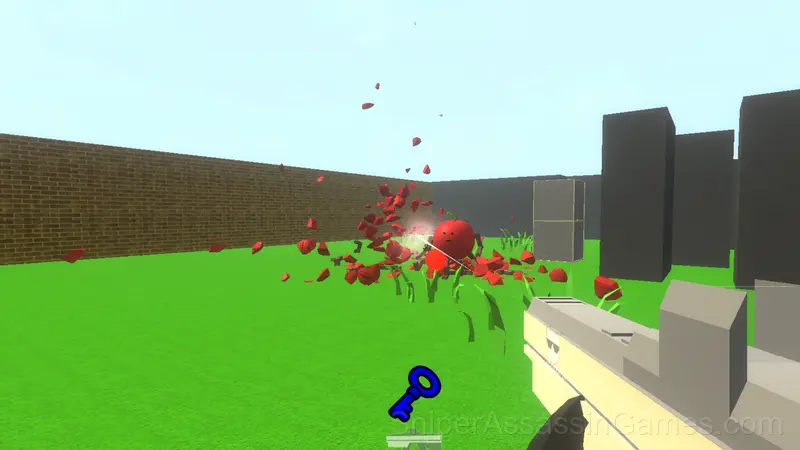
How Game Builder Feels to Play
Optimization is the real game in Game Builder. The basic systems work fine with default approaches, but players who dig into the mechanics find efficiency gains that compound over time.
The early game in Game Builder feels simple because the systems have not started interacting yet. Once they do, the complexity multiplies, and that is when the game gets its hooks in.
Platform Support
Game Builder works on any device with a browser and an internet connection. Supported platforms include Windows, macOS, Linux, ChromeOS, Android, and iOS. The game uses landscape (horizontal) orientation.
Playing Game Builder
In the game mode, the controls are as follows:
Walk - the WASD keys.
Jump - press the Space bar.
Shoot with the left mouse button.
Aim with the right mouse button.
To change weapons, use the mouse wheel or the Q, E keys.
TAB - pause/the settings window.
T...
What the Game Includes
- Optional in-game purchases available. The core game is free.
- Automatic cloud saves that sync across devices.
- Plays in landscape mode for a wider view of the game.
Games Like Game Builder
Enjoyed Game Builder? These related Simulator Games offer similar gameplay and are all free to play with no download:
- WinterCraft: Survival in the Forest
- Fishing Anomaly
- Worker Simulator: Supermarket
- Your Life Simulator
- Open World Online
- Minibus Simulator 3D
- Ultimate Fishing: Reel Catch
- Car Saler Simulator 2023
Try Game Builder Free
A 4.5 rating from 11K players puts Game Builder among the better free Simulator Games available online. It plays in your browser with no download required and works on both desktop and mobile.