 SniperAssassinGames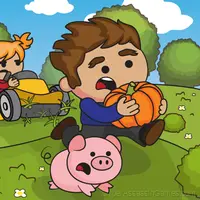



















Farmer Challenge Party
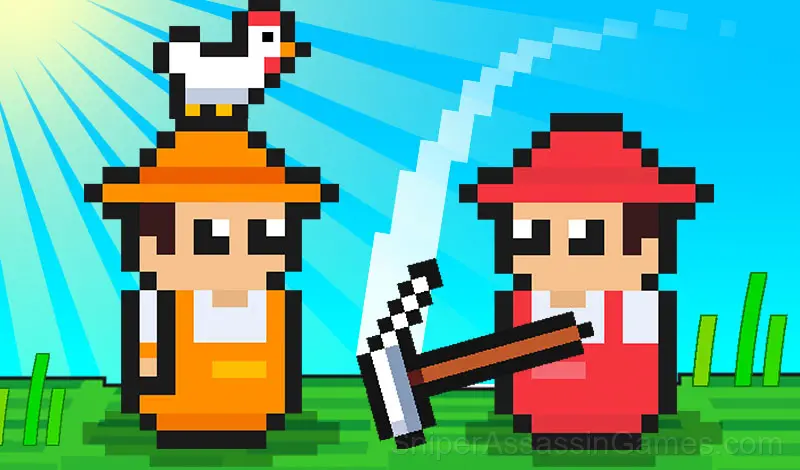
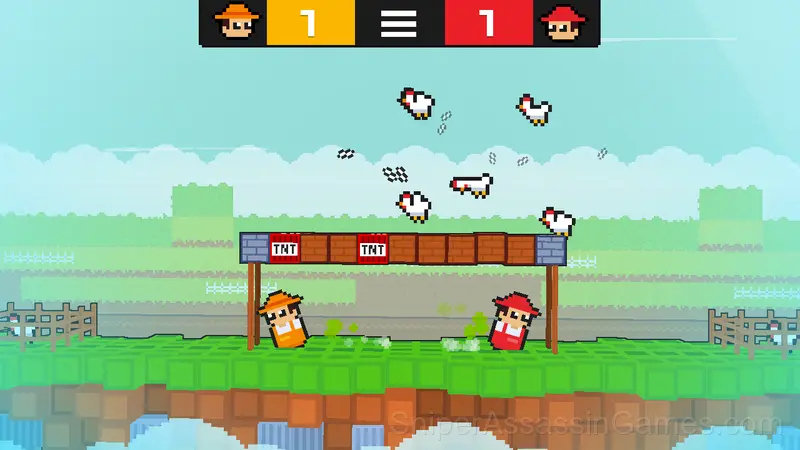
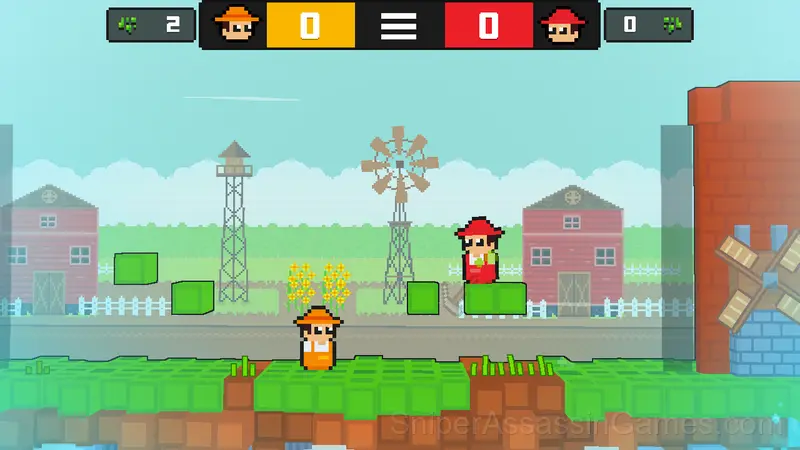
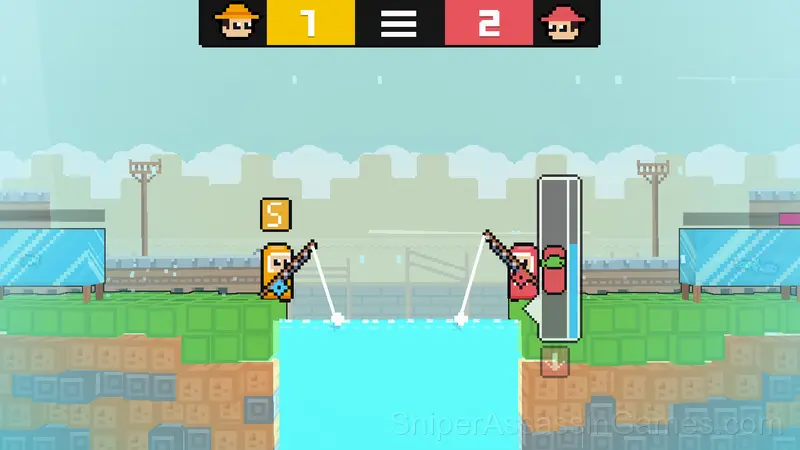
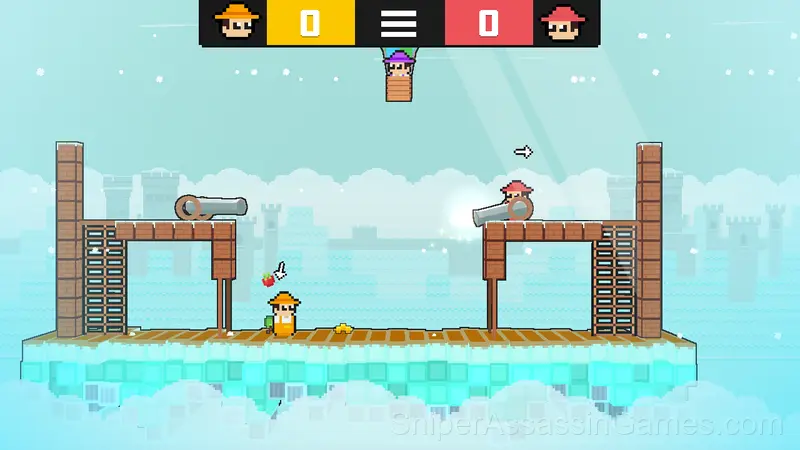
The challenge between the farmers is beginning with the Farmer Challenge Party game in two player game mode! This war consists of four chapters chicken pick challenge, plant and harvest, vegetable wars, and fishing.
Introduction to Farmer Challenge Party
At the Chickens' level, hit egg blocks to spawn chickens and collect them, and put them in your area. Avoid explosive blocks. At the Farms level, you should plant and harvest more than your friend. You can harvest your friend's plants either. At the vegetable level, pick vegetables on the ground and shoot your friend by using cannon. At the Fishery level, catch fish more than your friend.
Playing Farmer Challenge Party
Player 1:
Move: "W,A,S,D"
Action: "S"
Player 2:
Move: "ARROW KEYS"
Action: "DOWN ARROW"
In all of the levels the one who scores 10 first, wins the challenge.
Where Can You Play?
Farmer Challenge Party works on phones, tablets, laptops, and desktops. It is compatible with Chrome, Firefox, Edge, and Safari on Windows, macOS, Linux, ChromeOS, Android, and iOS. The game uses landscape (horizontal) orientation.
Developer Info
Development of Farmer Challenge Party is by RHM Interactive, originally released in November 2022. The game is free, browser-based, and accessible on any device with an internet connection and a modern browser.
What You Get in Farmer Challenge Party
- Landscape orientation, optimized for wider screens on desktop and tablet.
- Age rating: 6+, appropriate for younger players.
- Optional in-game purchases available. The core game is free.
Screenshots
How Farmer Challenge Party Plays
Farmer Challenge Party follows the best casual design principle: teach by doing, not by explaining. You figure out the mechanics through play, and by the third round you are already developing your own strategies.
The visual language in Farmer Challenge Party communicates everything. You know what to tap, swipe, or click without reading instructions. That clarity is the hardest part of casual design to get right.
Helpful Tips
- Audio cues exist for a reason. Play with sound on at least once to learn what the game communicates through audio versus visuals.
- If the game has a tutorial, do it once properly. Skipping it and then struggling with basics wastes more time than the tutorial ever would.
- Play a few complete rounds before looking up guides. Your own observations about the game's systems are more useful than generic advice written for someone else.
- Learn one mechanic at a time. Casual games layer simplicity, and mastering each layer separately is faster than trying to handle everything at once.
- If the game offers cosmetic rewards, ignore them until you are comfortable with the core mechanics. Progression systems can distract from actual skill development.
- Do not restart immediately after a mistake. Play through and see how the game handles recovery. Sometimes there is a comeback mechanic you would miss by quitting early.
- Tap or click with intention. Random inputs might clear early levels, but they build bad habits that stall progress later.
Games Like Farmer Challenge Party
Fans of Farmer Challenge Party often play these Casual Games too. Each one is free and runs in your browser:
- Mini-game for two 2
- Catapult Of Janissary
- Fish Stab Getting Big
- Hexa Two
- Fish Eat Grow Big
- Rolling Balls Sea Race
- Hungry Tag: Eat Your Friend!
- Stealth robbery of a house together
Play Farmer Challenge Party for Free
1.1K reviews. 4.3 average rating. Farmer Challenge Party is a free casual game that plays in your browser without downloads or signups.