 SniperAssassinGames



























Empire City
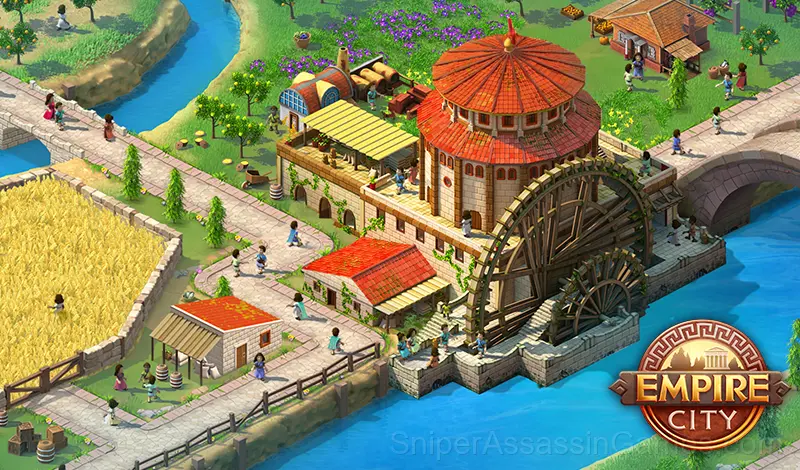
Build and develop a city! Join kingdoms and build famous historical buildings!
About This Game
Have you ever wondered what it would be like to run an entire Empire?
Now with Empire City you will be able to:
Build new beautiful cities, develop resource extraction,make your own unique culture, trade with other civilizations and make fantastic discoveries that will help you in the future.You have a chance to bring it all to life and become a real emperor with Empire City!
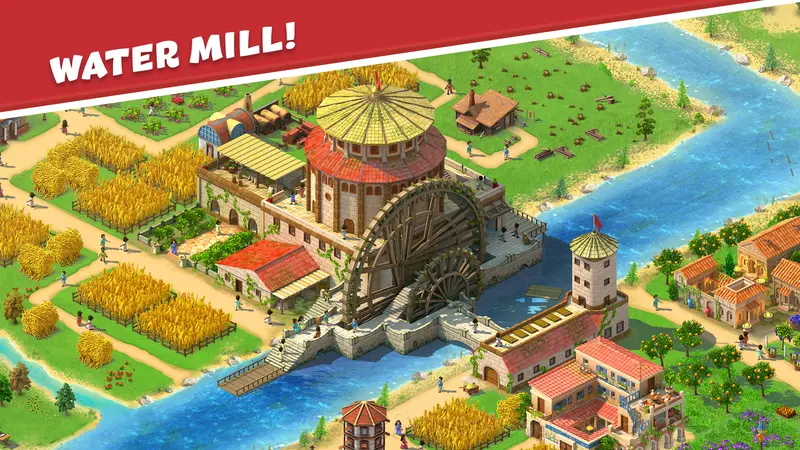
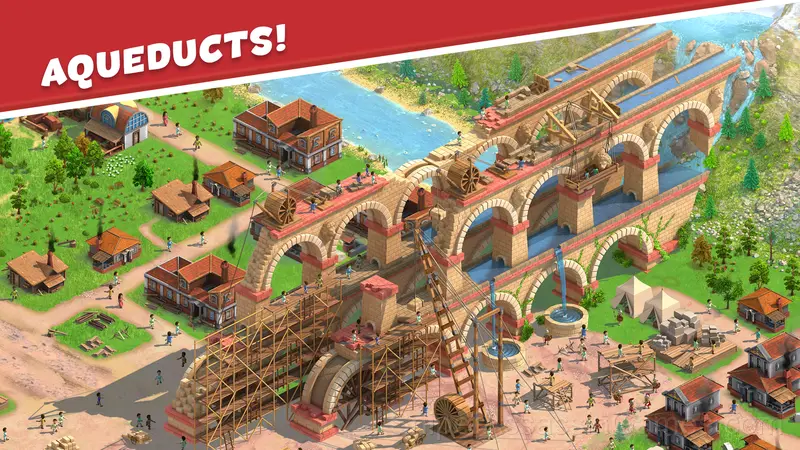
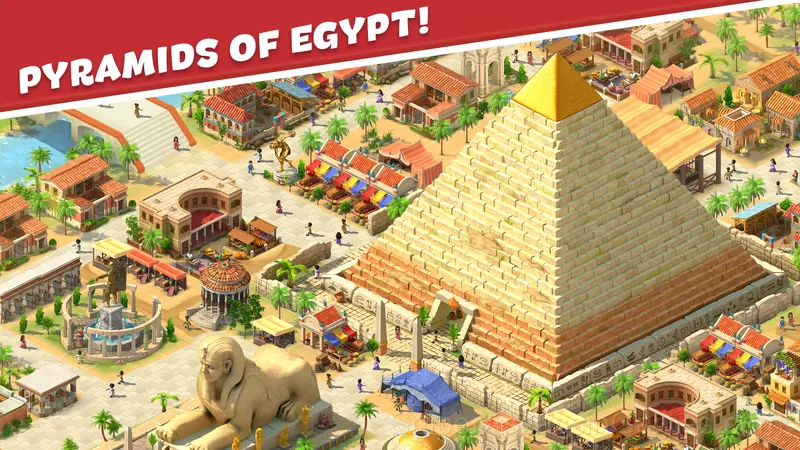
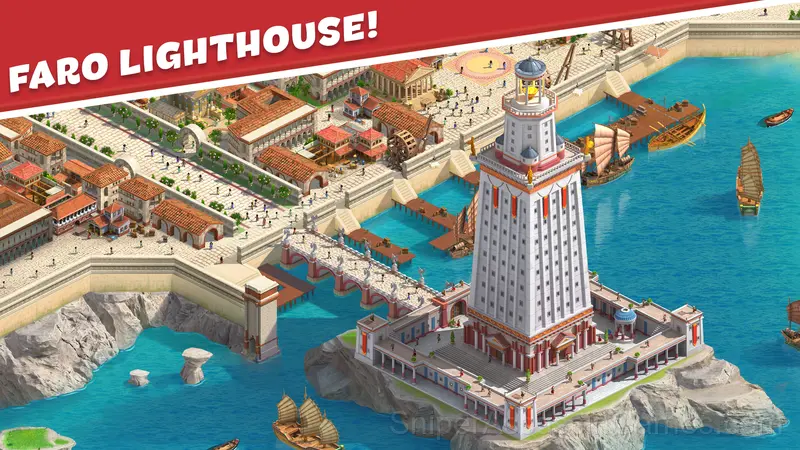
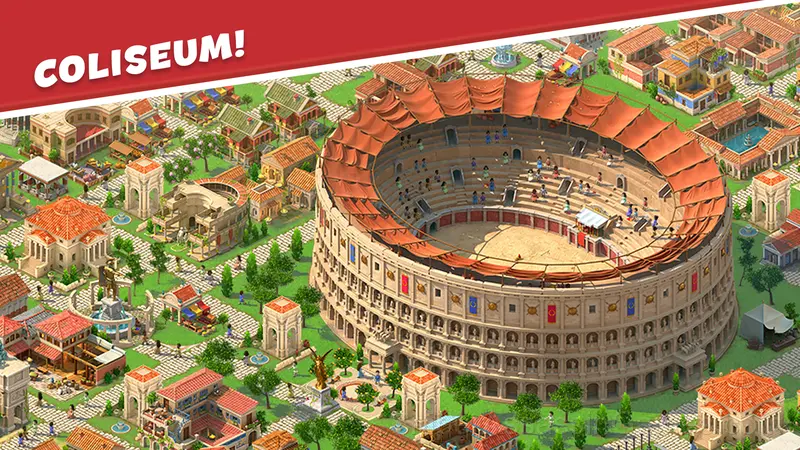
You will have access to ancient civilizations and their advanced building technologies. It will be like a real flourishing of the empire and your civilization. Create the most unusual buildings and structures that posterity will call "Wonders of the Ancient World". Dig canals to help your peasants, create intricate and bizarre viaducts, erect epic statues of gods and heroes! In general, do what you like and what will help elevate your empire!
Learning the Controls
You will have to perform various tasks and develop your city. Extract resources, build buildings, produce your own products and make the inhabitants of your city happy.
Expand, open new locations, manage your budget.
To play from PC use mouse.
To play from ...
What to Expect
Player agency in Empire City is high. The game provides the framework and the rules, but the strategy is yours. Multiple paths to success mean your approach can be genuinely different from someone else's.
The simulation in Empire City runs on internal logic you can learn. Once you understand the relationships between variables, you start making predictions, and being right feels like cracking a code.
Who Built Empire City?
The developer RED BRIX WALL LLC released Empire City for browser-based play, originally released in November 2023. The game is free and accessible on desktop and mobile devices.
Supported Platforms
Empire City runs in any modern web browser on desktop and mobile. Compatible browsers include Chrome, Firefox, Edge, Safari, and Opera. The game uses landscape (horizontal) orientation and works on Windows, macOS, Linux, ChromeOS, Android, and iOS devices. No plugins, extensions, or downloads are required.
Screenshots
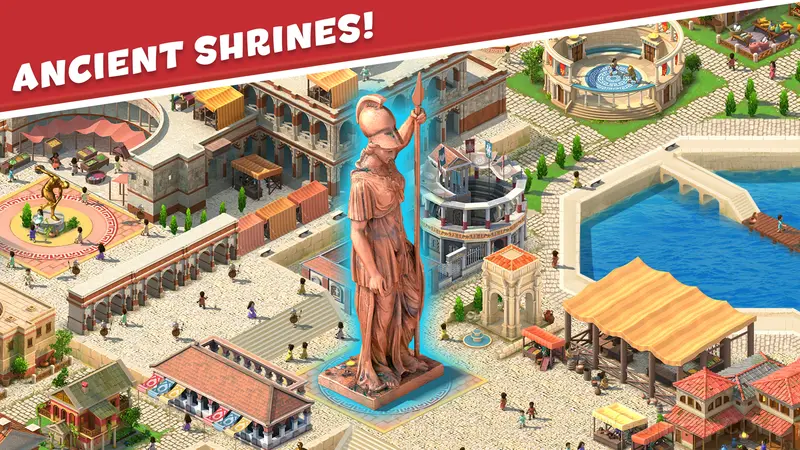
Features
- Landscape orientation, optimized for wider screens on desktop and tablet.
- Cloud save support. Pick up where you left off on any device.
- Free to play with optional in-game purchases.
- Available in 9 languages.
Player Tips
- Use the fast-forward sparingly. Time compression can cause you to miss warning signs that a system is about to fail or stall.
- When you hit a wall, look for a mechanic you are underusing. The game usually gives you the tools before the challenge that requires them.
- Automate repetitive tasks when the game allows it. The real game is in the decisions, not the clicking.
- Spend the first few rounds learning the controls without chasing a high score. Getting comfortable with the inputs pays off more than early optimization.
- Learn the difference between what costs you progress and what costs you time. Avoiding the first is always more important than optimizing the second.
- Pay attention to what the scoring system rewards. Understanding the game's priorities helps you focus on the right actions.
Games Like Empire City
Looking for more Simulator Games like Empire City? Here are some popular alternatives you can play for free online:
- Steam City
- Hay Day Farm
- Space Arena: Spaceship Strategy
- Factory World
- Sim City: Island Building Simulator
- Oligarch - oil company
- Game of Farmers
- Grow Garden Online
Jump Into Empire City
A 4.3 rating from 7.9K players puts Empire City among the better free Simulator Games available online. It plays in your browser with no download required and works on both desktop and mobile.