 SniperAssassinGames






















Cube Stories: Escape
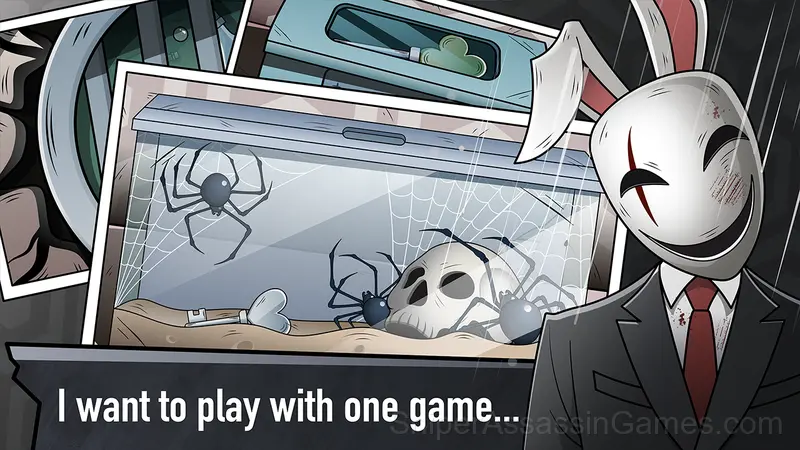
Play in an exciting adventure with "Cube Stories: Escape", a thrilling escape room game where you take on the role of a popular vlogger known for exposing urban legends and scary stories.
About Cube Stories: Escape
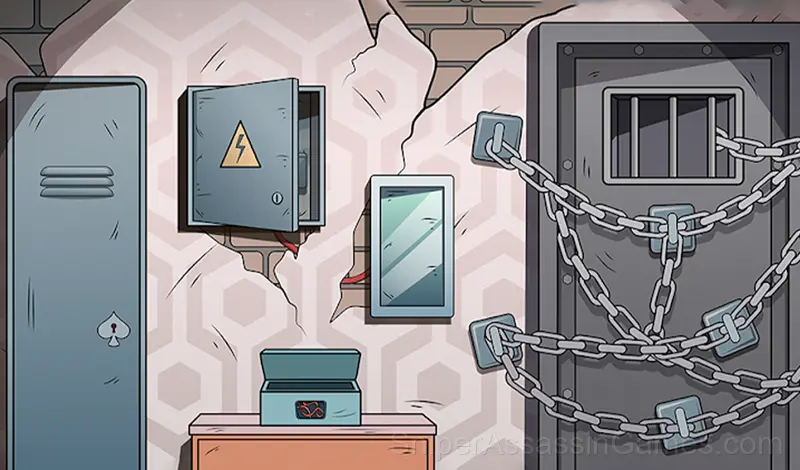
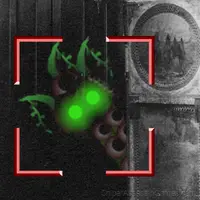
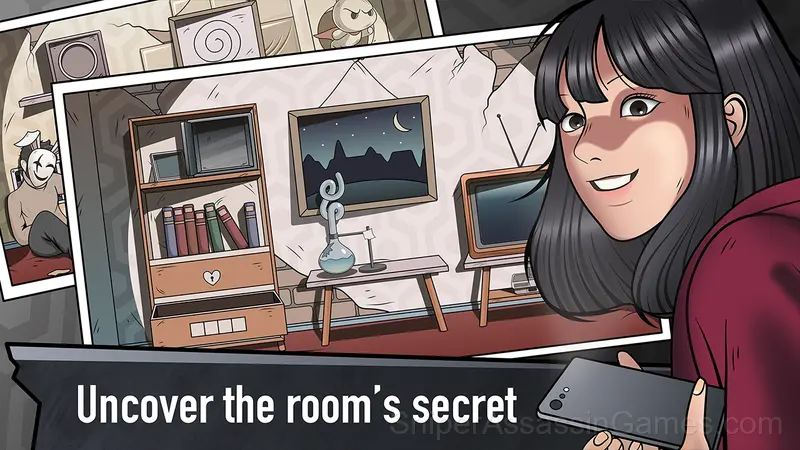
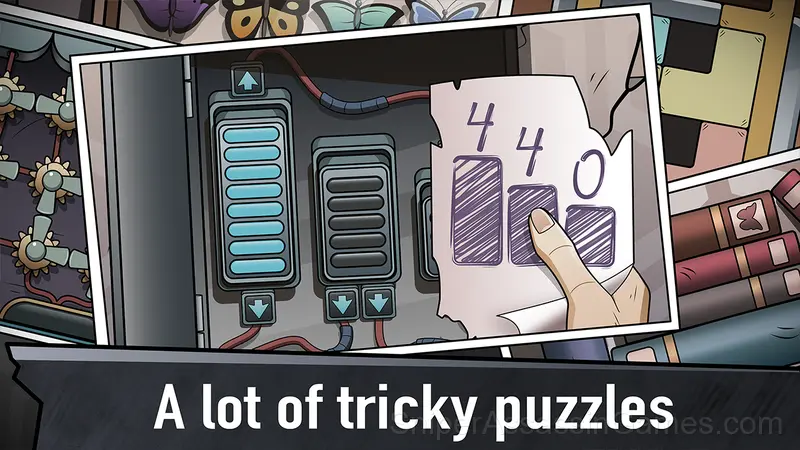
Play in a interesting plot and follow a brave video blogger who bravely goes into the dark embrace of an abandoned mansion. As you make your way through each carefully designed room, you'll encounter a series of cryptic puzzles and mind-bending challenges that will test your intelligence, observation, and creative thinking.
As the plot develops, you will be plunged into the darkness of the house's past and the mysterious history of its former inhabitants. Uncover the secrets hidden behind the walls and unravel the truth behind the urban myth, all while facing the Riddler's devious traps on your path to freedom.
Key Features:
- Exciting plot.
- Challenging puzzles.
- Intuitive controls.
- Hidden hints.
Learning the Controls
The goal of the game is to escape from the room. In order to get out of the room, you need to solve all the riddles and puzzles.
In order to interact with an object, you need to click on it or move it.
Who Built Cube Stories: Escape?
Development of Cube Stories: Escape is by MirraGames, originally released in February 2024. The game is free, browser-based, and accessible on any device with an internet connection and a modern browser.
Cube Stories: Escape Gameplay
The puzzle progression in Cube Stories: Escape has a clear arc. Opening levels teach vocabulary. Middle levels build sentences. Late levels ask you to write paragraphs. The language stays consistent throughout.
The best puzzles in Cube Stories: Escape have that quality where the solution looks obvious in hindsight. You wonder how you missed it, and that is exactly the feeling the designers intended.
Cube Stories: Escape Feature Rundown
- In-game purchases for optional extras. Free to play without them.
- Designed for horizontal play, best experienced on desktop or tablet.
Screenshots
Platform Support
From smartphones to desktop computers, Cube Stories: Escape runs everywhere a modern browser is available. It uses landscape (horizontal) orientation and does not require any software installation.
Helpful Tips
- Learn the difference between what costs you progress and what costs you time. Avoiding the first is always more important than optimizing the second.
- Play a few complete rounds before looking up guides. Your own observations about the game's systems are more useful than generic advice written for someone else.
- Symmetry in puzzle layouts is usually intentional. If one side mirrors the other, the solution probably uses that structure.
- If the game has a tutorial, do it once properly. Skipping it and then struggling with basics wastes more time than the tutorial ever would.
- Look for visual patterns in the level design. Puzzle games often use repeated visual cues that hint at the solution method.
- Work backward from the goal. Sometimes knowing where you need to end up makes the starting moves obvious.
Games Like Cube Stories: Escape
More free Puzzle Games for players who like Cube Stories: Escape. Each one has its own mechanics but fits the same genre:
- Cat Freddy
- Granny Original
- Granny 2 Original
- Mr Bullet
- Anomaly Hunt in the Mine!
- Stickman Wand
- Mystery Mansion Lost in the no spotlight rooms
- Origami Magic
Try Cube Stories: Escape Free
Cube Stories: Escape does what a good free online puzzle game should: it is fast to load, easy to pick up, and engaging enough to keep 2.3K players coming back. Play it in your browser. No download needed.