 SniperAssassinGames
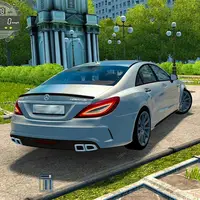

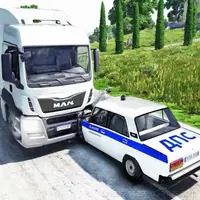



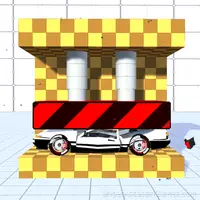
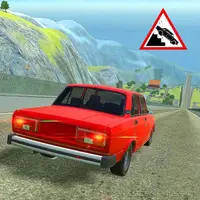




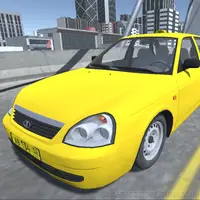



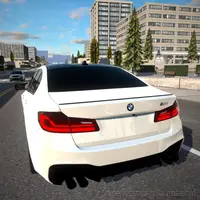
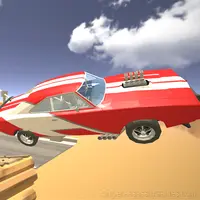

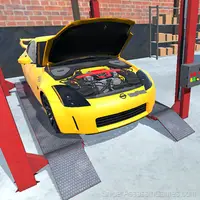




City Parking Simulator 2D
"City Parking Simulator 2D" is an exciting game where you master parking, overcome challenges, and enjoy the thrilling process of driving.
What is City Parking Simulator 2D?
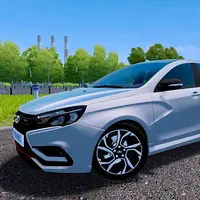
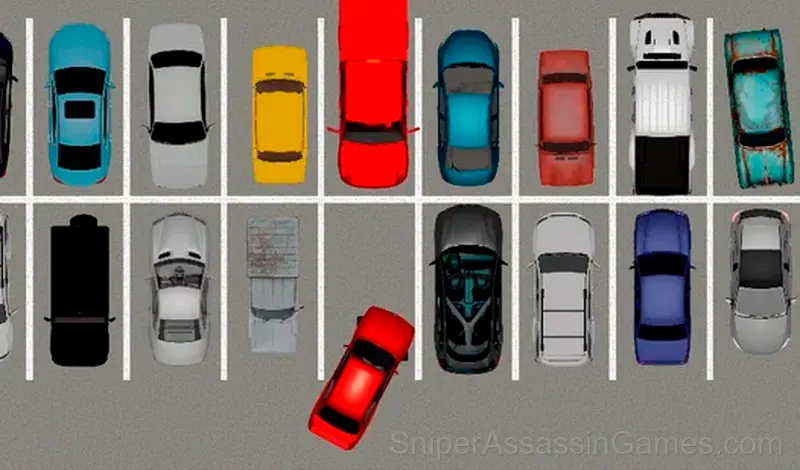
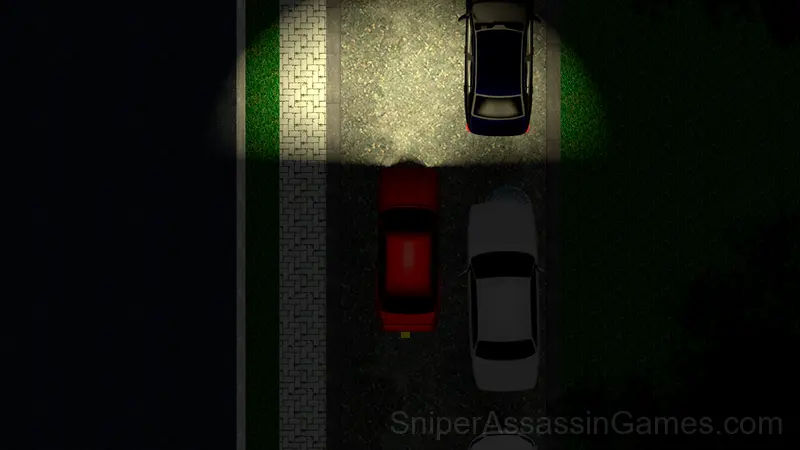
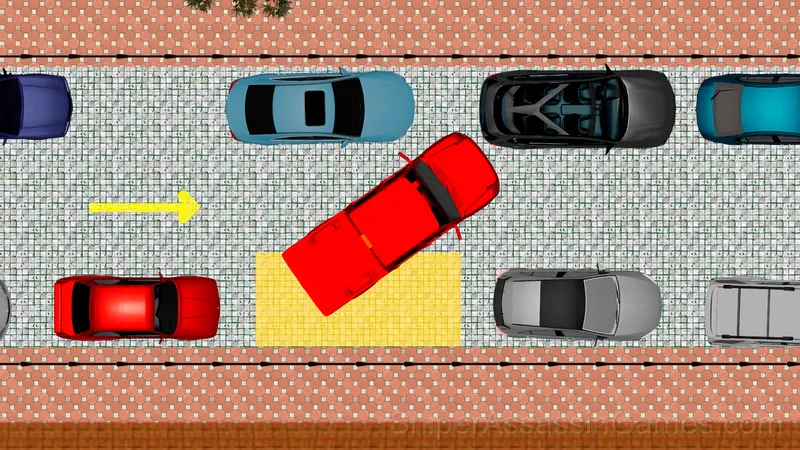
"City Parking Simulator 2D" is an exciting simulator with a top view that offers players to pass exciting parking challenges. Your task is to masterfully drive the car and park it in the specified place, avoiding collisions with other cars and obstacles in the urban environment.
Show your driving skills and overcome challenging levels to become a real parking master. Feel the tension and adrenaline trying to complete each level faster than the rest of the players! Set a new time record and enter your name in the history of the game.
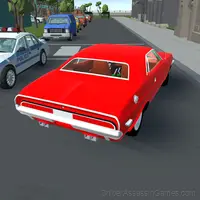
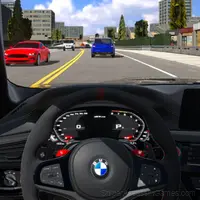
You will find many levels with various obstacles, interesting 2D graphics and realistic car physics, which adds to the feeling of real driving.
Get ready for an exciting adventure that will test your driving skills and give you the pleasure of successful parking in the most difficult situations of city traffic.
Screenshots
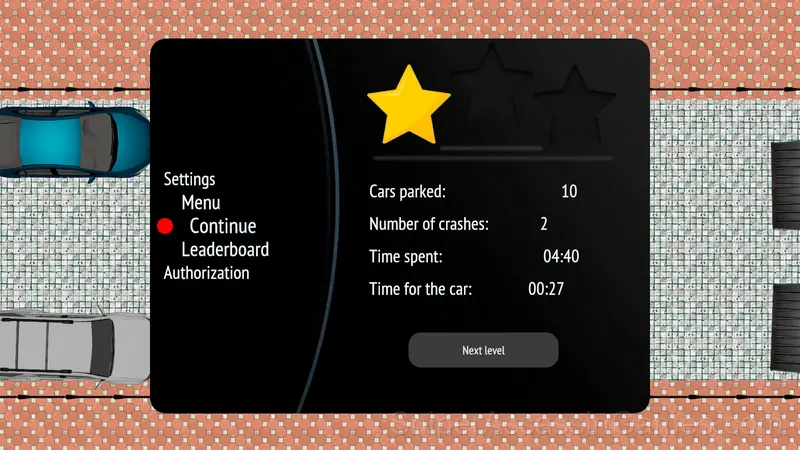
City Parking Simulator 2D Feature Rundown
- Rated 6+, family-friendly content.
- Plays in landscape mode for a wider view of the game.
- Competitive leaderboards built into the game.
- Cloud saves. Your progress carries across devices and sessions.
Developer Info
Development of City Parking Simulator 2D is by VikTop, originally released in June 2023. The game is free, browser-based, and accessible on any device with an internet connection and a modern browser.
Compatible Devices
City Parking Simulator 2D is playable on desktops, laptops, tablets, and phones through any modern browser. It uses landscape (horizontal) orientation and is compatible with Windows, macOS, Linux, ChromeOS, Android, and iOS. No app download or plugin installation is needed.
How City Parking Simulator 2D Plays
Controls in City Parking Simulator 2D are responsive enough that mistakes feel like your fault, not the game's. That accountability is what makes improvement satisfying. You know exactly what to do differently next time.
Visual clarity in City Parking Simulator 2D is strong. Game elements are easy to distinguish, interactive objects stand out from backgrounds, and the UI communicates what you need to know without getting in the way.
Helpful Tips
- Steady, clean play usually beats aggressive, risky play. Consistency compounds over time, and avoiding mistakes matters more than chasing big moments.
- The early levels teach mechanics that become critical later. Do not skip through them, even if they feel easy. The patterns they introduce come back.
- When a new mechanic appears, use it immediately in a low-pressure situation. Build familiarity before the game puts you in a spot where you need it.
Playing City Parking Simulator 2D
To play on a computer:
W or ↑ - moving forward
S or ↓ - backward movement
A or ← - turn the wheels to the left
D or → - turn the wheels to the right
E - go to the main menu.
For phones:
The machine is controlled via the buttons on the screen.
Games Like City Parking Simulator 2D
If City Parking Simulator 2D clicked with you, try these free online Action Games. They are all browser games with no download required:
- Destroy the Car Sandbox 3D
- Mercedes CLS 63: Banana-Cannon
- Moscow Bus Driver
- Car Destruction Simulator 3D
- Car Crash Test
- Crash Test and Car Crash Simulator
- King of Destruction Machines 3D
- Car Crash and Destruction Simulator 3D
Start City Parking Simulator 2D Now
City Parking Simulator 2D has been reviewed by 1.8K players who gave it a 4.1 average. Play it free in your browser on desktop or mobile. No download, no registration.